Cleanup App (Phone Storage Cleaner) – my experience vs Clever Cleaner
I hit the “iPhone storage almost full” wall again and got tired of doing the manual photo cleanup thing. So I tried the Cleanup App (Phone Storage Cleaner) to see if it would save me some time.
Here is how it went.
Cleanup App: what it does and what bugged me
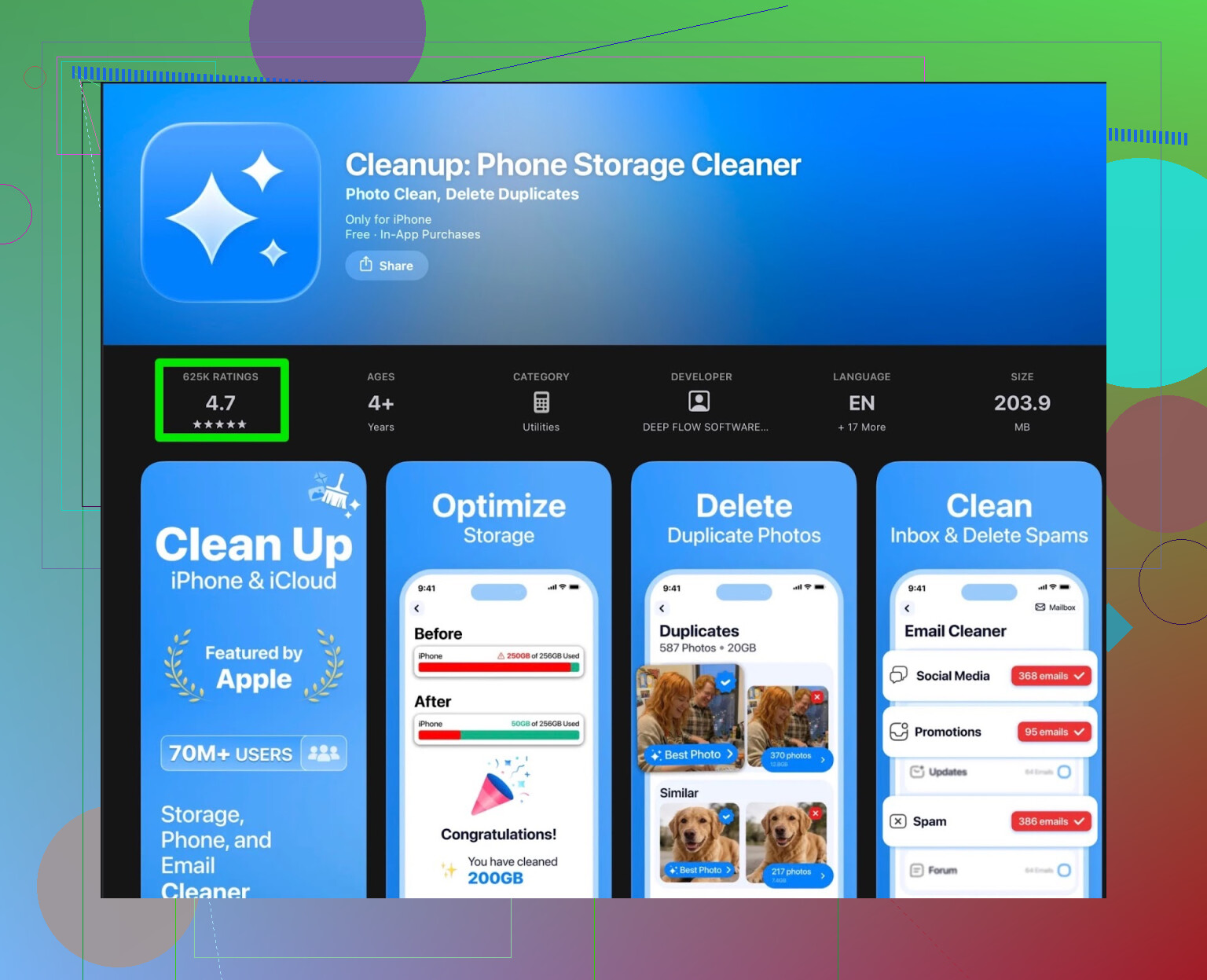
First launch, the app looks fine. It scans your gallery and spits out:
- duplicate photos
- “similar” photos (same pose, slightly different angle)
- screenshots
- big videos
- contact merge suggestions
- video compression options
So the scanner works. It finds stuff. My storage usage did not surprise me, but at least it grouped things cleanly.
Then the wall hits:
- Most useful actions are locked behind a subscription.
- The free tier mostly tells you what is wasting space but does not let you clear enough of it in a single go.
- You get flooded with ads if you try to use it without paying. Not one or two, but over and over.
I spent more time closing ads than cleaning storage. After a few runs, I stopped trusting the flow and kept double checking what it wanted to delete, which slowed it down even more.
They also pack in things like animated effects and a “secret vault” for private photos. For me this felt off topic. I opened the app to clean space, not to stare at cute animations or move photos into a hidden folder that still lives on the same phone.
User feedback on Cleanup App
This part pushed me over the edge. I went to read reviews from other users, not the sponsored stuff.
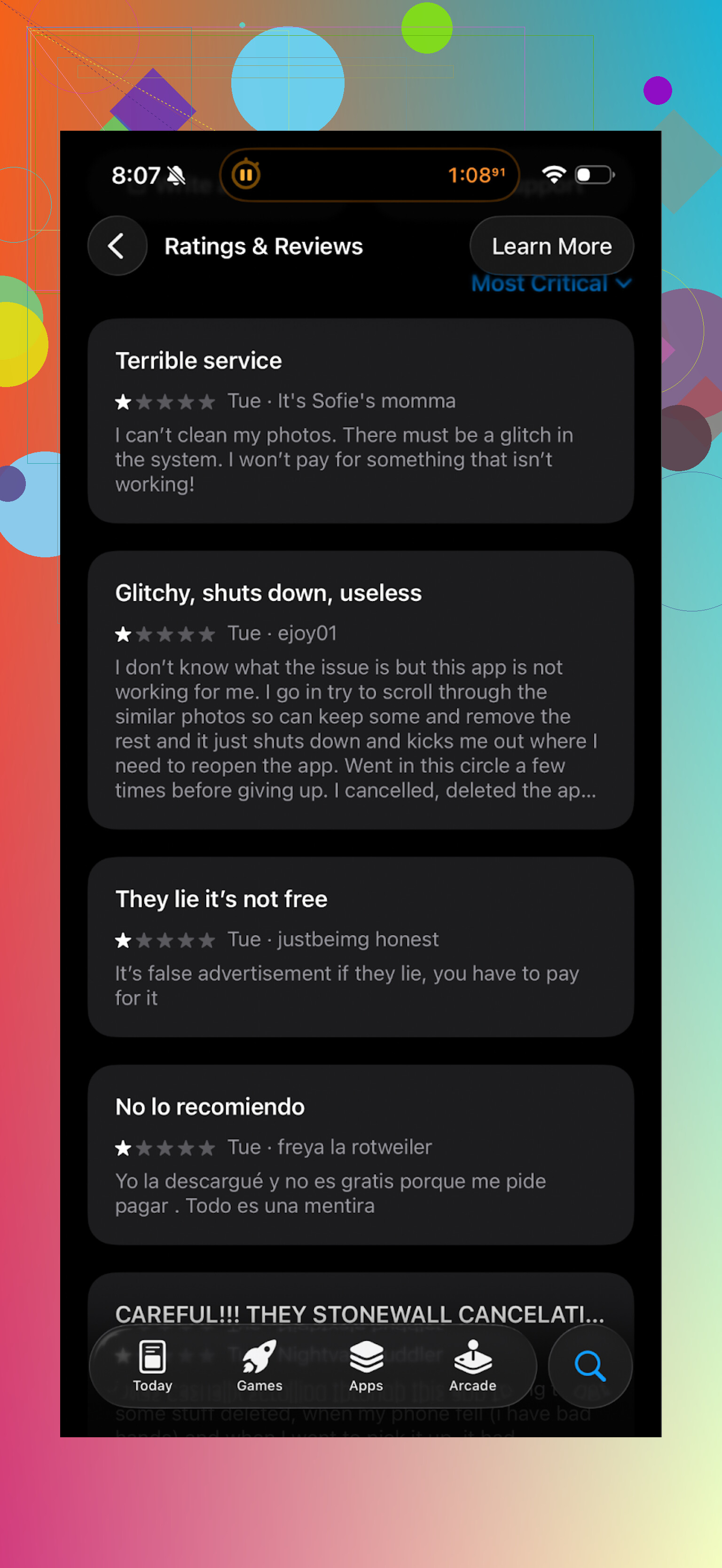
What I kept seeing in real reviews:
- complaints about aggressive subscription prompts
- frustration about limited free cleaning
- people annoyed by the frequency of ads
- some saying they felt tricked after starting a “free” session that ended in a paywall
My experience lined up with that. The core cleaner works, the business model gets in the way.
Why I moved to Clever Cleaner instead
After that, I removed Cleanup and tried Clever Cleaner from the App Store.
App link:
Here is what felt different when I used Clever Cleaner:
- No paywall spam every few taps.
- It let me run real cleanups without forcing a subscription.
- It quickly highlighted:
- exact duplicate photos
- long-forgotten screenshots
- large media files eating space
The flow was faster. Less waiting, less tapping through “upgrade” screens. I went through a few hundred photos and cleared a fair chunk of storage in one sitting without feeling pressured to subscribe.
Screenshot from Clever Cleaner
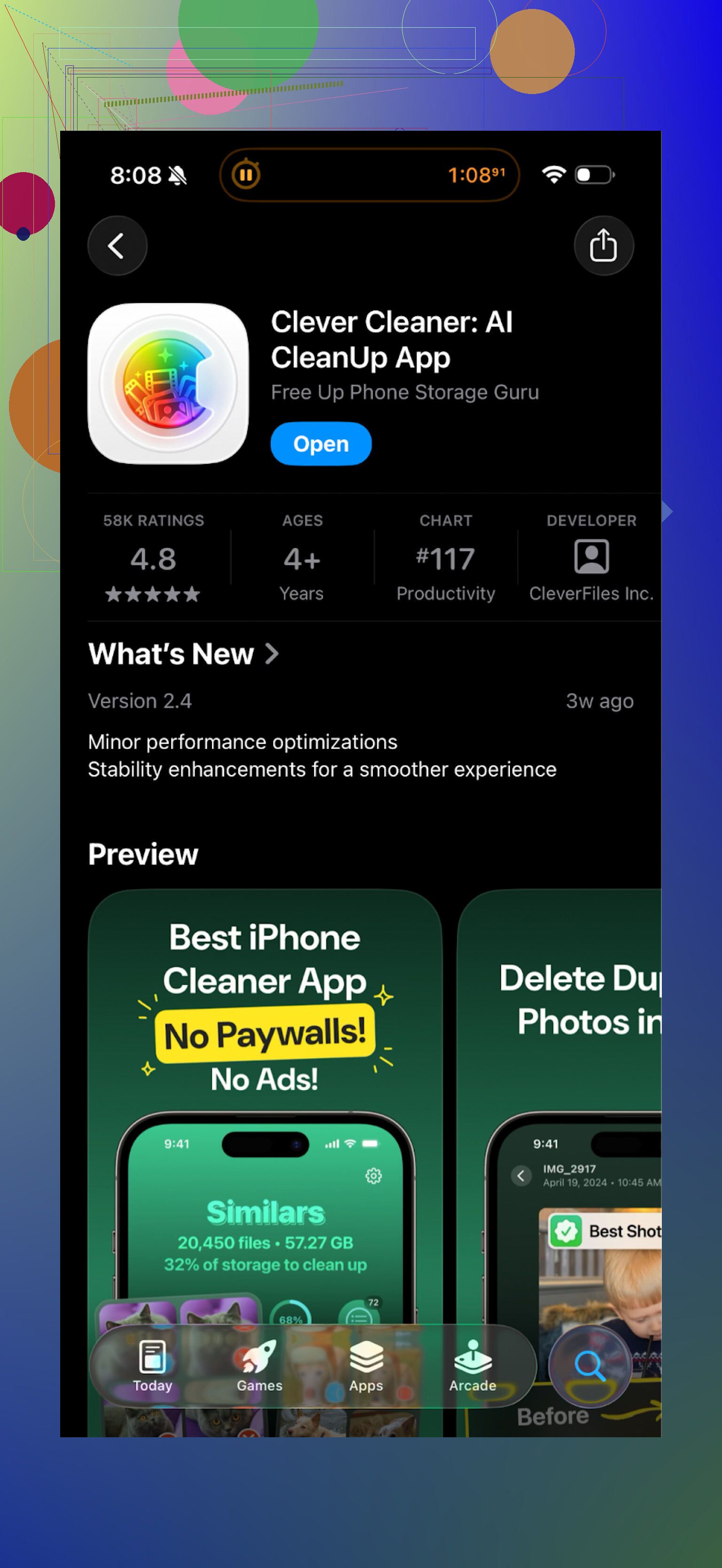
The UI is simple. Categories like “Duplicates”, “Similar”, “Screenshots”, “Large Files” were clear enough that I did not second guess where to tap next. I still checked a few groups manually, but the suggestions looked sane.
My rough comparison
On my phone, after running each app right after the other on similar data:
-
Cleanup App
- Found similar junk, but slowed down by popups and ads.
- Pushed subscription hard.
- Extra features felt unrelated to “storage cleaning”.
-
Clever Cleaner
- Quicker from scan to delete.
- Less pressure to pay.
- Focused more on cleaning, fewer side features.
If your goal is to free space without fighting upsells every minute, Clever Cleaner felt better suited for that use.
Useful links
YouTube video overview of Clever Cleaner:

Clever Cleaner homepage:
Direct App Store link: