My iPhone keeps freezing when I try to bulk delete screenshots in the Photos app. I’ve saved too many over time, and now clearing them out takes forever or crashes the app. I need help finding an easier way or an app that can delete screenshots on iPhone without freezing.
I ran into the same mess on my phone. Screenshots stack up fast because taking one is frictionless. Two buttons, done, and months later you are sitting on thousands of images you did not mean to keep. Mine were stuff like login codes, order confirmations, maps, random posts, and old memes. Size adds up quicker than people think. One screenshot might be around 200 KB, another goes past 2 MB, and on larger iPhones those files pile into gigabytes without much warning.
The annoying part is Apple Photos does not help much once the pile gets big. You do not get file size sorting. You do not get a clean way to see which screenshot is eating space while scrolling. You end up deleting half blind.
Why I would start with Clever Cleaner
If your goal is getting storage back, this is the first tool I would use because it shows the numbers upfront. Here is the video link with the walkthrough:
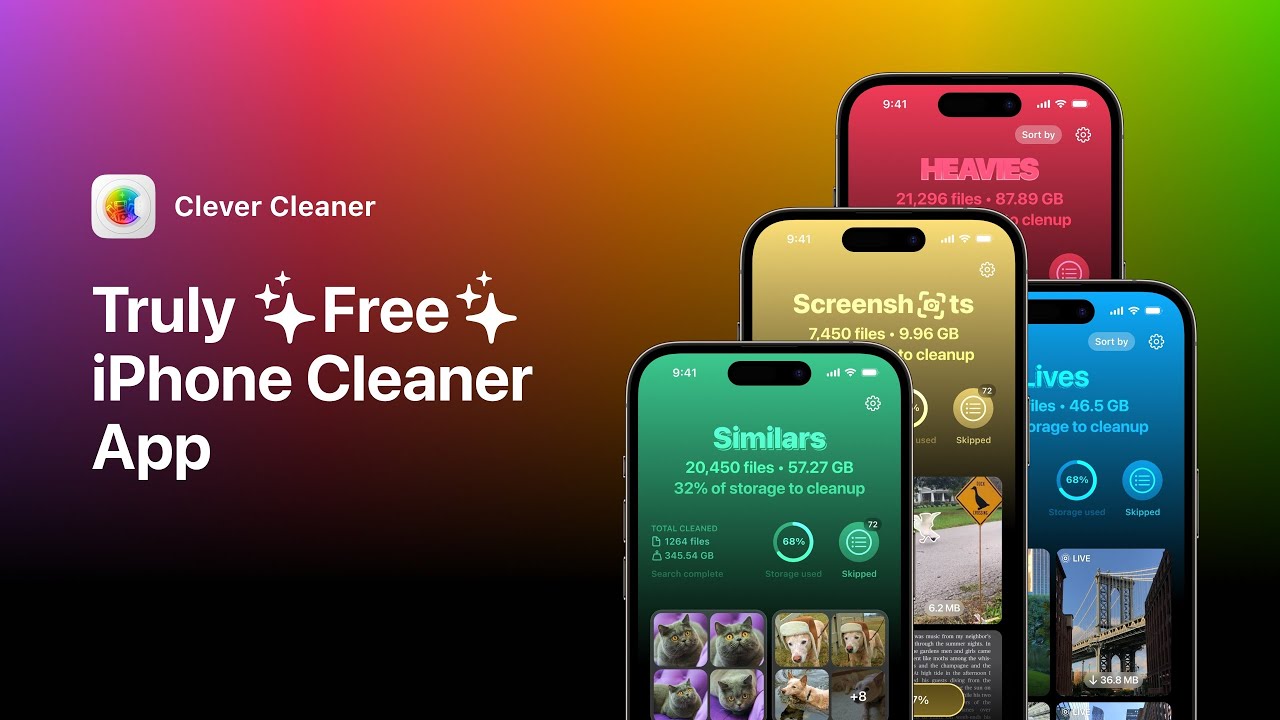
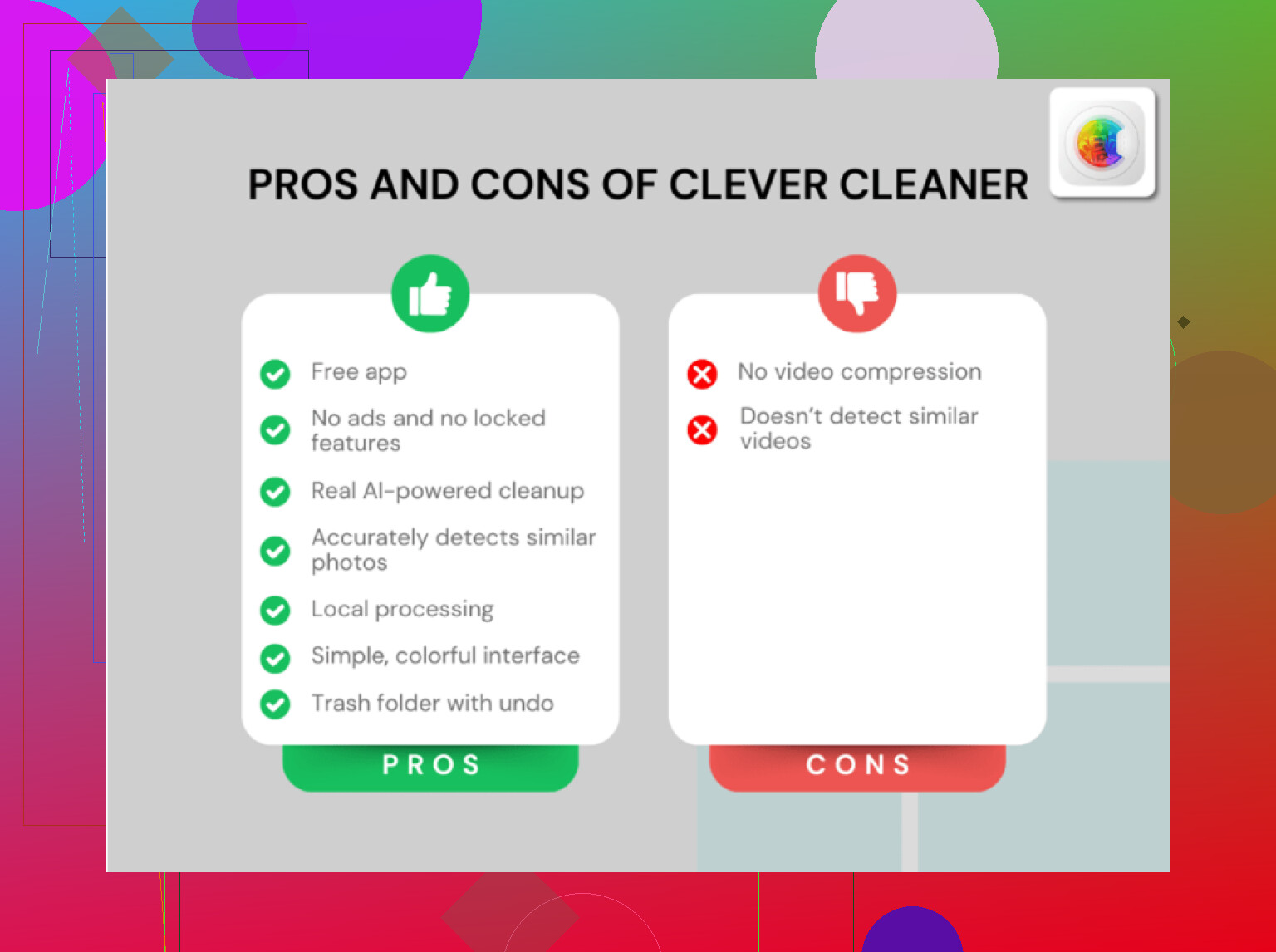
What stood out to me is simple. It is free. No ads. No in-app purchase wall. That is rare in this app category.
In the Screenshots tab, each image shows its exact file size right on the thumbnail. So before you remove anything, you already know what you are getting back. That changes the cleanup from guessing to deciding.
The Heavies tab is the part I liked most. It ranks your whole library from biggest file down to smallest. So the oversized junk surfaces first. Full-page captures, giant saved images, HDR media, all the stuff quietly chewing through storage. You deal with the worst offenders first instead of poking around at random.
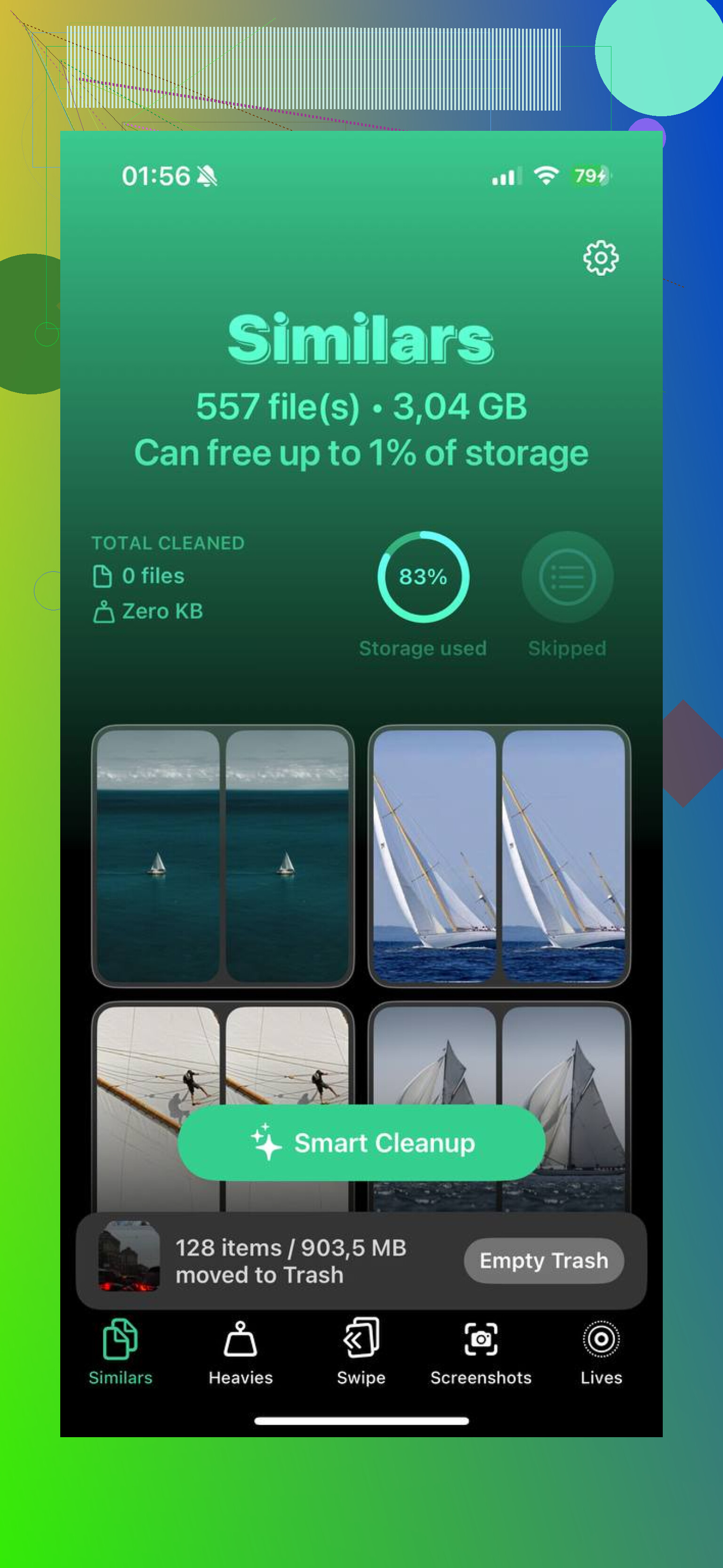
There is also the Similars feature. Apple Photos on iOS 18 catches exact duplicates, which helps a bit, but it still misses near-matches. I had sets of five shots of the same screen because I kept retaking them to crop it better. Clever Cleaner groups those together, lets you keep one, then clears the rest in one pass. It saves more time than I expected.
If you are staying inside the Photos app
Open Photos, go to Albums, scroll to Media Types, then open Screenshots. On iOS 18, Apple moved things around a bit, so you might need to swipe across the Media Types row to find it.
If you want faster access next time, scroll to the bottom of Albums, tap Customize and Reorder, then move Media Types higher up. Small change, but it helps.
For bulk deletion, tap Select, press the first image, then drag across and downward to grab a large block. That part works fine until you overdo it. When I tried deleting too many at once on a nearly full phone, Photos lagged hard and then froze. If storage is already tight, do smaller passes, around 50 to 100 at a time. It is slower, yeah, but it fails less.
The part people miss
Deleting screenshots from the main library does not free space right away. They go into Recently Deleted under Utilities and sit there for 30 days.
If you need the storage back now, open Recently Deleted, tap Select, then Delete All. That is the step where space is truly cleared. Skip it, and your phone still feels full.
How I stopped making the mess worse
For screenshots you only need briefly, use Copy and Delete. After you take the screenshot, tap the preview, hit Done, then choose Copy and Delete. The image goes to your clipboard so you can paste it into a text or email, but it never stays in Photos.
This worked well for me with one-time stuff like verification codes, shipping details, and temporary confirmations. It cuts future cleanup by a lot. I wish I had used it sooner tbh.
If you removed the wrong image
First stop is Recently Deleted. You have 30 days there unless you already emptied it.
If the file is gone from there too, dedicated recovery software is the best shot. I have had better luck with that than trying to rely on an old iCloud backup lining up with the exact moment I needed.
After I cleared mine out, the storage bar finally dropped and the phone felt less bogged down. Apps opened faster, photo browsing stopped hitching so much, and the whole thing felt less clogged. Not magic, still the same phone, but yeah, the difference was there.
18 Likes
Skip bulk delete inside Photos if it freezes. Your issue is often low free storage plus Photos trying to update iCloud and indexes at the same time. That combo locks stuff up.
I partly disagree with @mikeappsreviewer on one point. Deleting in 50 to 100 chunks still feels slow if your library is huge. I had better results by not using Photos for the main cleanup at all.
Try Clever Cleaner. It loads screenshots into a separate view, so you are not fighting the whole Photos library UI. Also look at this Clever Cleaner review for faster iPhone screenshot cleanup if you want a quick read before installing.
A few things helped my phone stop freezing:
- Turn off Low Power Mode.
- Plug into power.
- Disable iCloud Photos sync for 10 mins, then clean up, then turn it back on.
- Force close Photos first.
- Restart the phone before the cleanup.
If the phone is under 2 GB free, free some space first from big videos or apps. That part matters a lot. My iPhone kept lagging until I did tht.
If you have a Mac, Image Capture is another solid route. Delete screenshots from there in batches. Way less laggy for me.
I’d actually avoid doing the big delete job on the iPhone itself if it’s already freezing. That’s the part I slightly disagree on with @mikeappsreviewer and @viajantedoceu. Smaller batches help, sure, but if Photos is already choking, you’re still asking the same app to do the same heavy work.
What worked better for me was using Clever Cleaner first to isolate screenshots, then deleting in controlled rounds instead of one massive swipe-fest. It feels less janky than the stock Photos app when your library is bloated. Not magic, but way less annoying.
Also, check this thread if you want more real-world app opinions: best free iPhone cleaner apps for clearing storage faster
One thing nobody mentions enough: let the phone sit for a few mins after each delete round. iOS has to re-index stuff, and if you keep tapping around instantly, it can freeze again. Annoying, yeah, but true.
If you have a Windows PC, importing screenshots there and deleting after transfer is also way smoother. Kinda old-school, but it works. I did that when my phone was being dumb lol.
I’d skip the “delete inside Photos until it behaves” approach. Slightly disagree with @viajantedoceu and @mikeappsreviewer there. If Photos is already freezing, forcing it through batch deletes is still using the same overloaded app pipeline.
What tends to work better is reducing what Photos has to render before you delete anything:
- In Photos, switch to screenshot album view and zoom out less. Tiny thumbnails make the app load more at once.
- Sort oldest first and delete by month/year chunks, not random giant selections.
- Keep the screen awake and leave Photos open for a minute before selecting. Sounds dumb, but it often finishes background indexing first.
- If Shared Library is on, check whether screenshots are being surfaced there too. That can add more lag.
For an app route, Clever Cleaner is actually worth trying because it separates screenshots from the rest of the library, so navigation feels less stuck.
Pros of Clever Cleaner:
- focused screenshot cleanup
- easier to review than stock Photos
- can surface large items faster
- useful when your library is cluttered
Cons of Clever Cleaner:
- still depends on iOS photo permissions
- deletion is not truly “instant” if your phone storage is critically low
- some people may prefer managing everything in Apple Photos only
Also, I’d keep @vrijheidsvogel’s computer-based idea in mind, but only if the phone keeps locking up no matter what. If you want the least frustrating on-device option first, Clever Cleaner is the better middle ground.