I just upgraded my smart TV and realized the original remote is broken and barely works. Every TV remote app I’m finding is loaded with ads, paywalls, or sketchy permissions. Can anyone recommend a truly free TV remote app in 2026 with no ads or hidden charges that’s safe to use?
Same boat a few months ago. New smart TV, dead remote, app stores full of ad trash.
Here are a few options that stayed clean for me in 2025 and still look ok in 2026:
-
TV brand official app
Check your TV brand first.
Samsung SmartThings, LG ThinQ, Sony Bravia, TCL, Hisense, etc.
These usually have:
• No fullscreen ads
• Reasonable permissions
• WiFi control, so no need for IR blaster
Drawback: often slow, bloated, and they push account sign‑ups. -
TVRem Universal TV Remote app
For iPhone and iPad, this link is the one to check:
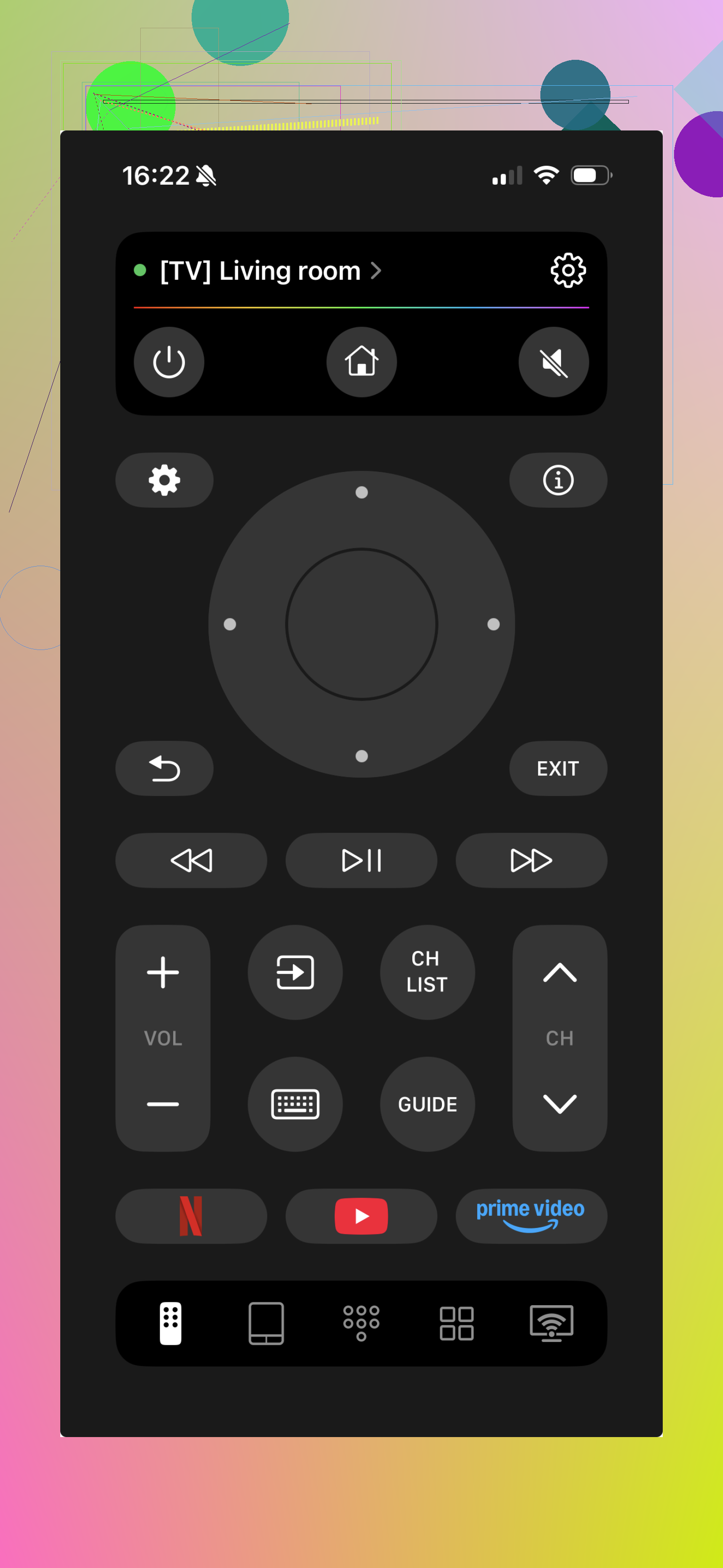
If you want something simpler, look at the TVRem Universal TV Remote app on iOS.
It focuses on remote control only, not smart home fluff.
No fullscreen popups, no paywall to use basic buttons.
Works over WiFi for smart TVs that share the same network.
Permissions stay limited to what it needs for network discovery.

Quick bits from my use:
• Paired fast with a newer LG and a Roku TV
• No account required
• No weird contacts or location requests
• Interface is basic but clear
-
Use your streaming box remote
If you have a Roku, Fire TV Stick, Apple TV, Chromecast with Google TV:
• Use the hardware remote from that box to control TV power and volume by HDMI‑CEC
• Then the TV remote app is only for settings once in a while
This reduces how often you deal with any app at all. -
Things to watch for in other apps
If you try more apps, check:
• Permissions: avoid ones that want contacts, precise location, phone state
• Monetization: if power or volume sit behind a subscription, uninstall
• Reviews: sort by recent, filter 1 and 2 stars, look for “ads every click”, “forced sub”, “stopped working after update”
If your TV is older and needs IR, you will need an Android phone with an IR blaster, and your selection shrinks fast. In that case, brand official app sometimes fails, so TVRem or similar WiFi apps will not help.
For newer WiFi smart TVs though, TVRem plus your brand app covers most use cases without drowning you in ads.
445 Likes
Same situation here a few weeks ago, and yeah, the ad‑stuffed “remotes” in the stores are embarrassing.
I agree with @byteguru on starting with your TV brand’s own app, but I’d actually flip the priority order a bit:
-
Use any hardware remote you already own first
If you’ve got a Roku, Fire Stick, Apple TV, or Chromecast with Google TV plugged in, try this before hunting apps:- Turn on HDMI‑CEC in your TV settings.
- Your streaming box remote can usually handle TV power and volume.
- Then you only need a TV app for rare stuff like input changes or picture settings.
This drastically reduces how often you have to touch some janky phone app.
-
Router trick: lock down “mystery” apps
If you do test random remote apps, put them on a guest WiFi or a VLAN if your router supports it.- That way if one is phoning home more than it should, it has limited access.
- Combine that with Android/iOS permission lockdown: deny location, contacts, photos by default.
Not perfect privacy, but a lot better than installing it on your main profile with full access.
-
For iOS: TVRem Universal TV Remote app
Since you specifically want “no ads, no paywall for basic stuff,” this is worth calling out by name.
TVRem Universal TV Remote app is one of the few that sticks to being an actual remote instead of a data‑collection scheme pretending to be a remote.
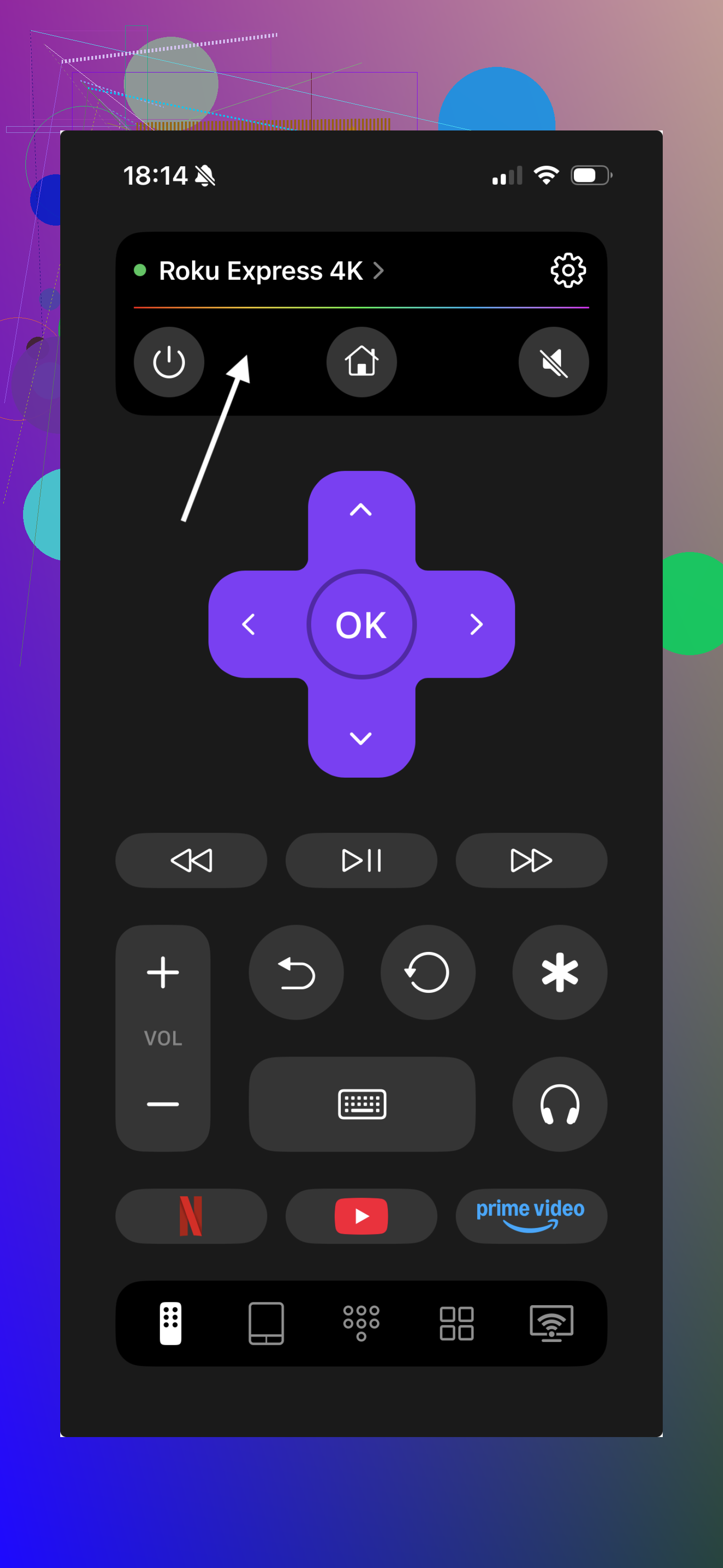
- Works over WiFi with most recent smart TVs on the same network.
- No fullscreen ads in your face every button press.
- No subscription wall, basic controls are just there.
- Permissions are sane: basically network discovery, not your life story.
If you want to read a bit more about it and grab it from a clean page, check this out:
simple universal TV remote for iPhone and iPad
-
For Android: sidestep the “app store casino” a bit
This is where I slightly disagree with @byteguru. They say check reviews for “ads every click” etc, which is fine, but honestly the Play Store is just flooded. What’s worked better for me:- Sort by “Newest” reviews, ignore any 5‑star reviews with one word like “Great!”
- Look for devs that have multiple utilities with consistent 4+ stars and no aggressive monetization complaints.
- Avoid anything that has “remote + cleaner + VPN + speed booster” bundled. That’s not a remote, that’s a red flag collection.
You’ll still probably end up with your brand’s official app as the least terrible Android option unless your TV is very common and supported by multiple third‑party devs.
-
IR‑only TVs are the real pain
If your TV is older and doesn’t do WiFi remote control, then your phone must have an IR blaster. Real talk:- Most newer phones dropped IR, so your options are very limited.
- Third‑party IR remote apps on Android are notorious for heavy ads.
Honestly, in that situation, a cheap $10 generic replacement remote from Amazon or a universal physical remote is usually less infuriating than fighting those apps.
-
One more non‑app option: programmable universal remote
If you don’t like installing any more random stuff on your phone:- Look for a basic universal remote that supports your TV brand and maybe your soundbar.
- No cloud, no data collection, no update that randomly decides you now need a subscription to change volume.
The phone app can then just be a backup for when the remote disappears into the couch void.
tl;dr:
- Try HDMI‑CEC with your streaming box remote first.
- Use your TV brand’s official app as the “necessary evil” for settings.
- For iOS, TVRem Universal TV Remote app is one of the few actually clean options and worth installing.
- For IR‑only sets, physical universal remote > ad‑infested Android apps almost every time.
Couple of angles that haven’t been hit yet:
1. Check if your TV supports “local-only” control APIs
Some newer sets (Samsung Tizen, LG webOS, recent Android/Google TVs) expose control over the local network without needing any cloud login. If your TV lets you pair a “local” controller in settings, you can often use:
- Home Assistant (or similar) on a spare Raspberry Pi / NAS
- Then control the TV from a super minimal web UI in your phone’s browser
Pros:
- Zero ads, no app store at all
- Works for multiple TVs and devices at once
Cons: - Setup is more technical than just installing a remote app
- Might need your TV’s IP to be static in the router
2. Browser-based remote > sketchy app
If your TV has a decent web interface, you can create a home screen shortcut to it on iOS/Android and it behaves like an “app.”
- Open the TV control page in your phone browser
- Add to Home Screen
Now you have tap‑to‑open controls with no tracking SDKs, no ad network libraries, and virtually no extra permissions.
3. About TVRem Universal TV Remote app
I actually agree with @byteguru that “brand app first” is a safe default, but if you are on iOS and hate ads, TVRem Universal TV Remote app is one of the few that feels like a utility instead of a funnel.
Pros:
- All controls are free and not spammed with popups
- Permission model is very light: mainly local network discovery
- UI is simple and fast, not covered in “upgrade now” clutter
Cons: - iOS only, no native Android version yet
- Advanced features are pretty minimal; it focuses on the basics
- Works best with mainstream smart TV brands, fringe models can be hit or miss
So if you are on iPhone or iPad, I would try:
- Your TV brand’s official app
- If that is bloated or naggy, TVRem Universal TV Remote app for daily use
- Keep a cheap physical universal remote around for “oh no WiFi is down” moments
4. If you must use Android remote apps
Rather than hunting “no ads” in the store, look for:
- Open source projects on GitHub that support your TV brand
- Apps that explicitly list “no internet permission” in the description
You may not find a perfect universal solution, but a brand‑specific open source remote usually behaves far better than the all‑brands, ad‑loaded ones.
Putting it together: avoid installing 5 random remotes and instead combine a physical backup remote, one clean app (like TVRem on iOS), and, where possible, a browser or Home Assistant control path that never touches an app store.
Try a keyboard as teh remote. Plug a USB keyboard into the TV, or pair a Bluetooth one. LG webOS, Samsung Tizen, and Sony Google TV support HID input. Arrow keys contol focus. Enter selects. Esc goes back. Space toggles play or pause. Volume keys work. Steps: open Settings, Bluetooth, Add device, pair keyboard. No ads, adfree. No logins. If the broken remote blocks pairing, start with a wired USB keyboard to reach Bluetooth. A tiny Bluetooth numpad also works, sits on the couch, and costs little if you already own one.