My iPhone storage is almost full and it’s slowing everything down. I’ve tried a few “free” cleaner apps but they either have annoying limits, ads, or seem sketchy with privacy. Can anyone recommend a legit, safe, and actually free iPhone cleaner (or method) that really clears junk files and cache without risking my data or battery life?
Short answer. No magic, totally free iPhone cleaner app that does everything with no limits, no ads, no data collection. Apple keeps iOS locked down, so third party “cleaners” have limited access and often push subscriptions.
Here is what actually works and stays safe:
-
Use built‑in iOS tools first
• Settings > General > iPhone Storage
• Delete big apps you do not use
• Tap each app, clear “Documents & Data” by deleting and reinstalling the ones that hoard cache, like Instagram, TikTok, Facebook
• Offload unused apps in the same menu
• Messages > Settings > Messages > Keep Messages > set to 1 Year or 30 Days
• Settings > Safari > Clear History and Website Data -
Photos and videos
• Open Photos, sort by size, delete big video files you do not need
• Empty “Recently Deleted” album
• Use iCloud Photos with “Optimize iPhone Storage” if you have some iCloud space
• WhatsApp/Telegram: inside the app, go to Storage or Data and delete old media from big chats -
About “cleaner” apps
Most “cleaner” apps on iOS focus on:
• Finding duplicate photos
• Finding similar photos
• Cleaning screenshots
• Large video detectionThey do not have full system access, so if one claims deep system cleaning, treat it as a red flag.
-
One option that is not too sketchy
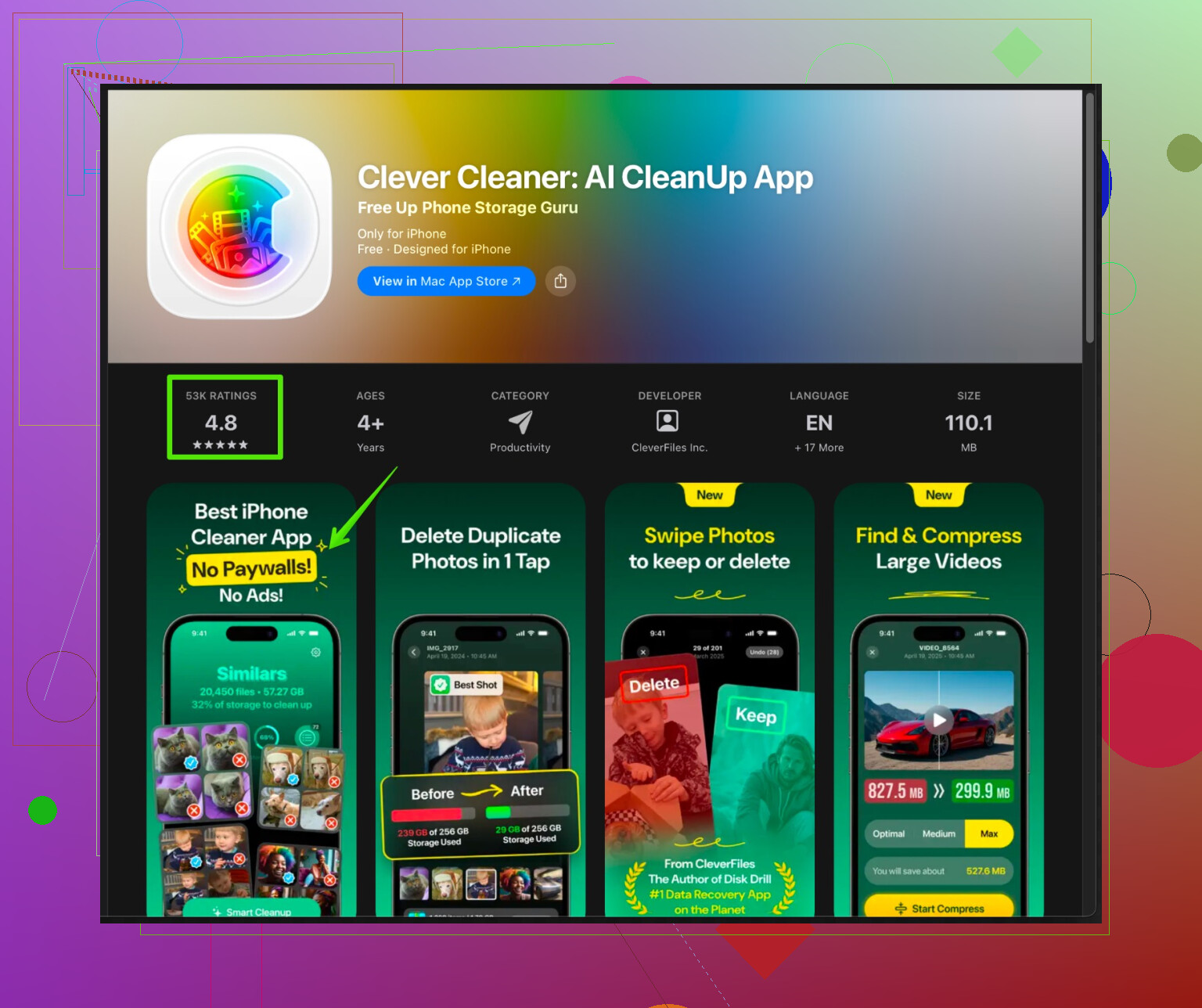
If you want an app for photo cleanup and duplicate detection and you accept some limits in the free tier, try the Clever Cleaner App. It focuses on smart photo cleanup, finding similar photos, screenshots, and large media files, so you free up storage without random guesswork.Check this link if you want something closer to “set it and forget it” for photo storage:
smart iPhone cleaning with Clever Cleaner AppIt uses on‑device analysis for photos, which helps with privacy. The free version has some limits though, same as competitors.
-
What I do on my own phone
• Once a month, run through iPhone Storage list, sort by biggest apps
• Clear Safari data
• Clean WhatsApp and Telegram media folders
• Use a cleaner app only for finding duplicate and bad photos, then delete manually so I stay in control
If you want 100 percent free and safe, stick with Apple’s own tools and manual cleanup. If you are ok with a free tier plus optional paid stuff, use something like Clever Cleaner App for smarter photo and video cleanup, then do the rest by hand.
126 Likes
Short answer: there’s no “truly free, no ads, full‑power cleaner” on iOS, and if an app claims that, I’d be suspicious. On that part I’m with @shizuka. Where I’d push back a bit is that some cleaner apps can actually save you a ton of time if you pick carefully and accept that the free tier is more like a demo than a full solution.
A few points that don’t just repeat what was already said:
1. Your phone feeling slow is usually not the storage itself
When storage is almost full, iOS has less room for temporary files, so things can feel laggy, but the bigger culprit is often:
- Too many apps refreshing in the background
- Tons of large photo/video thumbnails
- Heavy social apps (TikTok, Instagram, Facebook) doing their own caching
Try this combo that doesn’t get mentioned as often:
- Settings > General > Background App Refresh > turn it off for most apps you rarely open
- Restart the phone after doing big deletes so iOS can reindex stuff quietly
It won’t magically double your speed, but it reduces the “everything stutters” vibe.
2. Where “cleaner” apps actually help
The one area where third‑party cleaners are genuinely useful is photos and videos. Manually sorting 20k pics is pain. This is where something like Clever Cleaner App for iPhone is actually worth a look, even on the free tier, as long as you know what it doesn’t do:
- It cannot touch system files, OS caches, or deeply clean app data. Apple just doesn’t allow that.
- What it can do well is:
- Detect duplicate and near-duplicate photos
- Find blurry, low quality, or useless screenshots
- Highlight extra large videos that are eating storage
You still stay in control because you review and confirm what gets deleted. You’re trading a bit of free‑tier limitation for not spending your entire weekend swiping through almost-identical selfies.
If you’re curious, check out this helpful resource for smart iPhone photo and storage cleanup. It makes it a lot easier to see what’s bloating your storage without digging through every album manually.
3. Free vs “free” reality check
You said you want “truly free.” On iOS, that basically means:
- Use Apple’s tools
- Use manual deletion
- Accept that anything beyond that will:
- Show ads, or
- Limit how many items you can clean at once, or
- Nudge you toward a subscription
If an app has:
- No ads
- No limits
- Full features
- And is “free forever”
Then you are the product in some way, and I’d be more worried about privacy than a once-in-a-while subscription nag.
4. Extra tricks that people often miss
Just to add a few different angles than @shizuka mentioned:
-
Voice Memos & Downloads
- Check the Voice Memos app if you use it. Long recordings can be massive.
- Files app > On My iPhone > Downloads. Old PDFs, ZIPs, random junk live there forever.
-
Mail attachments
- If you use the Mail app with lots of attachments, removing and re-adding the email account can nuke cached mail data and free space.
-
Streaming apps
- Netflix, Spotify, YouTube Music, etc: go into each app’s settings and clear downloads or cache. One offline playlist can be a few GB.
5. My honest strategy
I don’t hunt for a “perfect free cleaner” anymore, because it doesn’t exist on iOS. What I actually do:
- Use Settings > iPhone Storage for the heavy hitters.
- Turn off Background App Refresh for most apps.
- Once every month or two, run a cleaner app like Clever Cleaner App purely for:
- Duplicate / similar photos
- Screenshots
- Huge videos
Then I delete the rest manually. Takes maybe 15–20 minutes instead of an afternoon.
So: if you want zero ads, zero limits, and total privacy, stick to built-in tools and manual cleanup. If you’re willing to tolerate a limited free tier for something that’s actually helpful, a focused cleaner like Clever Cleaner App is one of the few that makes sense and isn’t sketchy, especially for photo and video bloat.
No “holy grail” cleaner here either, but I think @byteguru and @shizuka are a bit too quick to dismiss all third‑party help as barely worth it. iOS is locked down, yes, but you can still offload a lot of the boring work.
Instead of repeating their storage steps, here is where I’d focus and where something like Clever Cleaner App actually fits.
1. First, fix the behavior, not just the storage number
Everyone talks about GB freed, but what makes the phone feel better is:
- Kill aggressive background activity
- Keep Background App Refresh only for messaging, maps, banking. Social and shopping apps can usually lose it.
- Drop live widgets & cluttered home screens
- Multiple heavy widgets constantly refreshing do add up.
- Prune notification-heavy apps
- Lots of incoming content means more cached data over time.
This will not show as “storage cleaned” in a big chart, but it stops the slow creep that fills your phone again two weeks later.
2. Where cleaner apps are actually useful
I disagree slightly with the “use them only as a last resort” angle. For media hoarders, they are more like step one:
- Thousands of similar photos, bursts, screen recordings, memes.
- Huge TikTok or Instagram reels you saved “for later.”
- Random screen recordings living in the abyss.
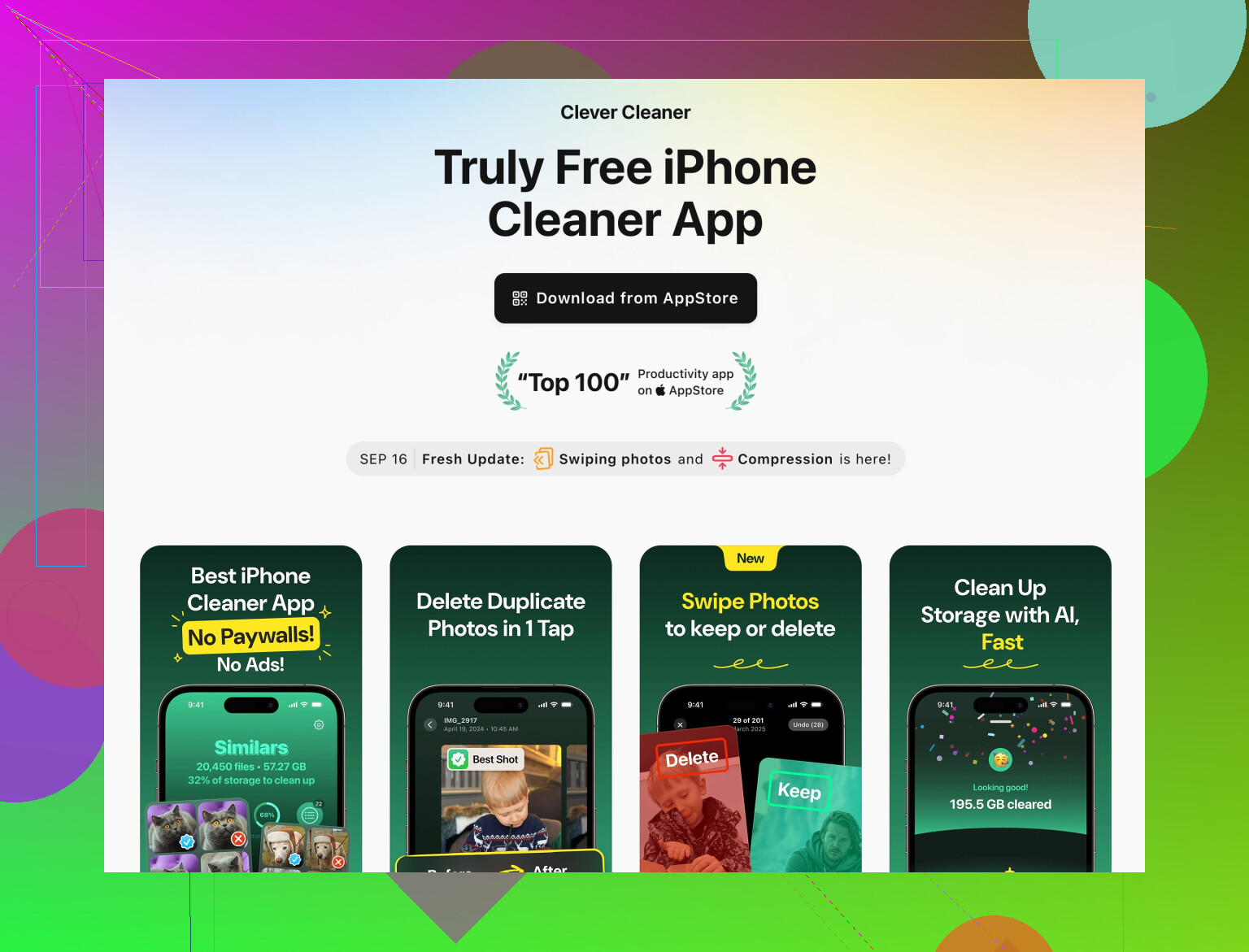
Manually sorting that is miserable. This is where Clever Cleaner App earns its place.
Pros of Clever Cleaner App
- On-device photo analysis, so your images are not uploaded just to be scanned.
- Good at spotting:
- Duplicates and near-duplicates
- Blurry shots and throwaway screenshots
- Extra-large videos that chew several GB
- Lets you review suggestions instead of just blindly deleting.
- Interface is simple enough for non-tech people, so you can hand the phone to a less savvy family member and still feel safe.
Cons of Clever Cleaner App
- Free tier is limited in how many items you can clean at once.
- It cannot clear app caches or “system” junk because iOS blocks that, no matter what any marketing line says.
- If you expect it to fix laggy performance by itself, you will be disappointed. It mainly fights bloat from media, not from misbehaving apps.
- Occasional upsell prompts, which some people hate.
So it is a solid “media cleanup assistant,” not a magic vacuum for iOS.
3. Competitors & why I still lean toward a cleaner
Some cleaner-style apps focus almost entirely on:
- Duplicate photo finding
- Screenshot purging
- Big video detection
That is basically the same job Clever Cleaner App does, just with different limits and UI. Where I think @byteguru and @shizuka are right is in warning about anything claiming:
deep system cleaning, RAM boost, CPU accelerator, 10x faster phone
Those are marketing red flags. But lumping all photo cleaners into the same bucket is a bit harsh. For someone with 30k+ photos, saving even an hour of manual review is a big win.
4. Practical combo that actually works
What tends to stick long term is a simple routine:
- Every month or two, run Clever Cleaner App to:
- Clear duplicates, near-duplicates, and junk screenshots.
- Surface huge forgotten videos and delete the truly useless ones.
- Same day, inside your worst social apps:
- Clear in-app caches or downloads if they offer that option.
- Log out and back in on the worst offender occasionally to force a reset of some cached data.
- Once or twice a year:
- Fully delete and reinstall the top storage-hog apps instead of hunting for caches, especially video-heavy ones.
That pattern keeps the phone snappy without you hunting for a mythical “100 percent free, unlimited cleaner” that simply cannot exist on iOS.
So: if you want zero nags or limits, stick only to the native tools like they suggested. If you are willing to accept a limited free tier plus some prompts, using Clever Cleaner App as your photo and video triage tool is one of the few moves that reliably saves time without turning your data into the product.
Solid take. Simpler fix that avoids any cleaner.
- Plug iPhone into a Mac or Windows PC.
- Import photos and videos with Photos app. Verfiy on the computer.
- On iPhone, filter Videos and Screenshots. Bulk delete by month. Empty Recently Deleted.
Typical win, 5 to 20 GB. Fifty 4K clips at 150 MB each free 7.5 GB.
Also clear Downloads in Files and offline Netflix or Spotify.
Repeat quarterly. Takes 30 to 60 minutes.
Privacy stays local. No ads, no nags. Dont skip step 3.