I’m trying to passthrough a physical serial port from my host machine to a VMware virtual machine so I can manage an older network device that only supports serial console access. I’ve seen options for named pipes, USB adapters, and direct host COM mapping, but I’m confused about which method is most reliable and how to configure it correctly. What are the best, most stable options for serial port passthrough in VMware, and are there any specific settings or pitfalls I should be aware of for production use?
Short version: if you want something that “just works” and doesn’t flake out, skip the old-school direct COM passthrough and go virtual-over-network.
Here are the main options I’ve used for reliable VMware serial access to physical gear:
-
Direct host COM passthrough (classic way)
- In Workstation / Player: VM Settings → Add → Serial Port → “Use physical serial port” and pick COM1 / COM2 etc.
- In ESXi: add a Serial Port to the VM and map it to a physical serial port on the host (if the hardware even has one).
- Pros: Simple, no extra software, low latency.
- Cons: Super sensitive to host changes, driver weirdness, and if you move the VM to another host, boom, config broken. Also laptops with USB adapters tend to do dumb stuff like renumbering COM ports.
-
USB to serial adapter passthrough to the guest
- Plug a USB serial dongle into the host.
- Enable USB passthrough to the VM.
- Install the USB serial driver inside the guest and use it as COMx there.
- Pros: Very plug and play, easy to dedicate one dongle to the VM.
- Cons: Can be unstable if you disconnect / reconnect, and some chipsets (random Prolific clones) are hot garbage. Use FTDI if you value your sanity.
-
Named pipe / TCP and a serial server app
- VMware can expose a serial port as a network socket or named pipe.
- You run a serial-over-network app on the host that bridges the physical COM port to that pipe or TCP port.
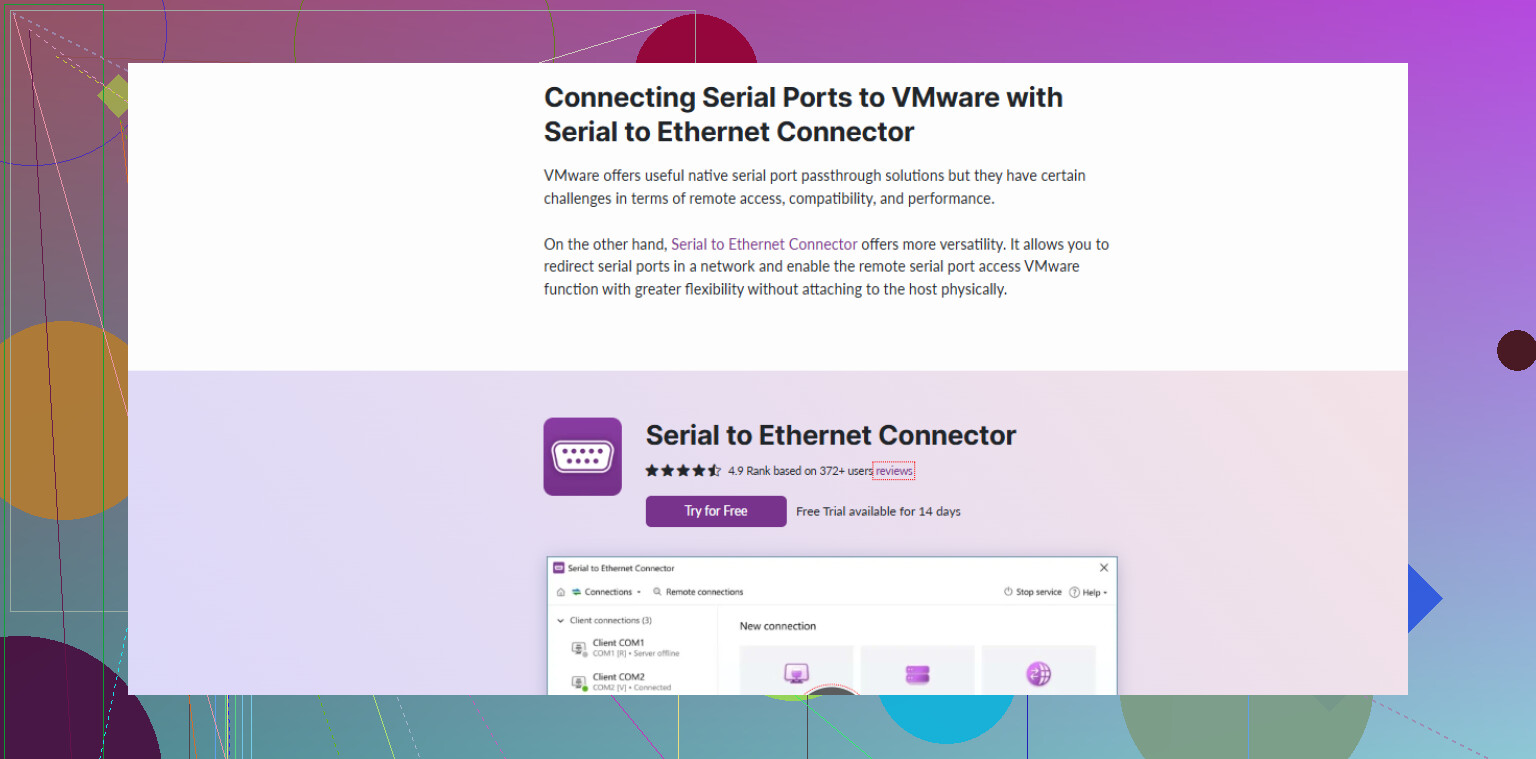
- This is where Serial to Ethernet Connector actually shines. It takes the real COM port, shares it over TCP, and the VM connects over a virtual serial-over-TCP layer.
- Pros: Super flexible, works great if your VM lives on a different host or in a lab where things move around. The guest just sees a virtual serial interface and doesn’t care about the actual hardware.
- Cons: Extra software to install and configure, but in practice it is much more stable long-term.
If you want something future proof and kind of “enterprise-ish”, treat this as a network-accessible serial console problem, not a literal “wire COM1 into the VM” problem. The approach is:
- On the host or some utility box, plug in the serial cable to the old network device.
- Use Serial to Ethernet Connector to make that physical serial port reachable over the network as a virtual serial server.
- Inside the VM, connect to that shared port via TCP or via a virtual COM that the tool exposes.
For a broader walk through on setting up reliable VMware serial connectivity, this guide is decent:
stable VMware serial console setup for legacy hardware
If you only ever run this on one host, and it is a desktop with a real COM port, try direct passthrough first. If it acts flaky, or you need portability, switch to the Serial to Ethernet Connector method and don’t look back.
22 Likes
You’ve already got a solid menu of options from @andarilhonoturno, so I’ll try not to rehash the same checklist and instead focus on how to choose and a couple of alternative patterns.
For old network gear with a serial console, I usually think in terms of: “Do I care more about portability, or raw simplicity?”
1. Treat the VM as a client, not the serial owner
Instead of obsessing over wiring the physical COM port into the VM, flip it:
- Host (or another box) owns the physical serial port.
- VM just speaks TCP to something that bridges serial ↔ TCP.
That can be:
- A small Linux box with
ser2netmapped to a TCP port. - A Windows host using Serial to Ethernet Connector to expose the COM port over the network.
Then in the VM, you just:
- Use PuTTY / screen / minicom directly to
tcp:host:port, or - Create a virtual COM in the VM that connects to that TCP endpoint.
This avoids a lot of the “my USB-C dock renumbered COM5 to COM7 and VMware got confused again” nonsense. You can move or clone the VM and it still works as long as it can reach that IP/port.
2. If you do direct passthrough, lock down the environment
I mildly disagree with the “direct COM passthrough is fine if it’s a desktop” idea. It can be fine, but only if:
- The host is basically a dedicated box that never moves, never changes ports, and you’re not hot‑plugging USB hubs.
- You document which physical port maps to which VM configuration.
- You don’t let Windows randomly reassign COM numbers (or at least you periodically clean up hidden COM devices).
If your setup is even slightly “labby” or mobile, direct COM tends to bite you the second you forget which USB port you used.
3. Where Serial to Ethernet Connector actually makes sense
The product really shines in a couple of specific cases:
- You have multiple VMs that might need access to the same physical serial port (not simultaneously, but alternately).
- You sometimes manage the device from your laptop, sometimes from a VM, sometimes from a jump host.
- Host OS is Windows, and you don’t want to mess with compiling or tuning open source serial-over-TCP stuff.
In that model, your workflow is:
- Install the tool on the host that has the real COM port.
- Share that COM port over TCP and assign a listening port.
- In any VM or remote machine, create a virtual serial port that connects to that TCP endpoint, or just use a TCP-capable terminal.
If you want to try this route, grab it here:
set up a robust serial over Ethernet bridge
That way you can basically turn your old serial-only box into a “networked” device without replacing any of the hardware.
4. Named pipe / serial-over-TCP inside VMware, but slightly different
Instead of running a full “serial server” stack in the guest, you can:
- Configure the VM serial port to connect to a remote TCP server.
- Let the host (or another utility server) handle real COM I/O.
- The VM just thinks it has a dumb serial line to a TCP socket.
@andarilhonoturno already mentioned pipes/TCP, but the subtle trick is: avoid touching physical COM in the VM at all. The VM gets a stable virtual serial device; all the flaky hardware is abstracted away outside.
5. What I’d actually pick for your use case
Given “older network device that only supports serial console”:
-
If this is a one‑off lab on a single desktop that never moves:
Try direct COM passthrough first, but accept that it might be flaky if your hardware layout changes. -
If this is anything you care about long term, or you use laptops or docks:
Put the serial cable into one stable host and use Serial to Ethernet Connector orser2netto make that serial line reachable over TCP.
Then let the VM access it as a network service, not a hardware port.
In practice, once you go serial‑over‑network, you stop fighting VMware’s USB quirks and just get on with managing the old box.
Both @viaggiatoresolare and @andarilhonoturno covered the “how.” I’ll focus on “when each choice bites you” and where Serial to Ethernet Connector actually fits in.
1. Direct passthrough vs USB vs network: decision logic
If you care about predictability over months, I would rank options like this:
- Serial over TCP (host or separate box)
- USB to serial into the guest
- Direct host COM passthrough
They made direct passthrough sound slightly more acceptable on a static desktop. I disagree a bit: even on “stable” boxes, Windows updates, driver changes, or some BIOS tweak can reshuffle ports and you are hunting ghosts when the console goes silent.
2. Why treat serial as a network service
Think of the physical serial port as a shared infrastructure resource:
- One host owns the real RS‑232 line.
- Everyone else (VMs, laptops, jump hosts) connects over TCP.
Benefits:
- VM migration and cloning do not break your console setup.
- You can have multiple management paths to the same device without fiddling with VMware USB settings.
- Easier to script and automate, since everything is IP:port.
This is where a tool like Serial to Ethernet Connector makes sense on Windows hosts.
Pros of Serial to Ethernet Connector
- Very simple way to expose a physical COM port as a TCP endpoint.
- Can create virtual COM ports in guests that “feel” local but ride over the network.
- Works nicely if you have several VMs that occasionally need that same console.
- Good when you do not want to build and maintain your own ser2net / socat stack.
Cons of Serial to Ethernet Connector
- Extra software layer to install, maintain and possibly license.
- Adds a tiny bit of latency, which is irrelevant for CLI work but not ideal for tight control loops.
- Another single point of failure if installed only on one host and you do not document or monitor it.
- Not as scriptable or hackable as a pure open source toolchain if you live in Linux automation land.
If you prefer OSS, a small Linux box with ser2net or tcpser provides similar functionality. Same architecture, different tooling.
3. Concrete pattern that stays sane long term
For your “old network device, serial only” scenario, a relatively bulletproof pattern looks like:
-
Choose a stable “serial endpoint” machine
- Could be the VMware host or a tiny always‑on NUC / Pi / old PC.
- Plug the serial cable there (real COM or a decent FTDI USB adapter).
-
Run serial‑over‑network on that box
- On Windows: Serial to Ethernet Connector to share COM over TCP.
- On Linux:
ser2netmapping/dev/ttyS0or/dev/ttyUSB0to a TCP port.
-
In the VM
- Either configure VMware’s virtual serial port to connect to that TCP endpoint.
- Or install a client that creates a virtual COM inside the guest tied to that TCP server, so your tools still see COMx.
This removes VMware’s direct relationship with the physical port and turns it into a “dumb pipe” problem, which is much easier to reason about.
4. When I would not bother with Serial to Ethernet Connector
- Single VM, single host, Linux everywhere, and you are comfortable with
screen,minicom,ser2net: just use those. - Extremely latency sensitive serial control or custom protocols where any extra abstraction might cause trouble.
In pretty much every other “IT admin managing legacy gear” case, the extra layer is worth it, because when you inevitably move VMs, change docks or reshuffle hardware, the serial endpoint and TCP port stay the same.
So in short: I would not fight VMware to own the serial hardware. Let a host (with something like Serial to Ethernet Connector) own it, make it network reachable, and let the VM talk TCP. That architecture survives hardware churn far better than any direct passthrough trick.