I accidentally deleted important photos from my Canon camera before backing them up, and I really need help getting them back. The pictures are from a special event and I’m worried they may be gone for good. Has anyone successfully recovered deleted Canon camera photos or know the best recovery method?
I had this happen on a Canon card once, and the first few minutes matter more than anything else.
Power the camera off. Pull the SD card out right now. If your card has the little lock tab on the side, slide it to locked. Do not take more photos. Do not record video. Do not poke around on the card.
When a photo gets deleted, the camera usually does not wipe the file data at once. It marks the space as free. Your old shots often still sit there until new data lands on top of them. If you keep using the card, your odds drop fast. I learned this the dumb way.
Before you mess with recovery tools, check the obvious places first.
- image.canon: If you had sync turned on, your files might still be in the cloud for up to 30 days.
- Trash or Recycle Bin: If you deleted the files from a Mac or PC while the card was connected, they might be sitting there.
- Backup apps: Look at Google Drive, Backblaze, Time Machine, or whatever runs in the background on your computer. Sometimes those services copied the files earlier and you forgot.
If those checks come up empty, use recovery software. For this part, use a computer and a real SD card reader. I would not connect the Canon body over USB for scanning. On a lot of cameras, the connection mode gets in the way and the software does not get proper raw access to the card.
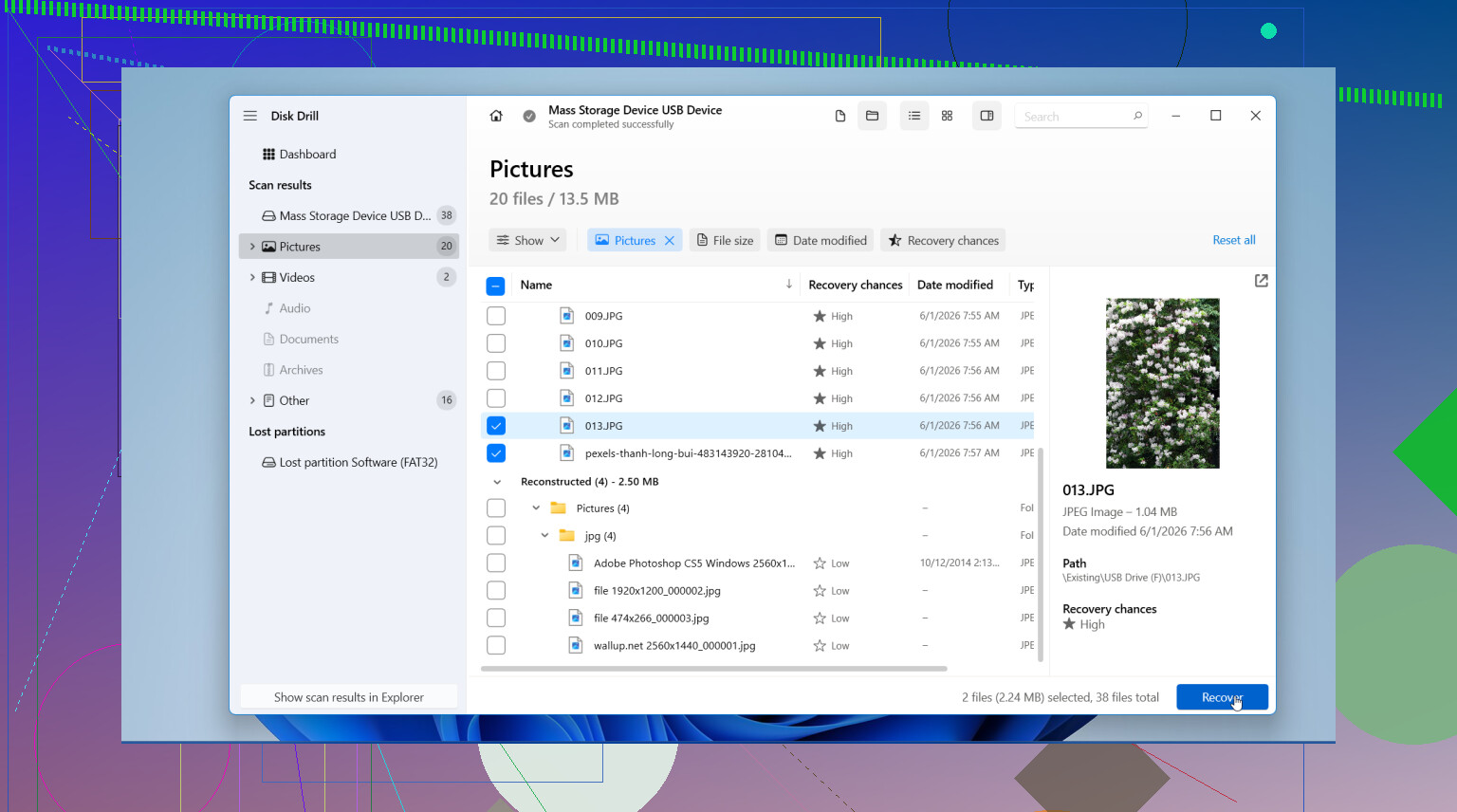
I’ve had the best results with Disk Drill. What worked for me was its photo preview and the way it picked up Canon RAW files, including CR2 and CR3, plus JPEGs and video clips. The layout is easy to follow, which matters when you’re already annoyed and trying not to make another mistake. On Windows, there’s also a small free recovery allowance, 100 MB last I checked, so you can test whether your files show up before going further.
If you want a free route, PhotoRec still gets mentioned for a reason. It does the job a lot of the time. The catch is the interface. It runs in a text window, looks old, and feels rough if you have never used tools like that. Also, it tends to recover files without the original names or folder layout, so you end up sorting a pile of files by hand. Kinda ugly, but it works.
The recovery steps are pretty simple if you stay disciplined.
- Install the software on your computer: Put it on your internal drive, not on the SD card you’re trying to recover from.
- Insert the card and run a full scan: Open the recovery app, pick the SD card, then run a deep scan or full scan. Big cards take a while.
- Preview the results: Filter for photos if the app supports it. Look through the previews and mark the files you want back.
- Recover to a different drive: Save the recovered files to your computer or an external drive. Do not write them back to the same Canon SD card. I know this sounds obvious, but people do it when they’re rushed.
After you’ve copied everything you could recover and checked the files open fine, put the card back in the Canon and format it in-camera. I do this instead of deleting files one by one. It gives the card a clean file system again.
If you stopped using the card right away, your chances are usually decent. Not perfect, still decent.
12 Likes
Stop using the card. That part from @mikeappsreviewer is dead on.
One thing I’d add, check whether you did a simple delete or a format. On many Canon bodies, single-image delete leaves a better recovery rate than a quick format. If you shot even 20 to 50 new photos after the delete, parts of older files might already be overwritten. JPEGs sometimes come back partly broken. RAW files often fail harder when overwritten.
I would skip random “free photo fixer” sites. A lot of them are junk. Use a proper SD reader on a computer, scan the card read-only if your setup allows it, and recover to your SSD or another drive. Disk Drill is a solid pick for Canon media because it usually finds JPG, CR2, CR3, and common video files in one pass. If Disk Drill previews your missing shots, your odds are decent.
If the event matters a lot, make a byte-for-byte image of the SD card first, then scan the image, not the card. That keeps your original untouched if the first scan goes bad or you want a second tool later. This step gets skipped way too ofen.
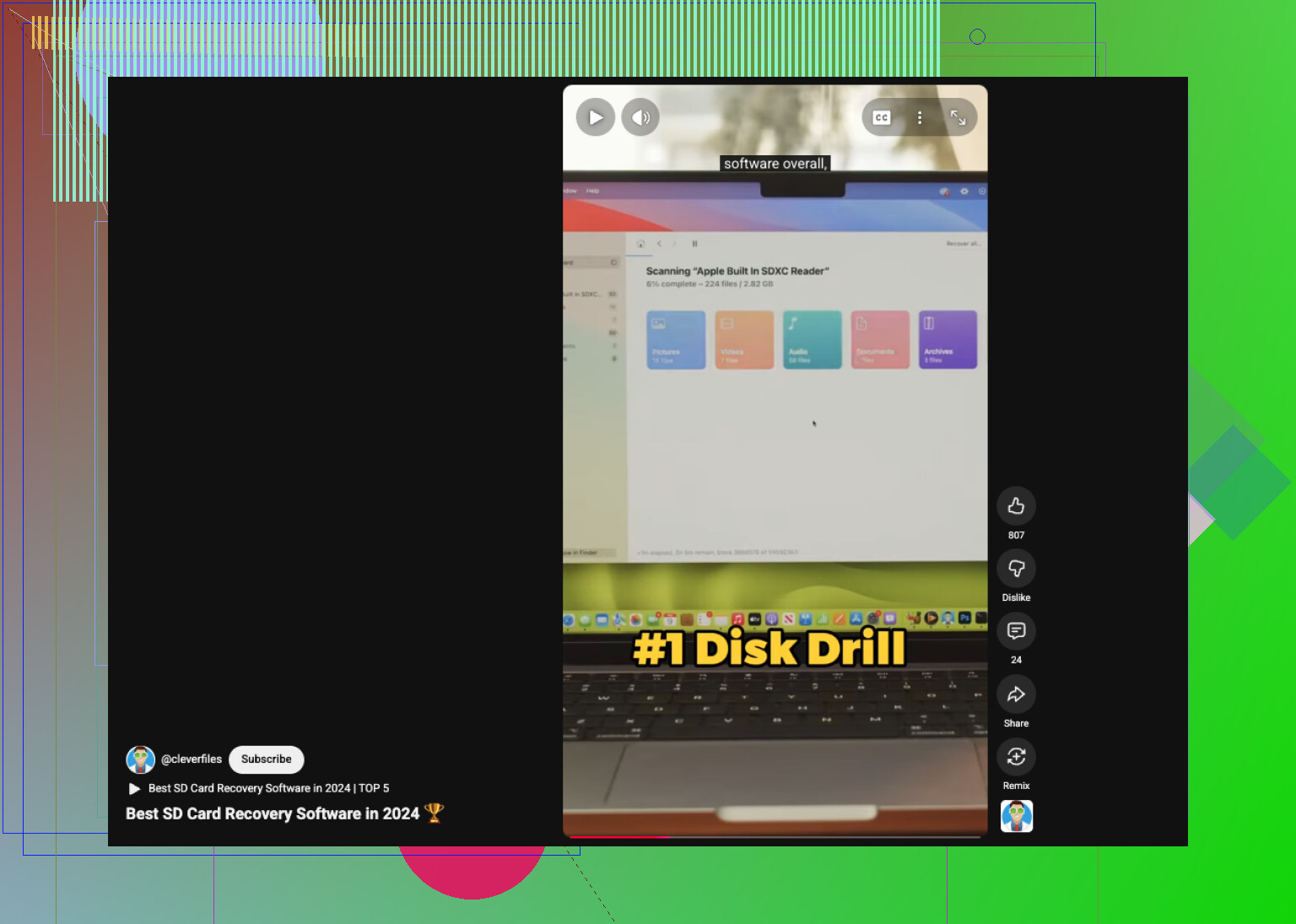
Also, if you want a quick comparison vid, this best SD card recovery software picks on YouTube gives a fast overview.
Big thing nobody’s mentioned enough: if the photos are truly irreplaceable, stop trying every app under the sun after 1 bad scan. That can turn a recoverable card into a mess if you get impatient and start clicking repair/write options. @mikeappsreviewer and @yozora are right about freezing use of the card, but I’d push it one step further: if the card is acting weird, slow, or disconnecting, consider a pro recovery shop before DIY.
Also, check whether your Canon was writing to dual cards, if your model supports it. A lot of people panic and forget they had RAW on one card and JPEG on the other. Seen that happen more than once, lol.
My take:
- deleted in-camera once, then stopped shooting = decent chance
- formatted card = still possible
- kept shooting after = chances drop, sometimes a lot
- card shows errors or asks to be formatted = be carefull, that’s a different problem
If you do DIY, use a card reader and scan for Canon formats specifically. Disk Drill is fine for this because it usually handles CR2, CR3, JPG, and video without too much hassle, and the preview helps you figure out fast if the files are intact or toast.
One more niche thing: if you had Wi-Fi transfer enabled on the camera/app, poke around your phone too. Canon Camera Connect sometimes leaves copies or downsized transfers people totally forget about.
For extra reading, this is basically the kind of Canon SD card recovery thread people end up searching for:
Canon SD card photo recovery tips from real users
So no, they’re not neccesarilly gone for good. Just don’t keep experimenting on the original card.