I accidentally formatted my camera’s memory card before backing up my pictures, and now I’m trying to find out if photo recovery software can restore them. These are important photos I really need back, so I’m looking for advice on the best recovery options and what to do next without making things worse.
Photo recovery, from someone who learned the hard way
I’ve had a few ugly moments with missing photos, and after the first one I went down a rabbit hole testing recovery apps on spare cards, old drives, and a couple of busted USB sticks. The worst part is always the same. You open an SD card after a trip, a wedding, or paid work, and the folder looks wrong. Stuff is gone. Your stomach drops fast.
The first move matters more than the app you pick. Stop using the card right away. Don’t shoot more photos. Don’t record more video. Don’t paste files onto it. If deleted data hasn’t been overwritten yet, recovery odds are still decent. Every new write makes things worse. I learned this once by keeping a card in-camera for “a few more clips.” Bad idea. I got back less than half.
For software, the one I keep coming back to is Disk Drill.
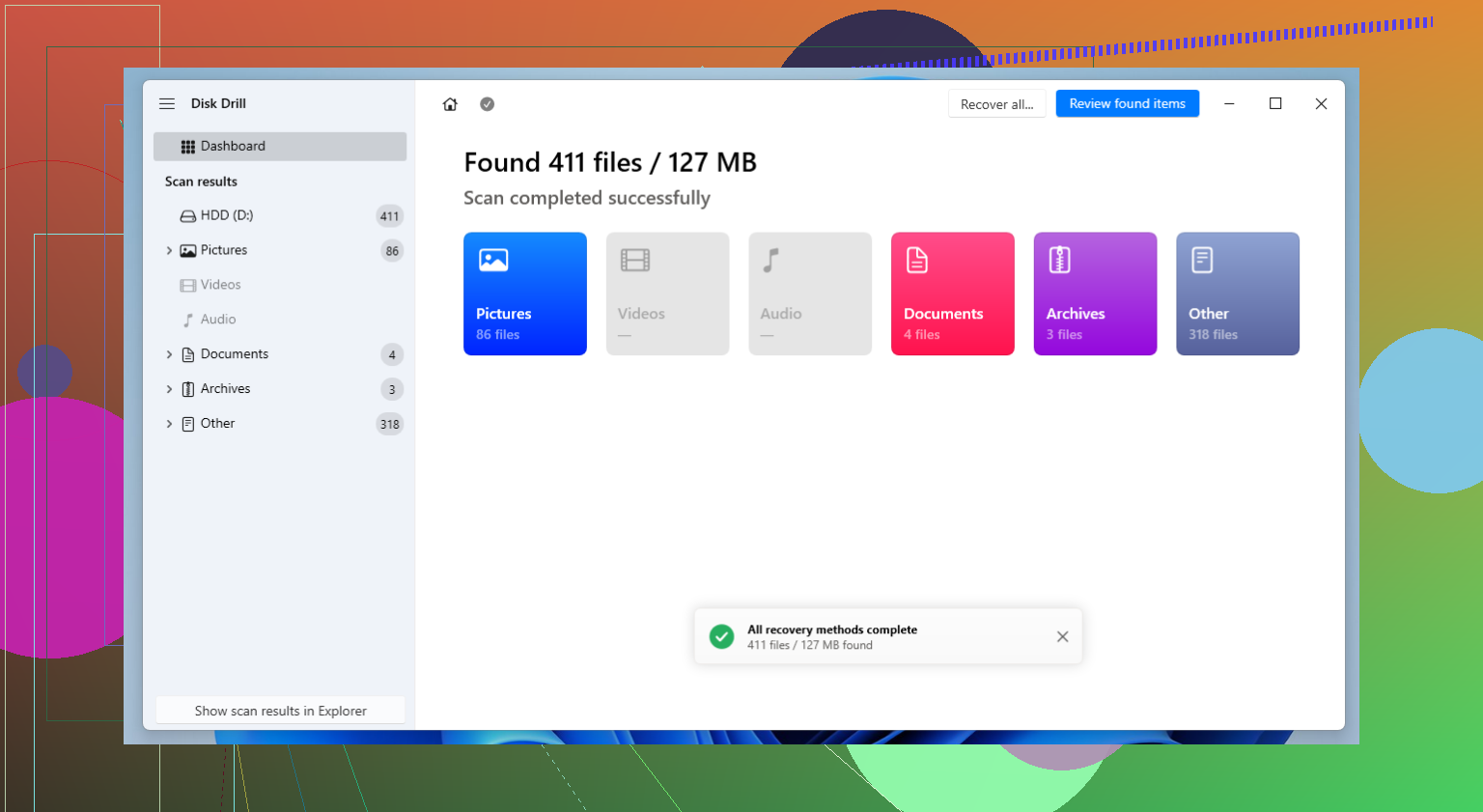
I’ve tried a pile of alternatives over the years. Disk Drill keeps landing in the sweet spot for me. It recovers well, and it doesn’t fight you while doing it. I’ve used it on SD cards, SSDs, external drives, and random storage devices from older cameras. The interface is easy enough that you don’t spend the first hour trying to decode what each panel means. Install it, scan the device, preview files, recover to another drive. Done.
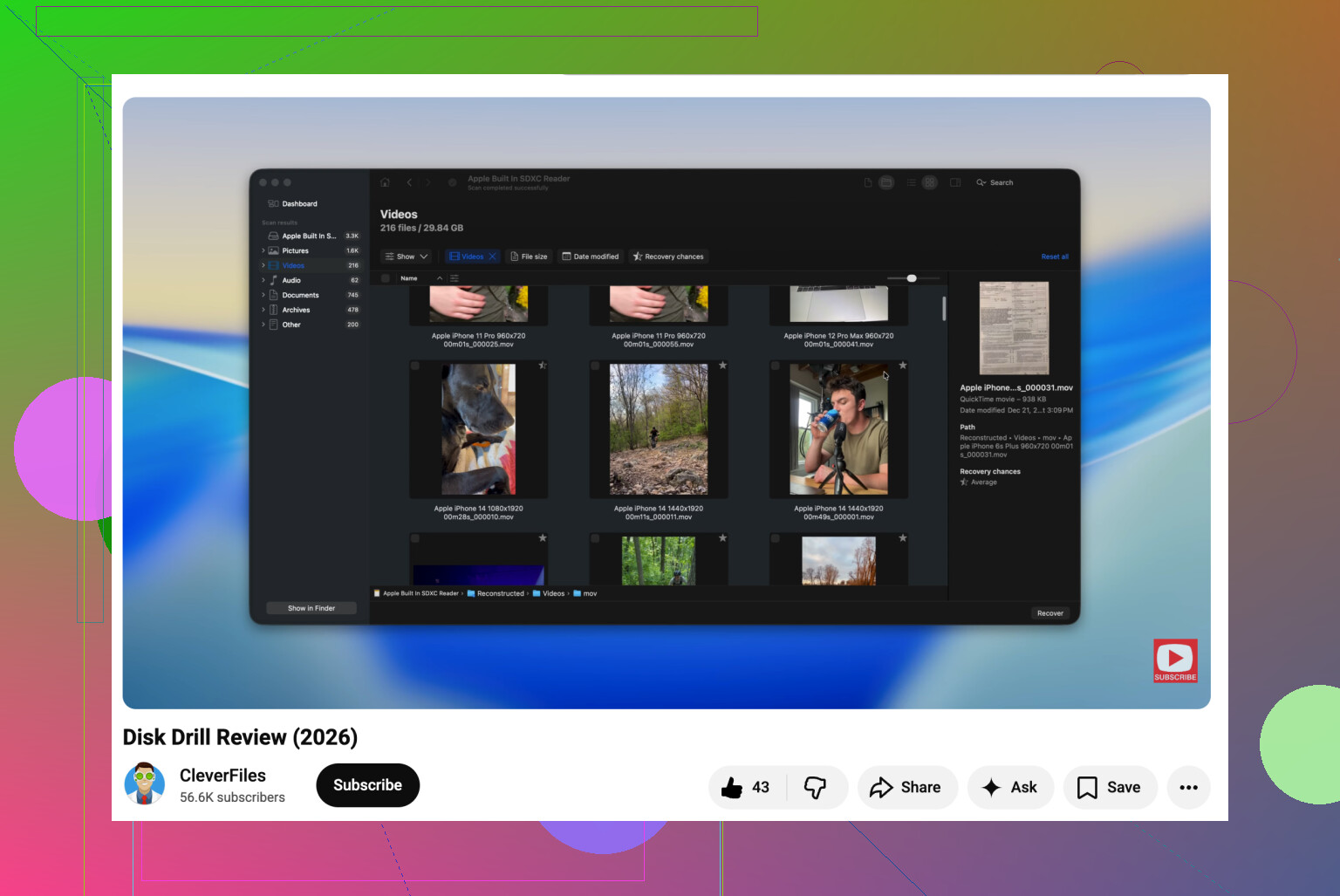
One thing I noticed is it seems built with photo and video people in mind, not only office docs and generic file loss. Its Advanced Camera Recovery tool is useful if you deal with fragmented video from cameras, drones, or action cams. A lot of programs find chunks of video but then hand you a broken file that won’t play. This one does a better job rebuilding those pieces into something usable. It also handles a broad mix of RAW formats, which matters if your gear lineup is mixed. Canon one week, Sony the next, maybe Fujifilm tossed in.
Still, it isn’t the only thing worth knowing about. A few others show up often, and each one has a lane.
R-Studio
This is the one people bring up when things get messy. Damaged partitions, corrupted file systems, weird edge cases. Folks who do recovery work for money seem to trust it. From what I’ve seen, it’s loaded with options and pretty deep. I also think a lot of regular camera users open it and go, nope. If you know storage structure stuff, it makes sense. If you want your wedding photos back tonight, it might feel like too much.
R-Photo
Same company as R-Studio, narrower focus. Photo and video recovery. A lot of people mention it because it’s free and less intimidating than the full R-Studio package. If your problem is a camera card with missing media, not a whole drive with partition damage, this one makes more sense to start with.
Recuva
Old name, still around, still gets suggested. Usually for simple cases. You deleted photos by mistake from a healthy card or drive, and you want something easy. That’s where it fits. Straightforward layout, free version, low friction. I wouldn’t reach for it first if the card is corrupted or the file system is a mess.
PhotoRec
This one has a loyal crowd for a reason. It’s free, open source, and it scans for file signatures instead of leaning on the file system. When a card is formatted or badly damaged, this approach helps. The tradeoff is cleanup. You often lose original file names and folder structure, so you end up sorting a mountain of recovered files by hand. I did this once on a travel card. It worked, but man, what a slog.
DiskDigger
I see this one mentioned a lot in phone recovery threads, especially Android. It’s lighter and simpler than some of the bigger suites, which some people prefer. For deleted photos, small jobs, quick checks, it has a place. I don’t run into many people using it for large SD card jobs with RAW files or busted video from dedicated cameras.
The part people skip
The app is only half of it. What you do right after data loss matters more than most people think.
A few rules I stick to now:
- Stop using the card or drive immediately
- Recover files to a different device, never back to the same one
- Open the recovered files before deleting anything else
- If the files are critical, make a copy of the card first and work from that copy
I’d add one more thing from experience. Don’t trust thumbnails. I’ve recovered files that looked fine in preview, then opened as partial images or corrupted video. Check the real files.
After recovery
Once you get your stuff back, fix your backup habit. Even a simple second copy after every shoot helps a lot. I started dumping cards to two locations after a scare years ago, and it saved me later when a drive started throwing errors.
If you shoot for clients or travel a lot, spreading work across multiple SD cards is safer than filling one giant card with everything. Losing one card still hurts. Losing the entire trip hurts more.
12 Likes
Yes, if the card was formatted and not used much after, photo recovery software often gets photos back. A quick format usually wipes the file table, not the photo data itself. A full format is worse.
My take is a little different from @mikeappsreviewer. I would not start by scanning the card directly if the photos matter a lot. First make a byte-for-byte image of the card on your computer, then run recovery on the image. If the card has weak sectors, one long scan can make things worse.
Best odds:
- Stop using the card now.
- Use a card reader, not the camera.
- Make a disk image first.
- Recover files to another drive.
For software, Disk Drill is a solid first pick because it previews images well and handles many RAW formats. If the format wiped file names, tools with signature scanning often pull more files, but you lose folder structure. That part gets annoyng fast.
Also worth reading if you want a clean comparison of photo recovery apps:
best photo recovery software for formatted SD cards and lost images
One more thing. If this was in-camera formatting after shooting, recovery rates are often decent. If you formatted, then shot more photos, recovery drops a lot. If the images are once-in-a-lifetime stuff, stop DIY after the image copy and send it to a pro lab.
Yes, sometimes. Formatted card does not always mean the photos are gone forever. If it was a quick format, recovery software can often pull a lot back because the camera usually just clears the index, not the actual image data. If you kept shooting after the format, that’s where things get ugly fast.
I slightly disagree with @mikeappsreviewer on one point: I would not spend forever app-hopping at the start. Too many scans on a flaky card is just extra stress on it. @techchizkid is closer to my take there. If the photos are super important, either image the card first or at least use one solid tool and do it once.
For actual recovery, Disk Drill is a pretty practical choice for formatted SD card photo recovery because it’s easy to preview what’s still there before recovering. That matters more than people think. Some apps “find” files that are basically junk. If it sees your JPGs/RAWs and previews them properly, that’s a decent sign.
One thing not mentioned enough: camera brand and format matter. RAW files from some cameras recover cleanly, but file names and folder structure may be toast. So don’t panic if you get files back named like generic numbers. That’s normal.
Also, if the card is acting weird physically, slow reads, disconnects, errors, stop messing with software and consider a pro. DIY is cheap until you make the card worse. Been there, made that mistake, felt real dumb after.
If you want a simple walkthrough, this formatted SD card photo recovery guide is pretty easy to follow.
Short version:
- quick format = decent chance
- full format/overwritten data = much lower chance
- use a card reader
- recover to another drive
- Disk Drill is a solid first try
So yeah, image recovery software can restore photos from a formatted card, just not 100% garunteed.
Yes, often. But I’ll disagree a bit with the “formatted = probably recoverable” optimism. On some cameras, especially if you used the card even briefly afterward, recovery can go from great to awful fast.
A couple things to keep in mind beyond what @techchizkid, @byteguru, and @mikeappsreviewer already covered:
- Some cameras do a format that also recreates directory structure in a way that confuses simpler tools.
- RAW photos usually have a better shot than videos, because video files are often fragmented.
- If the card is counterfeit or failing, software results can look better in preview than in reality.
Disk Drill is a reasonable pick here.
Pros:
- easy preview for JPG and many RAW formats
- simple enough for non-tech users
- decent at finding files after quick format
Cons:
- not the cheapest option
- deep scans can return lots of junk or duplicates
- file names/folders may not come back
If Disk Drill misses stuff, PhotoRec or R-Photo are worth trying next for a different scan approach. Biggest thing: save recovered files somewhere else, then actually open a bunch of them full-size before celebrating.