I’m trying to create realistic AI photos using my own face, but the apps I tested either make me look nothing like myself or ask for confusing settings I don’t understand. I need help finding the best way to make AI profile pictures, avatars, or portraits that actually look accurate and safe to use.
If you want AI photos that still look like you, the app matters more than people say. I tried a few of these tools, and most follow the same setup. You upload selfies, the system studies your face, then it spits out new portraits in different looks, office, casual, polished, moody, whatever. Where they split apart is output quality, how steady the face stays from image to image, and how much fiddling you need to do.
Eltima AI Headshot Generator app
This felt like the easiest one to get moving with.
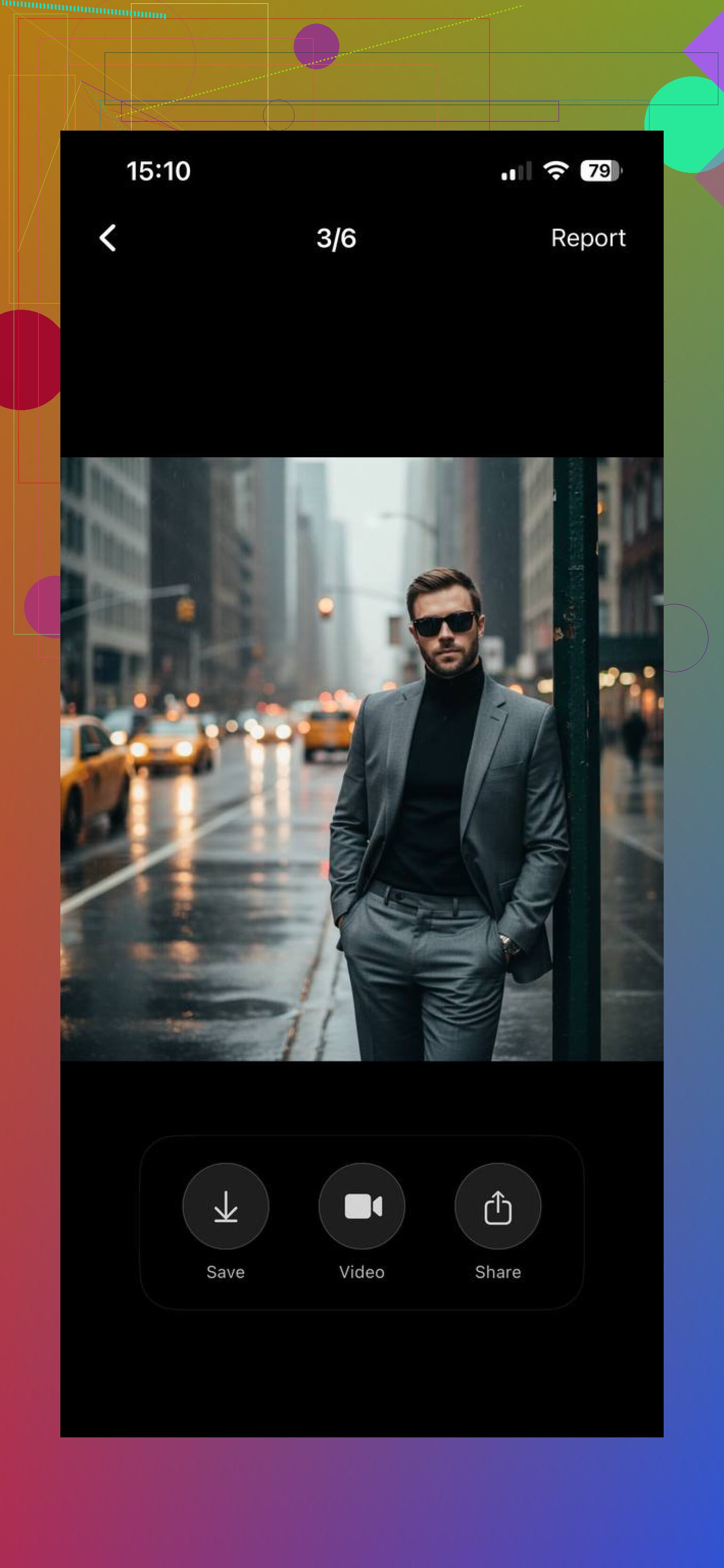
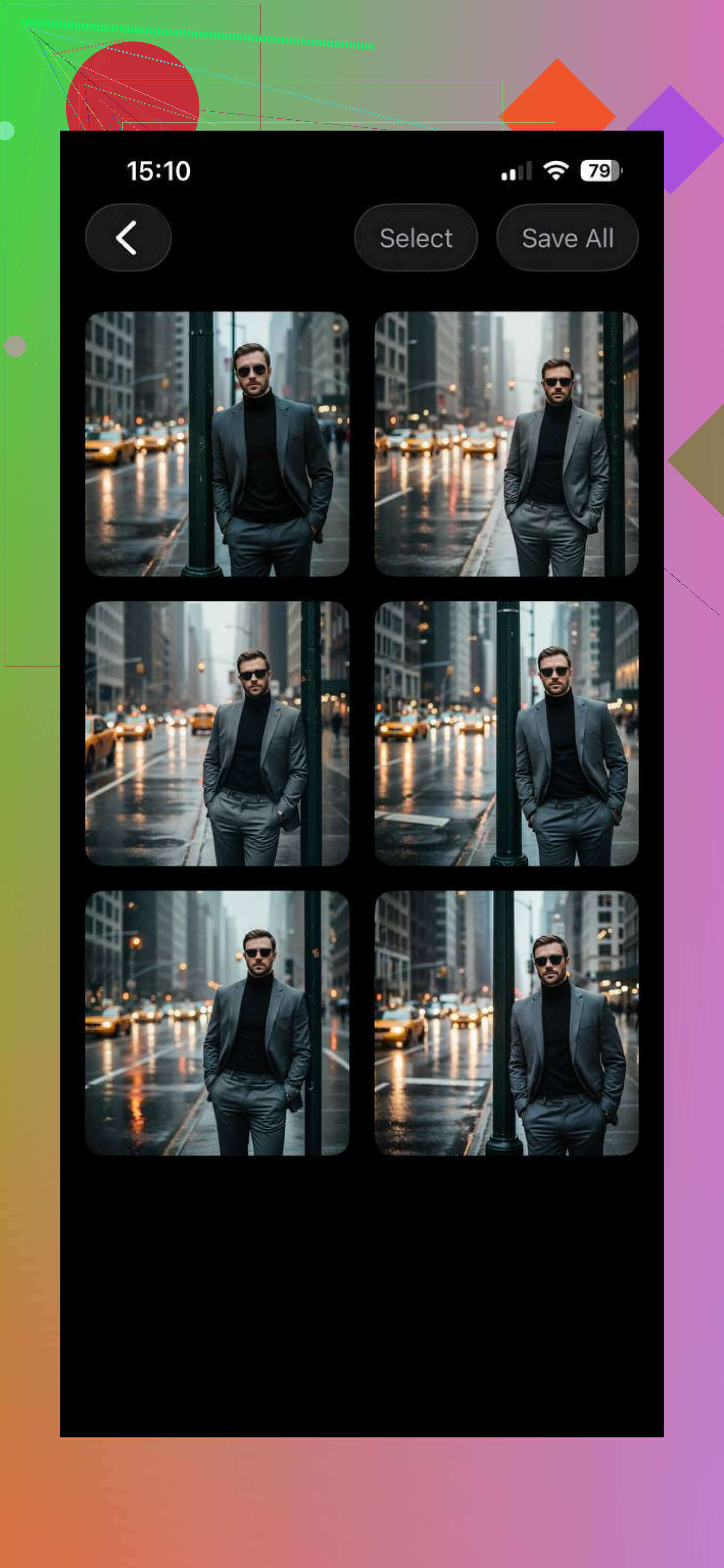
What I noticed:
Upload 1 to 3 photos
The app builds a face model from those shots
Pick a style, business, casual, creative, and a few others
Get a batch of portraits with a similar face across them
If you want clean headshots and don’t want to mess with prompts, this one makes sense. It leans into speed and a simple flow. I’d point beginners here first because there’s less room to screw it up.
Momo
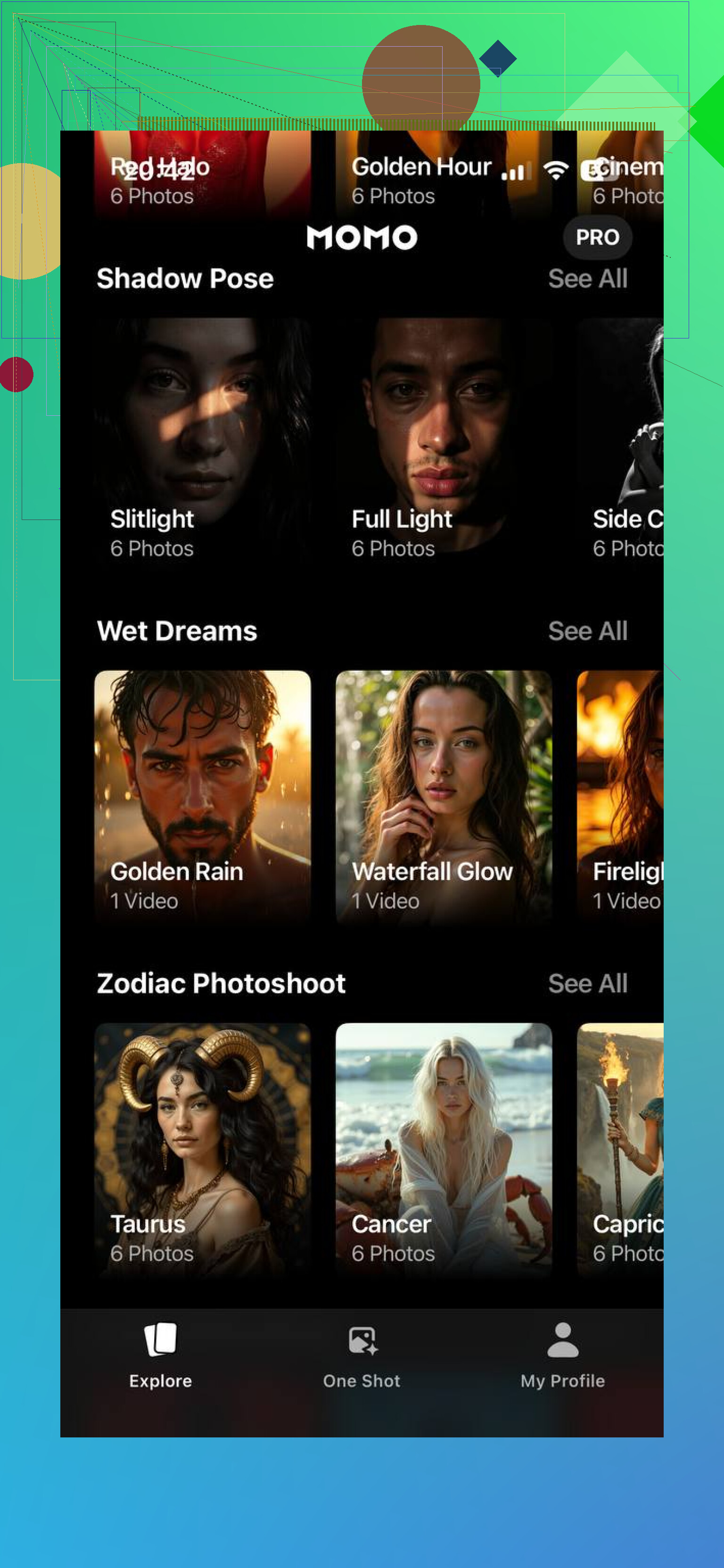
Momo felt looser. Less strict. More built for pretty output than for realism.
What stood out:
Quicker workflow
More stylized filters and aesthetic edits
Better fit for social posts
I wouldn’t use it for a formal profile photo unless you want something polished in a soft, trendy way. It lands closer to Instagram portrait generator than office headshot tool.
GIO
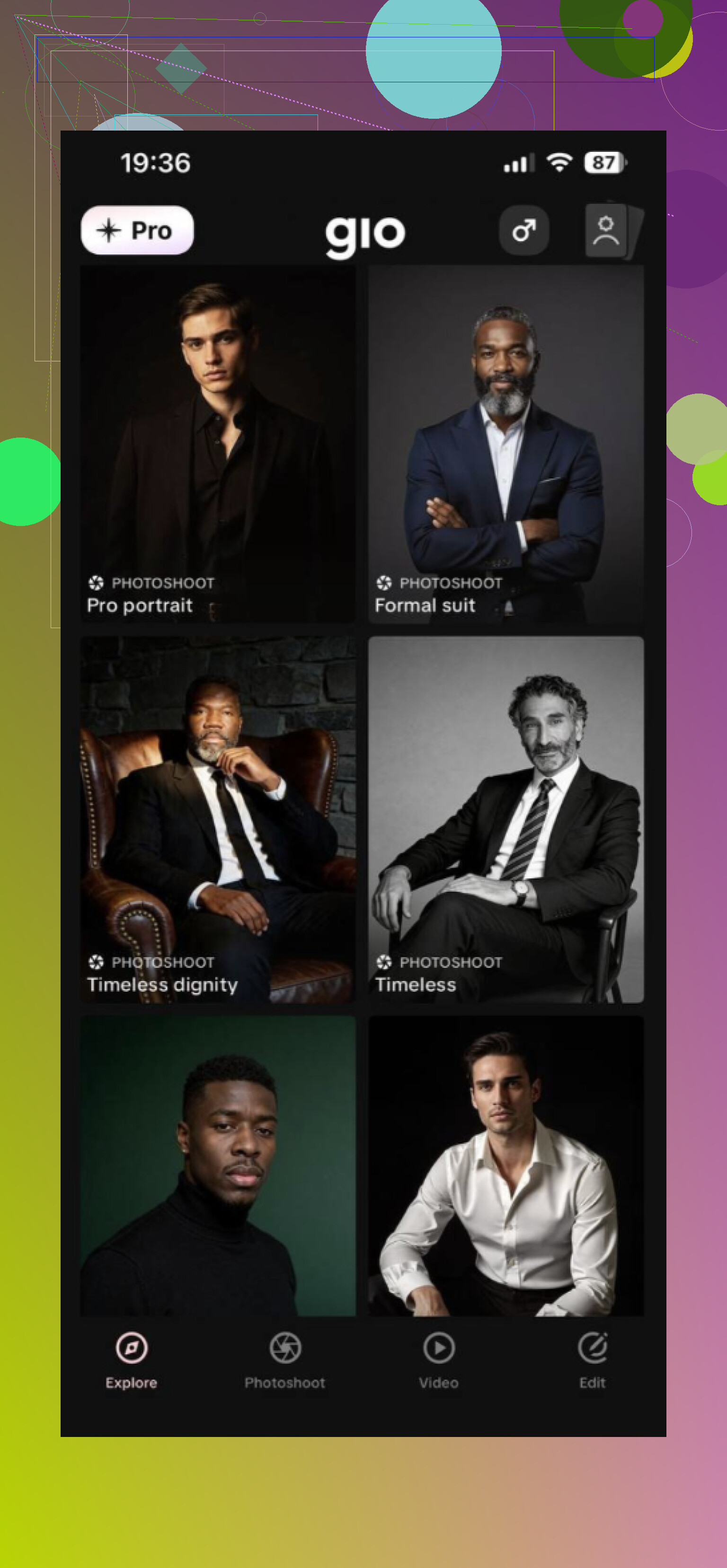
GIO goes in a different direction. More room to experiment, more room for weird results too.
How it works:
Upload a photo or use a reference image
Add prompts for the look you want
Generate multiple AI versions
You get more control over styling, which I liked. Still, the face consistency wasn’t as steady from one image to the next. If you enjoy tweaking settings and testing variations, it’s more fun. If you want dependable output fast, it feels less tight.
My take
For realistic AI photos of yourself, Eltima AI Headshot generator app came out ahead from these three. It does more than slap a filter on one selfie. It builds a personal model from several photos of your face, and that tends to keep the results closer to your real features.
The style range is wide enough for work and personal use. You’ve got business headshots, casual portraits, social profile images, and more cinematic options. It also gives you multiple results in one round, which helps because one image might look off while another one nails it. If you need photos for LinkedIn, resumes, company pages, profile pics, or personal branding, this one seems like the safest pick. I found it less flashy, more usefull.
5 Likes
I’d keep it simpler than most apps try to make it.
The big issue is training photos. If your uploads are weak, the result gets weird fast. Use 8 to 15 clear selfies if the app allows it, not 1 to 3. Face forward, left, right, mixed lighting, no heavy filters, no sunglasses, no group pics. Same person, same age range, same haircut if possible. This matters more than fancy settings.
I slightly disagree with @mikeappsreviewer on one point. Ease of use is nice, but apps with too little control often smooth your face into a generic AI person. For realism, I’d pick a tool with a face reference or identity strength slider, then keep the styling mild.
Do this:
Pick plain prompts, “realistic corporate headshot, natural skin, 50mm photo, soft light”
Avoid anime, beauty, glam, cinematic stuff at first
Generate 20 to 40 images
Keep 2 or 3, delete the rest, yep most will be bad
If you want pro-looking photos, AI works best as a first draft. For the final pic, touch up small things after. Eyes, teeth, hairline. Thats where most apps mess up.
I’d actually push back a little on both @mikeappsreviewer and @stellacadente here. The app matters, sure, but a lot of these “make AI photos of me” tools fail because they are trying to beautify you, not preserve you. That’s why people end up with the same plastic cheekbones and weird stock-photo smile.
My take: stop chasing the app with the most styles. Pick one that lets you lock identity first, then keep everything else boring. Realistic photos come from boring choices. Plain background, normal clothes, neutral expression, regular lighting. If the preview already looks too glamorous, it’s probly going to drift away from your face.
Also, don’t use only selfies. That part gets overlooked a lot. Mix in a few photos taken by someone else from a normal camera distance. Selfies distort facial proportions, especially nose and jaw, and the AI learns the distortion. Then every generated pic looks “off” even when it kinda resembles you.
Another thing, people overgenerate. More images is not always better. If the model is weak, 100 bad outputs are still bad. I’d do one careful training set, one realistic style, and then evaluate. If the skin texture, eye spacing, and smile shape are wrong, switch tools instead of tweaking forever.
For actual use, I’d lean toward a headshot-focused app over artsy generators if you want LinkedIn/profile stuff. But honestly, for the best result, AI + light manual retouch wins. Raw AI alone is rarely the final answer tbh.
I’d split this into two goals, because people mix them up: “looks like me” and “looks impressive.” Those are not the same thing.
I agree with @stellacadente that identity drift is the real problem, and with @sterrenkijker that over-beautifying is what wrecks realism. I only partly agree with @mikeappsreviewer though. Super-simple apps are nice, but if they hide too much, you can’t fix the exact thing that’s going wrong.
What I’d do differently is test for likeness before style. Don’t start with business, creative, moody, dating-profile, whatever. Start with one boring output: neutral face, indoor light, plain shirt, plain background. If the jaw, eyes, and smile still don’t feel like you there, no “better prompt” is going to save it.
About the product people mentioned, the Eltima AI Headshot Generator app is probably the safer lane if you want headshot-type results instead of artsy AI portraits.
Pros for the Eltima AI Headshot Generator app
- easy workflow
- more consistent face than many style-heavy apps
- good for LinkedIn, CV, company profile pics
- less prompt chaos for beginners
Cons
- can feel a bit limited if you want deep control
- headshot-focused tools sometimes make everyone slightly too polished
- if your source photos are mediocre, the app won’t magically rescue them
My actual suggestion: run a tiny test batch in 2 apps max, compare only likeness, and keep the one that gets your face shape right. Ignore “wow” factor. Realism wins first. Then do minor retouching after, because AI still messes up little details a lot.