I need a professional headshot for my LinkedIn profile and job applications, but I do not have the budget for a photographer right now. I tried a few AI headshot tools, and the results looked fake or did not really look like me. I need help figuring out the best way to use AI for a realistic professional headshot, including what photos to upload and which tools or settings work best.
I went down this rabbit hole last week, and AI headshots are way easier now than they used to be. You do not need a camera setup. You do not need editing skills. I used a few normal phone pics and got usable results.
The part people skip, and then regret later, is the source photos. Your input shots matter a lot. I had better output when I used photos with clear face detail, plain lighting, no weird beauty filters, no sunglasses, and no heavy shadows. Window light worked best for me. If your photos are messy, the AI tends to build a strange version of your face. Not always, but often enough.
What I did was upload a small batch into an app built for headshots. One simple option is Eltima AI Headshot Generator. It feels aimed at people who want the result fast and do not want to poke through a pile of settings. You add your photos, pick a style like business or LinkedIn, then wait a few minutes while it spits out a set of portraits.
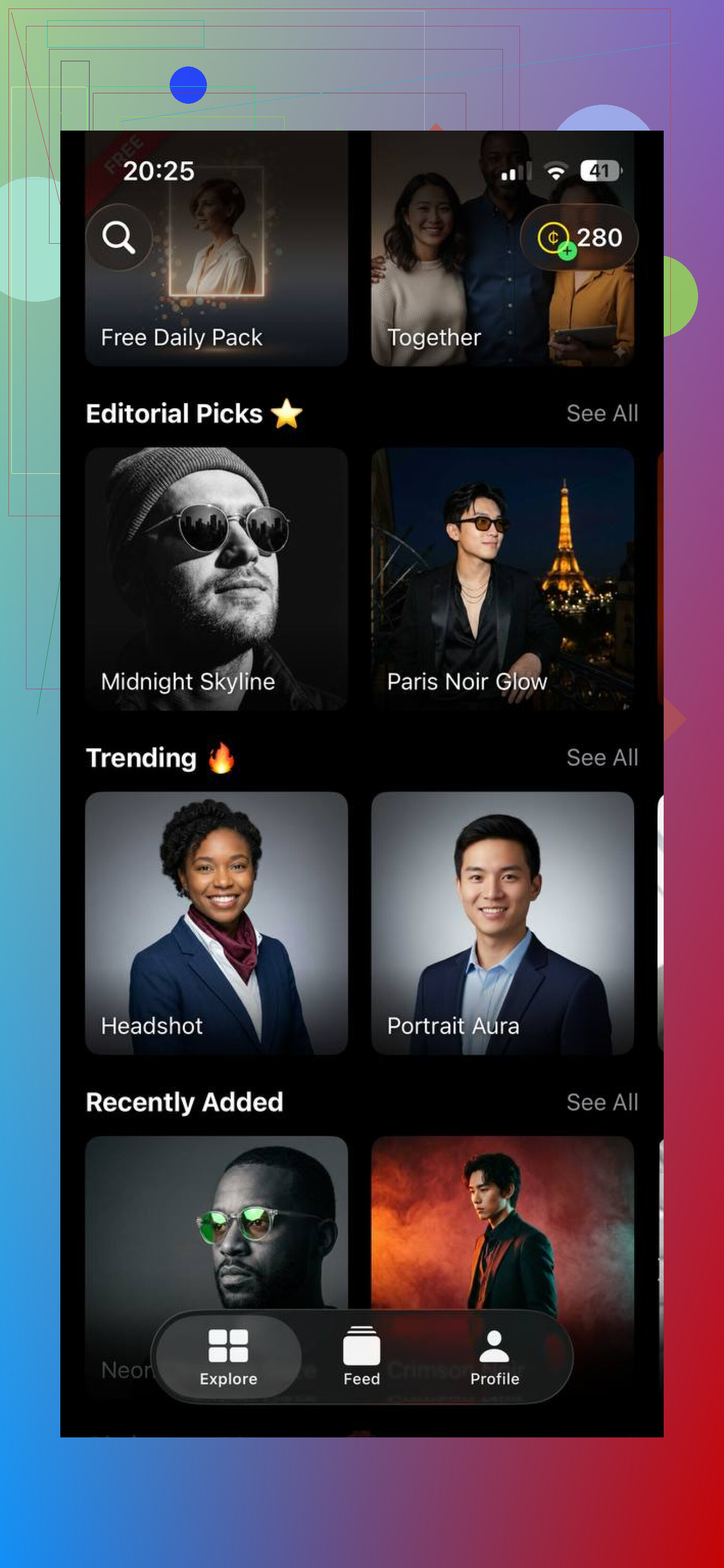
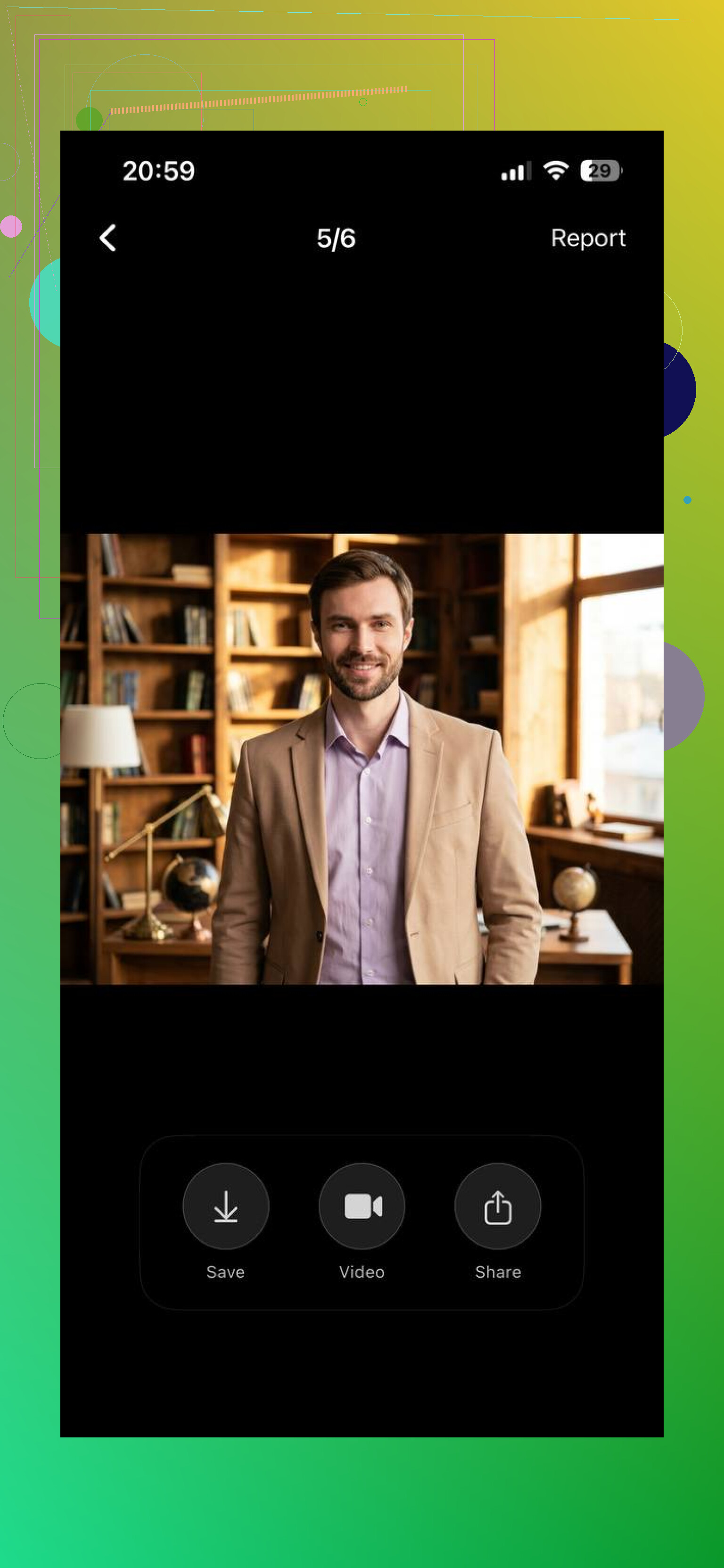
What stood out to me was the output looked less fake than a lot of the junk I tested before. Skin did not turn into plastic. Face shape stayed close to mine. Lighting looked normal instead of that over-smoothed studio look some apps push too hard. I still saw a few misses, sure, but the hit rate felt better.
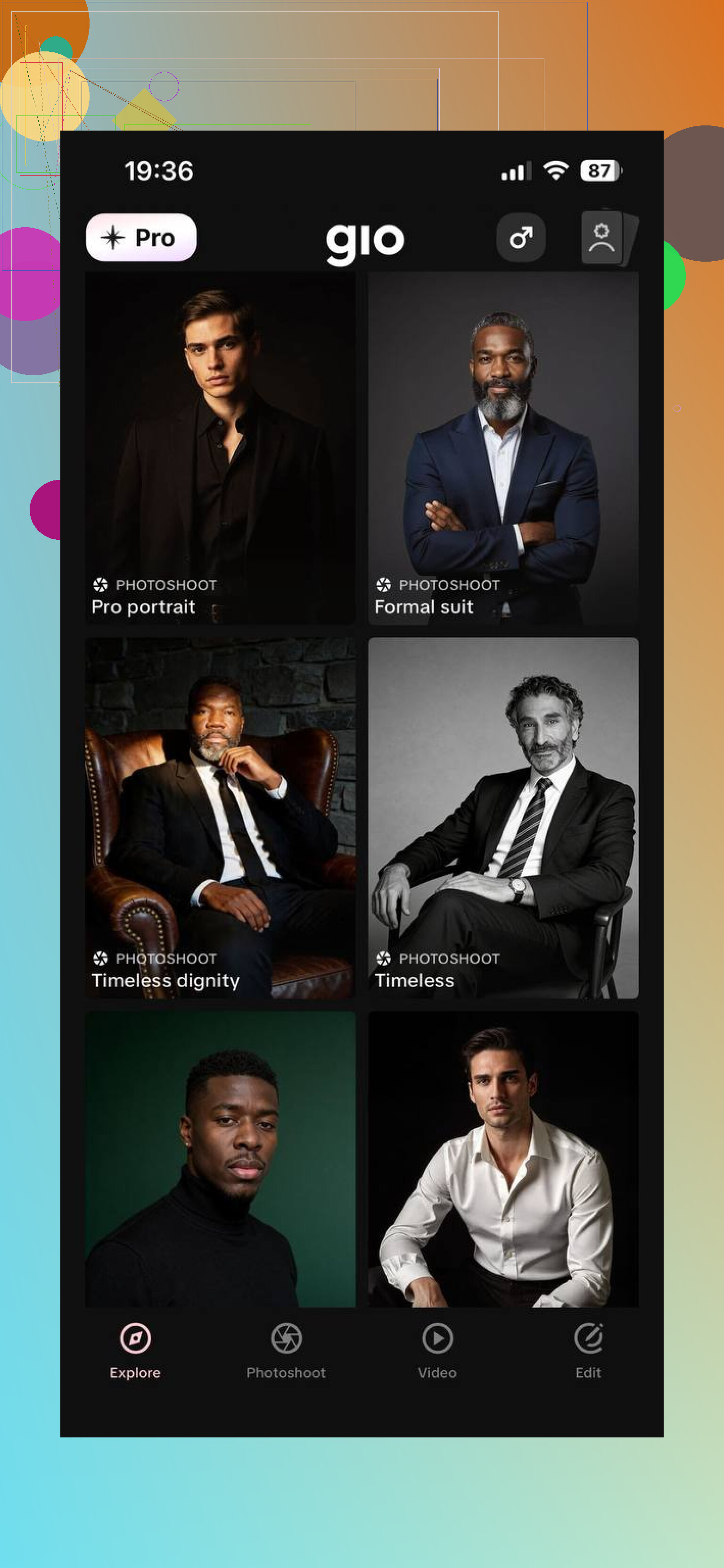
If you want to clean things up after generation, GIO is decent for touch-ups. I used it to fix background details and tighten a couple small things without turning the image into a wax figure. For minor cleanup, it did the job.
One thing I learned fast, do not expect the first batch to nail it. Mine did not. I had to run a few rounds and swap in better source photos before I got one where I thought, yeah, ok, this looks like me on a good day. That seems normal with these tools.
If you want the short version, Eltima AI Headshot Generator is a simple pick if your goal is clean professional headshots without booking a photographer or spending half a day fiddling with settings. It is mostly upload, choose, wait, done.
43 Likes
I’d take a slightly different route than @mikeappsreviewer.
AI headshot apps are fine, but most of the fake-looking results come from one issue. People ask the tool to invent too much. If you want a LinkedIn photo, aim for “photo enhancement” more than “AI portrait generation.”
My better results came from this workflow.
Take 20 to 30 normal photos on your phone. Plain wall. Indirect window light. Eye level camera. Wear the shirt or blazer you’d wear for interviews. Slight turn of the shoulders helps. Keep 3 to 5 photos where your face looks like you on a normal day, not your “trying too hard” face.
Then use AI in small steps:
- Pick the best real photo.
- Use AI only to clean the background.
- Fix stray hair, wrinkles in clothes, under-eye shadows.
- Sharpen eyes lightly.
- Do not let it change jawline, teeth, skin texture, or age.
This matters because recruiters notice weird AI skin fast. LinkedIn compresses images too, so overedited shots look worse after upload.
A few practical checks:
- Zoom to 200 percent. Look at teeth, ears, glasses, hairline.
- Flip the image. Bad face edits show up faster.
- Ask 2 friends, “Does this look like me?”
- If both pause, redo it.
For LinkedIn, crop chest-up. Leave some space above your head. Use 1200x1200 or close. Keep the background simple. Gray, off-white, soft office blur.
If the app keeps giving you fake stuff, skip full AI generation. Use Canva, Photoshop Express, or Remini for light cleanup on a real photo. Less fancy, better result tbh.
I’d split the difference between @mikeappsreviewer and @sterrenkijker, but I actually disagree with the “AI can fix it later” mindset a little. If your base photo is weak, most tools just make a very confident fake version of you. Super polished, totally unusable.
What worked better for me was this:
- take one solid real portrait first
- use Portrait mode only if it does not blur your ears/hair weirdly
- stand 3 to 5 feet from the background so separation looks natural
- set your phone lens to 2x if possible, not ultra wide
- shoot slightly above eye level, not below unless you hate yourself
Then use AI for the boring stuff:
- background replacement
- color correction
- mild skin cleanup
- shirt lint, flyaway hairs, glare reduction
Do not let it invent a suit, new jawline, or “executive smile.” That’s where it gets uncanny real fast.
Also, LinkedIn headshots do not need to look studio-perfect. They need to look credible. Honestly, a real photo with light AI cleanup usually beats a full generated one. Weirdly less “impressive,” way more trustworthy. Recruiters can smell AI face from a mile away lol.
If you want, upload 3 to 5 options and compare them side by side before picking. The best one is usually the least edited one. Counterintuitive, but yeah.
Skip AI entirely. Search “free headshot day near me” on Eventbrite, LinkedIn, and your local library’s calendar. Also check workforce centers, college career offices, and coworking spaces. Bring two tops and ask for 10 to 15 shots with a plain backdrop. Pick one with a relaxed expression and clear eye contact. If nothing appears online, call nearby job centers. Free career events often include photos. It’s simple, low effort, and far more credible. Definately worth trying first.
Nobody’s mentioned the video call problem. If your LinkedIn photo is a polished AI version of you, the recruiter meets a different person on the Zoom interview, and that gap reads worse than a plain phone pic ever would. So whatever you generate, it needs to match your actual face on a normal day, not your best possible face.
That’s why I lean toward what @sterrenkijker said about enhancement over full generation. The Eltima tool that came up earlier is fine as a fast first pass if your source shots are clean, but I’d treat anything it spits out as a draft, not the final. Check it against a recent unedited selfie side by side. If your friends have to squint to confirm it’s you, it’s already too much.