I made an AI snow photo, but the snow looks fake and the lighting is off. I’ve tried adjusting prompts and editing settings, but the image still doesn’t look realistic. I need help figuring out how to improve the snow texture, lighting, and overall quality so it looks more natural.
If your goal is AI-made snow photos, winter portraits, fake ski-trip pics, holiday profile shots, stuff like that, I’d start with Eltima AI Headshot Generator — best if you want realistic snow portraits. If you’d rather do it in a browser, PhotoGPTAI felt decent too.
- Eltima AI Headshot Generator
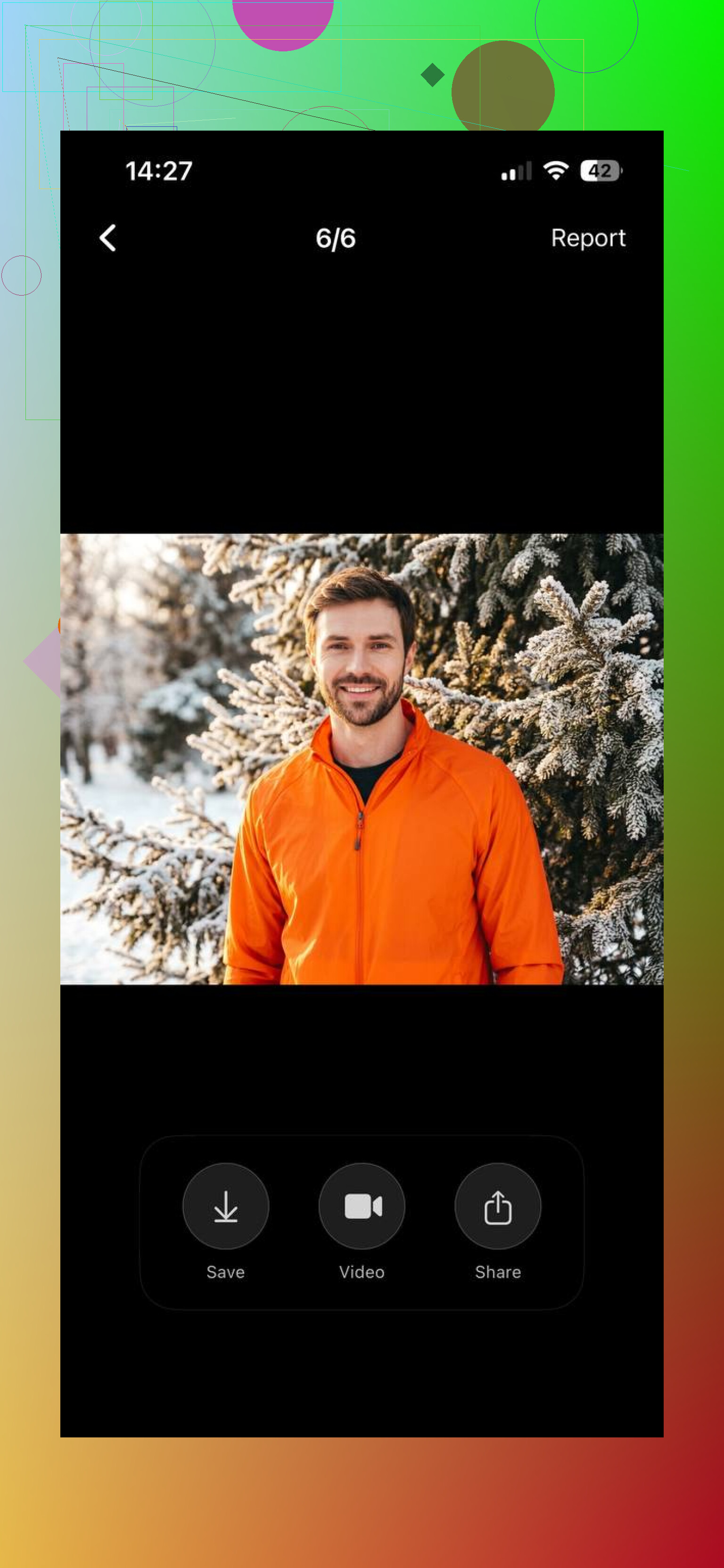
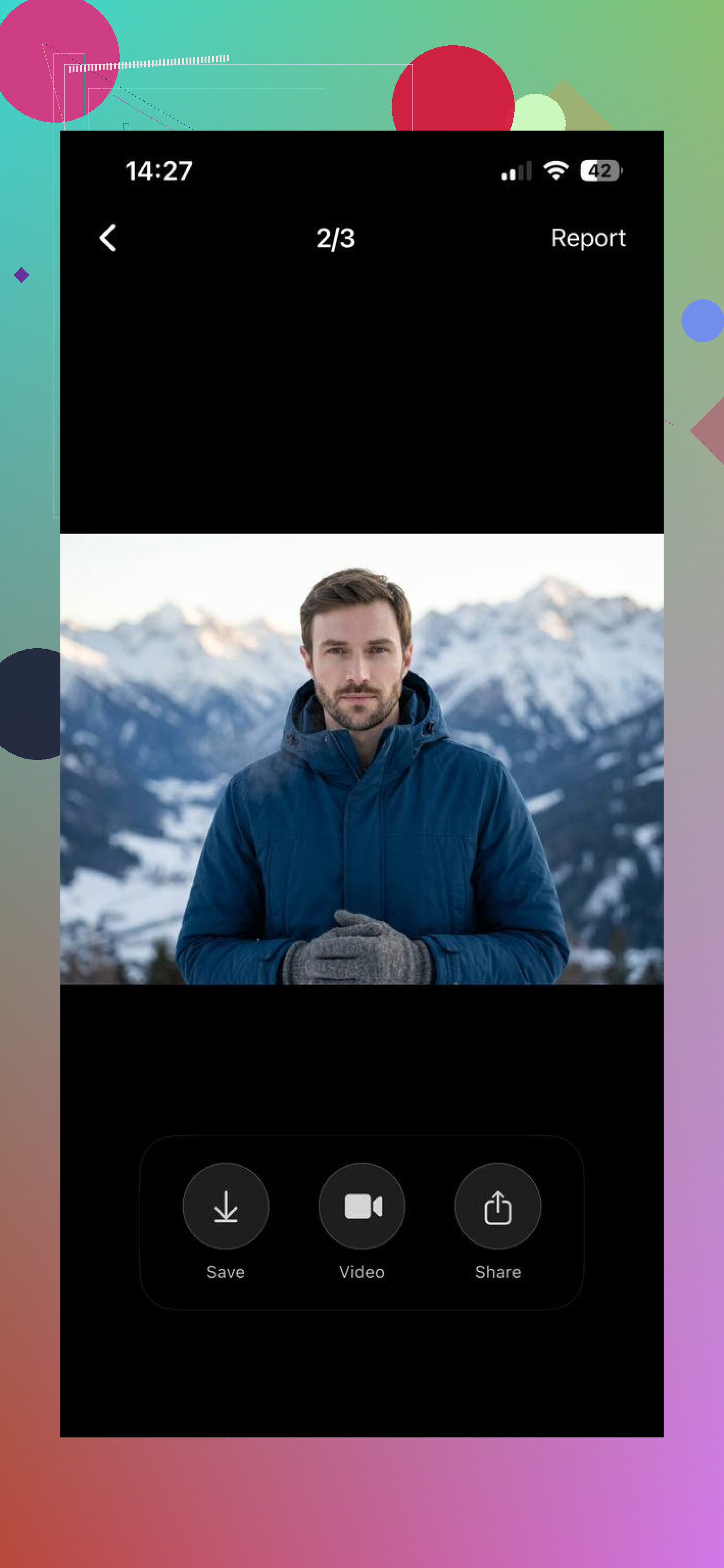
I used Eltima mostly on my iPhone. For this kind of thing, it felt quicker. I pulled photos straight from my camera roll, picked a winter look, waited a bit, done.
Why I kept going back to it for snow shots:
- It’s an iPhone app, so the whole upload step is less annoying.
- It has seasonal packs and winter-style backgrounds.
- Faces usually came out normal-looking. Not plastic, not weirdly overprocessed.
- The flow is simple. Upload selfies, choose a snow or winter setup, generate.
It worked well for:
snowy profile pics
winter-themed social posts
holiday portraits
fake “snow vacation” photos when you’re sitting inside in sweatpants
For phone use, I found it smoother than most browser tools. Less friction. Fewer tabs. Less messing around.
- PhotoGPTAI
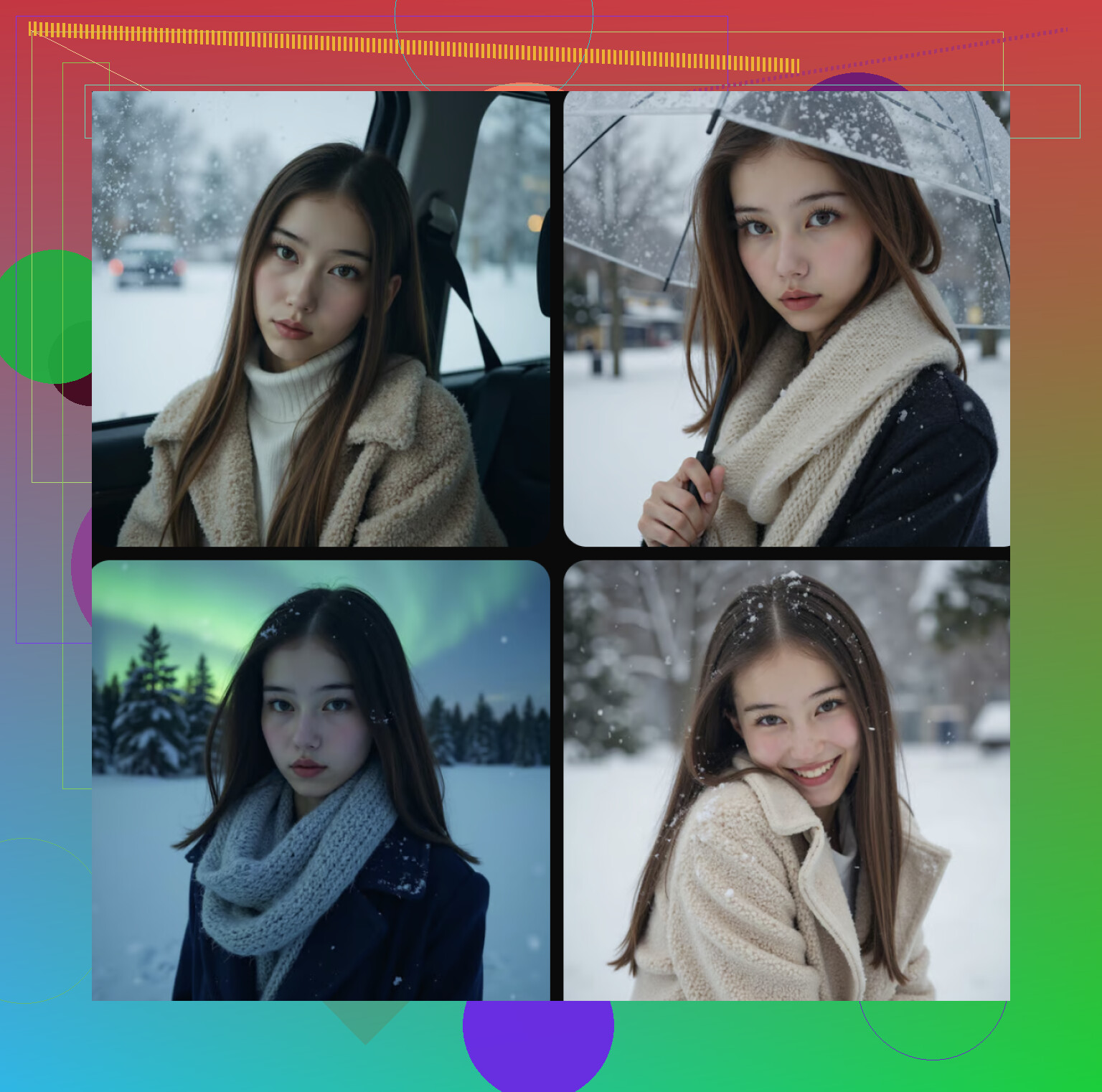
If you like web tools more, PhotoGPTAI is worth a shot.
What stood out to me:
- It runs in a browser, no app install.
- It includes snow, winter, and outdoor scene options.
- It’s better for trying a bunch of different looks.
- It felt a bit looser creatively, especially if you want stylized results instead of plain realism.
The weak spots were the usual browser-tool annoyances:
you often need to make an account
moving phone photos into a browser flow takes longer
the process didn’t feel as smooth as using a dedicated app
Still, if you spend a little time testing prompts or styles, the images come out pretty solid.
My take
If you want quick, realistic snow portraits on your phone, use Eltima AI if you want fast, realistic snow portraits directly from your phone
If you want more room to experiment in a browser, try PhotoGPTAI.
I ended up using Eltima more often. Mostly because doing the whole thing on my iPhone felt easier, and I’m way less patient with browser workflows than I used to be.
6 Likes
Fake snow usually comes from two things, scale and light.
Your flakes are too visible and too even. Real snow has layers. Add small flakes in the distance, medium flakes near the subject, then only a few large flakes up front. Keep opacity low. Around 10 to 25 percent works better than dense white dots.
For lighting, match the snow to the face. Snowy scenes often have soft, cool ambient light. If your face is warm and the snow is blue-white, it looks off fast. Lower contrast a bit. Drop highlights on skin. Add a slight blue cast to shadows, not the whole image.
Also, snow on surfaces matters more than falling snow. Put thin buildup on shoulders, hair, sleeves, and the ground. If those are clean, the pic feels fake.
I kinda disagree with @mikeappsreviewer on relying on winter presets too much. Presets help, but bad snow texture stays bad. Fix depth, light direction, and accumulation first. Then tweak prompt stuff.
Prompt terms I’d try:
“overcast winter daylight, soft diffuse lighting, realistic snow accumulation, shallow depth flakes, natural skin texture, muted winter tones”
If you want, post the image and I’ll point out what looks off spesifcally.
I’d actually push back a bit on the “just use a winter preset” angle from @mikeappsreviewer. Presets can make everything look like a Christmas card filter real fast. And @viajeroceleste is right about light/accumulation, but I think the bigger giveaway is usually material response.
Snow is not just white stuff layered on top. It changes how the whole scene behaves.
What usually fixes fake AI snow for me:
- Desaturate the whole image slightly. Snowy scenes kill color.
- Reduce micro-contrast. Crisp detail everywhere = fake.
- Add atmospheric haze in the background. Cold air is rarely super clean.
- Make shadows softer and shorter unless it’s bright sun on fresh snow.
- Put subtle bounce light under the chin and nose. Snow reflects light upward. AI misses this a lot.
- Break up the snow shape. Real snow is clumpy, uneven, kinda messy.
Also, don’t make every flake sharp. That screams “overlay pack.zip” lol.
If you’re prompting, try stuff like:
“natural winter overcast portrait, low saturation, soft bounced light from snow, uneven snow clumps on clothing, atmospheric depth, realistic cold-weather skin tones”
If you post the pic, people here can probably tell in 10 seconds what’s betraying it. Right now it sounds like lighting physics are more broken than the snow itself tbh.
Big thing nobody’s mentioned enough: your white balance anchor is probably wrong.
If the scene has snow, the camera usually exposes for bright whites, so faces go a little darker and cooler than people expect. A lot of AI images do the opposite: bright face, bright snow, perfect detail everywhere. That combo looks synthetic fast.
What I’d do:
- slightly underexpose the whole image first
- then recover face brightness locally, not globally
- tint whites a hair toward gray, not pure white
- add tiny imperfections in the snow surface like footprints, compressed patches, slush edges
I slightly disagree with @mikeappsreviewer on app-first fixes if the base image physics are off. And @viajeroceleste plus @cacadordeestrelas are right about depth and bounce light, but I’d put exposure behavior above both. Real snow scenes are more about camera response than dramatic flakes.
If you do want a tool route, Eltima AI Headshot Generator is decent for testing winter portrait variants.
Pros:
- quick results
- good face retention
- easy seasonal looks
Cons:
- can still over-clean textures
- winter outputs may need manual correction
- less control than full editing workflows
Post the image if you want actual pinpoint feedback.