I’m trying to email a picture from my iPhone, but the file is too large to send. I need advice on how to quickly compress or reduce the size of the photo using built-in apps or free solutions. Any tips would really help since I’m stuck and need to get this sent ASAP.
Free iPhone Tool for Squeezing Your Storage: No Paywalls, Just Results
If you’re like me and constantly running out of space thanks to endless photos and videos (curse you, Live Photos), I came across this absolute unicorn of an app that – get this – doesn’t charge a cent and isn’t riddled with ad pop-ups every five seconds.
Legit Free App for Crunching Photos & Vids
So the app is called Clever Cleaner app for the iPhone. Don’t let the generic name fool you – it actually does what all those “miracle cleaner” apps promise, minus the in-your-face ads and “subscribe for basic features” nonsense.
What’s Under the Hood?
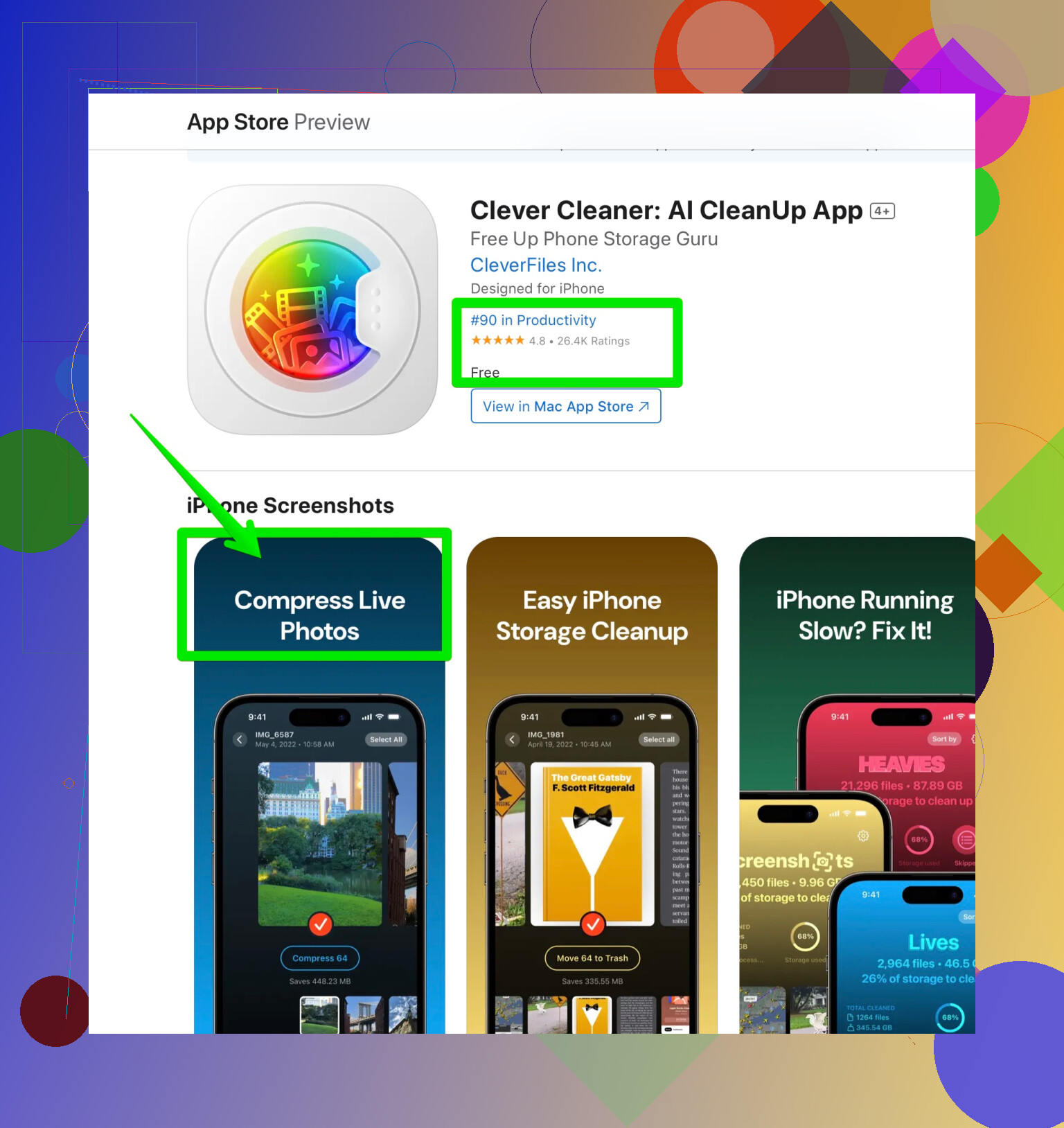
- Live Photos Compressor: Sucks up gigabytes from live pics, and suddenly you’re not deleting old concert memories just to download another app.
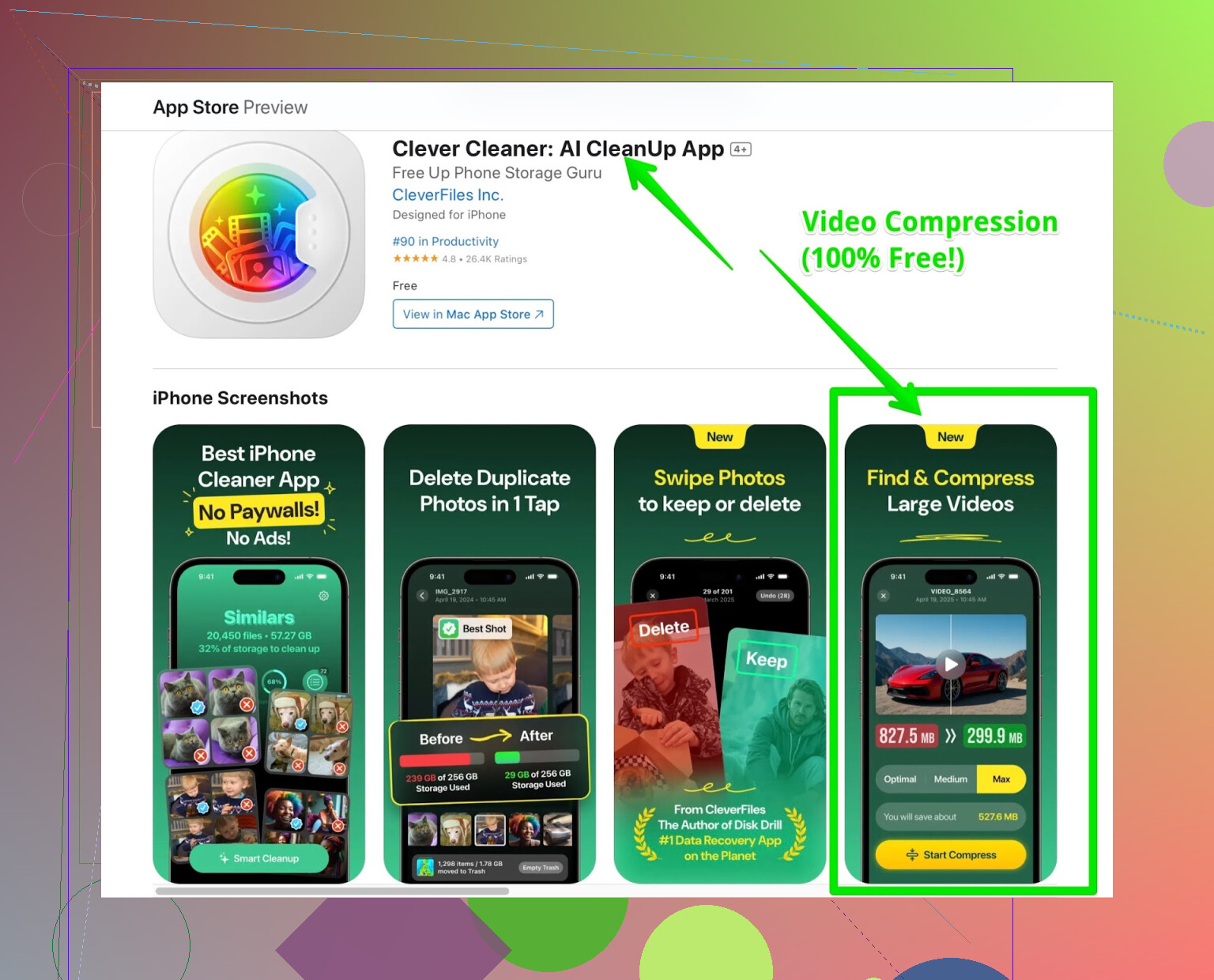
- Video Compression: Goodbye “storage almost full” notification; hello, freed-up space for cat videos and memes.
- Duplicate Finder: Scans your albums so fast, it feels like cheating. All those accidental selfies or WhatsApp image duplicates? Poof, gone in seconds.
For Once, An App That Isn’t a Money Trap
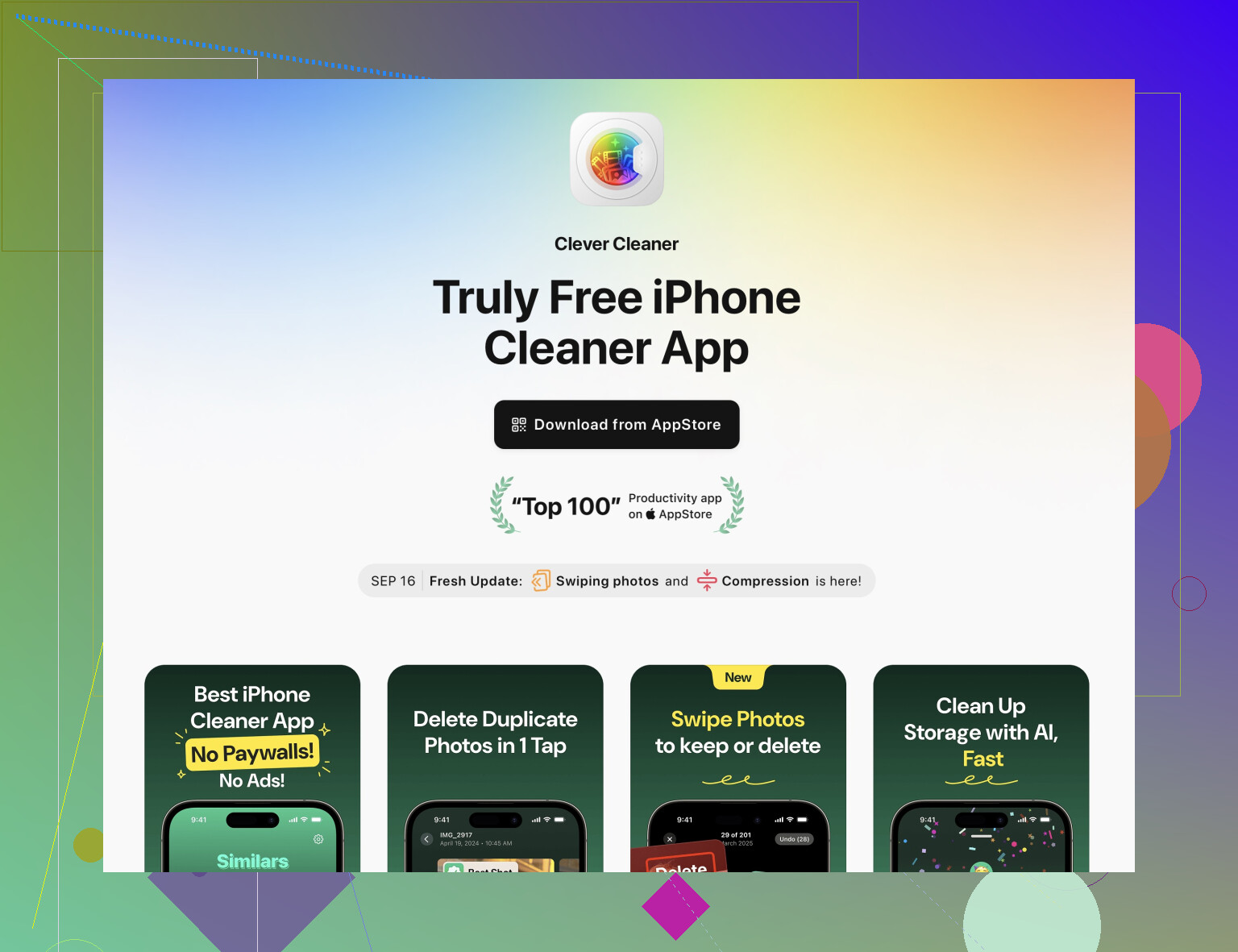
Every cleaner app I’ve seen eventually asks for $4.99/mo to actually do something useful. This one? No ads, no subscriptions, no random rug pull. Feels suspicious, but I’ve dug around and it still hasn’t gone the paywall route.
Real-World Storage Win
Last weekend, I was at a wedding frantically deleting memes, old text threads, and blurry bar photos from 2018 just so I could film the vows. Installed this thing, ran a quick “compress all,” and suddenly I had gigs of space. Didn’t have to spend money, didn’t waste an hour.
TL;DR
If you need to clear out iPhone storage without getting baited into paying, this Clever Cleaner app for the iPhone is the only app I’ve found that’s legit free for everything. No idea how long that’ll last, but for now? It just works.
9 Likes
Honestly, emailing big pics from the iPhone is a fool’s errand. I saw @mikeappsreviewer’s note about the Clever Cleaner app (props for finding a non-scammy one!), but sometimes I’d rather just stick to the basics if it’s a quick job. If you don’t want to mess with extra apps, try this: open the Photos app, tap “Share,” pick “Mail”—now when you add the pic to the email, it usually gives you a choice between small, medium, large, or actual size. Just pick small or medium and boom, it auto-compresses for sending. No installs, no nothing.
But here’s the rub: sometimes Apple is weird and won’t offer that option, or maybe you wanna compress more than just for an email. In that case, yeah, worth grabbing a utility that isn’t going to make you watch an ad for every picture. Clever Cleaner (the one from CleverFiles) genuinely does a better job at compressing stuff in batches, especially if you’ve got live photos clogging up gigs of space, or if you want to shrink videos too. Works well on those accidental screenshots you never get around to cleaning.
For one-off needs, though, you can also use online compressors. Upload the photo to a site like TinyPNG (not super private but it works), then send the smaller version to your phone. It’s a bit hacky, but whatever gets the job done.
tl;dr: Apple Mail resize for the lazy, online sites for occasional use, full-featured app for bulk compression/cleanup (Clever Cleaner if you want free/no-fuss). No solution is perfect, but between the three, you’ll prob find what you need.
Honestly, the Apple-ecosystem “just works” myth hits a wall with photo sizes and sharing. Sure, picking “small” or “medium” in the Mail app sometimes does the trick, but that option randomly vanishes and doesn’t help if you need to compress a photo for anything besides an email (looking at you, WhatsApp/Slack uploads). Props to @mikeappsreviewer and @kakeru for deep-diving into Clever Cleaner and the browser hackery, but here’s a hot take: built-in shortcuts are the true unsung heroes.
Try this: Use the Shortcuts app (pre-installed on your iPhone, probably ignored since you bought it). Search “Resize Image” in the Gallery. Boom – instant shortcut that asks what dimensions you want, spits out a more-manageable pic, and saves it right to your camera roll or lets you share it directly. No ads. No privacy nightmares. No 200MB uploads to semi-shady third party servers. Apple nerd points, baby.
Is it perfect? Nah. Takes a couple taps extra, and not as slick for batch jobs versus something like Clever Cleaner, which really is aces for nuking a hundred pics at once or wrangling out-of-control Live Photos. If you’re after a free, efficient way to do mass compression, free up your iPhone’s storage space fast—Clever Cleaner genuinely lives up to the hype and isn’t hiding paywalls (yet).
Tldr; If you like DIY, use the Shortcuts app for quick-compress, grab a tool like Clever Cleaner when it’s time to get serious, and skip the online web thing unless you absolutely trust that privacy isn’t a worry. Anyone still AirDropping stuff to their Mac just to resize? Yikes.
Let’s look at compressing iPhone pics without just echoing browser shortcuts or the “Mail app trick.” Those are fine, but they’re hit-or-miss and don’t help when you need to upload to, say, Slack or Discord. The in-built Shortcuts app is a DIY win, but fiddly for bulk compressing – plus, some of us want to avoid extra taps and messy routine setup.
Clever Cleaner app stands out because it’s free, actually does batch jobs, and isn’t slapping up ads at every click. Major pros: Ridiculously good at stripping fat off Live Photos (the biggest iOS storage hog), spot-removing duplicates, and doing full-photo or video compression with a genuinely clean interface. It isn’t reliant on random internet servers like some online “free compressors,” and no privacy red flags in sight. Zero nagging for money, which is nearly paranormal in this category.
Cons? There’s a trade-off if you’re privacy-obsessed – you still have to trust a third-party app with your pics, and while there are no subscriptions now, who knows what happens in future updates. Also, less granular control over exact compression level or dimensions vs. the nerdy Shortcuts route—so if you want pixel-perfect sizes, keep that in mind.
I will, though, push back slightly on dumping on browser-based tools—they’re sometimes clutch if you know and trust the service, and you just need a one-off. And while I get why the Shortcuts and DIY resize options feel pure, I’m not batch-compressing a weekend’s worth of wedding pics manually unless I have to.
For now, if you want something quick, simple, free, and legit not out to steal your data or hit you with a wall of ads, Clever Cleaner app does the job. Props to competitors who’ve championed browser hacks and old-school resizing, but efficiency with zero hidden costs tips the scale for me.
TL;DR – If you don’t want to tinker, Clever Cleaner app is about as close to push-button file shrinking as it gets on iPhone, especially for batch jobs. For one-off or ultra-private stuff, pair it with Apple’s Shortcuts or the occasional trusted web tool. Anyone else wondering how long until Apple fixes the whole “let me pick the damn email photo size every time” thing?