My iPhone storage is completely full, and I do not use iCloud. I need to make space without deleting photos, apps, or messages because I still need everything on my phone. I started getting storage full warnings, and now some apps are not working right. What can I do to free up iPhone storage without losing anything?
I hit the same 'Storage Full' wall on my iPhone and the annoying part was seeing almost nothing left I was willing to delete. There are a few fixes worth trying before you start nuking photos or apps you still need.
First, check what is eating the space
Open Settings > General > iPhone Storage and wait until the colored bar finishes loading. I would not skip the wait. Early on, I deleted random stuff and got almost nowhere because I was guessing. This screen shows where the storage is going, photos, apps, system data, messages, whatever. If you do not look here first, you are working blind.
If you are not using iCloud
One easy change is the camera format. Go to Settings > Camera > Formats and switch to High Efficiency. New photos save as HEIC instead of JPEG. File sizes drop a lot while image quality stays close enough I never noticed a problem in day to day use. It will not shrink old photos, but it slows the storage bleed.
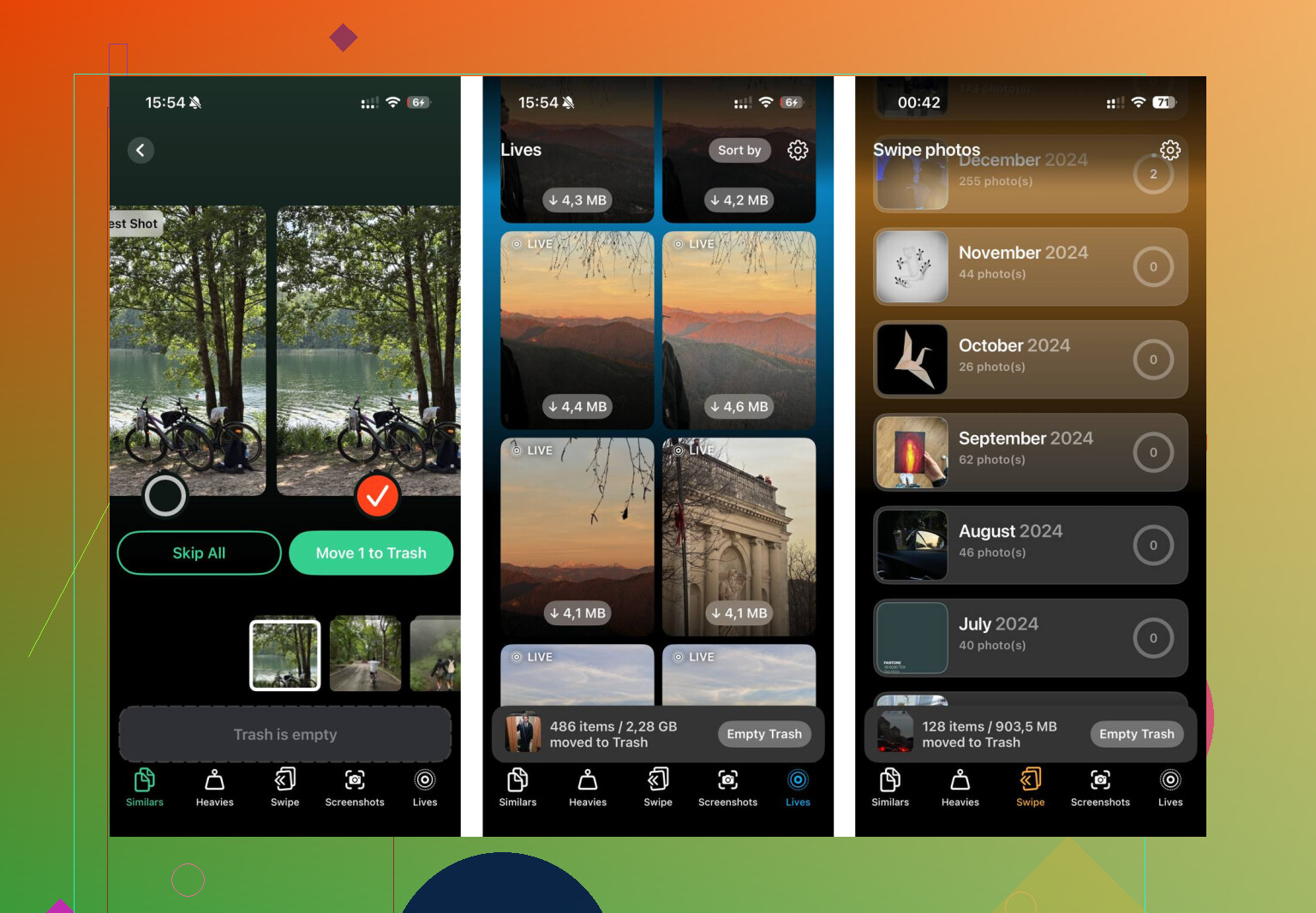
Also, check your Live Photos. People forget these are not plain images. Each one stores a short motion clip too, so they take more room than a standard shot. I turned a bunch of mine into still photos and got back more space than I expected. If your library is big, this adds up fast.
Offloading apps is one of the few iPhone features I wish I had used sooner
Go back to Settings > General > iPhone Storage, open an app you barely touch, then tap Offload App. This removes the app itself but leaves your documents, saved data, and sign-in info alone. The icon stays there. When you need it again, tap once and it reinstalls. I got decent results from old games, airline apps, hotel apps, and random store apps I only open once every few months. Some of those were taking multiple gigabytes for no good reason.
If you deleted stuff and the number barely changed
This tripped me up. Photos you delete do not leave right away. They sit in Recently Deleted for 30 days and still use storage the whole time. So if you cleared 500 photos and saw almost no difference, go to Photos > Albums > Recently Deleted and remove them for good. That is the part where the storage comes back.
When the phone is so full it starts acting broken
Restart it. Sounds dumb, still helped me. iOS hangs onto temporary cache files and sometimes a reboot clears enough junk to make the phone usable again. Do not expect a huge recovery. I saw small gains, but when the phone was freezing, even a little bit mattered.
Why manual cleanup gets old fast
Once your library gets into the thousands, doing this by hand turns into a slog. You miss burst shots, duplicate-looking images, giant videos buried months back, and Live Photos scattered all over the place. I tried sorting through mine manually and gave up pretty quick.
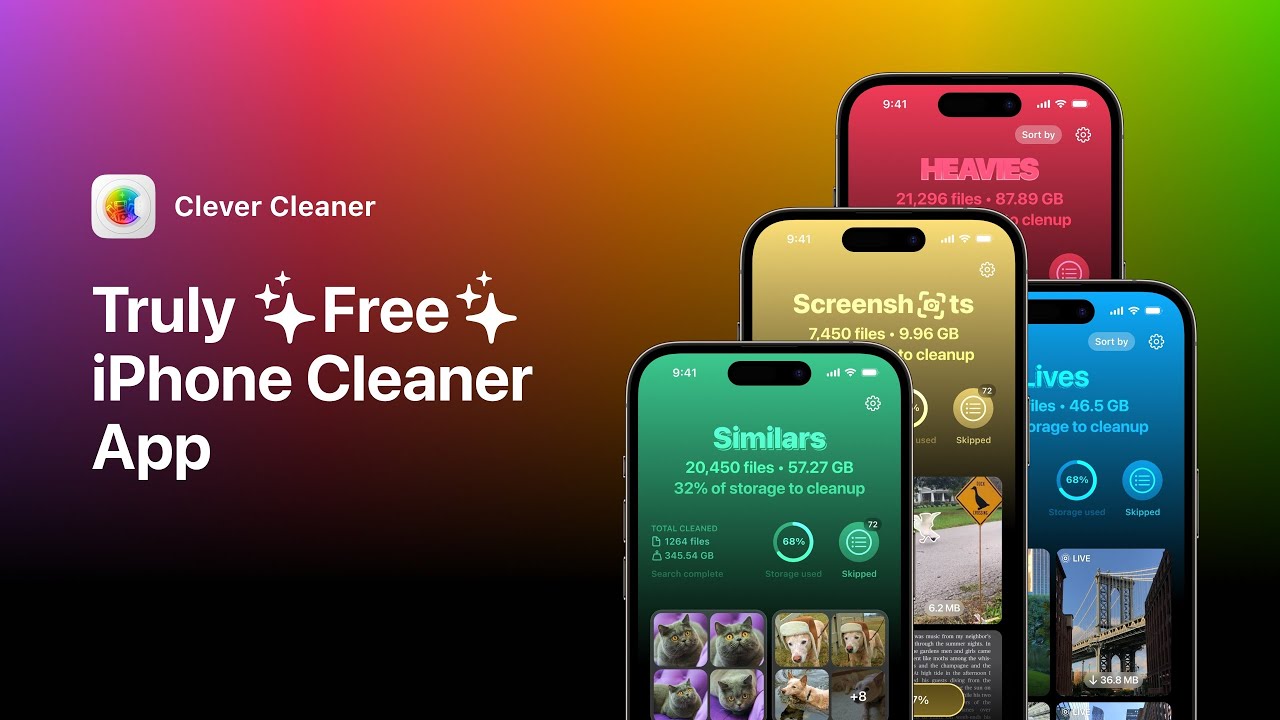
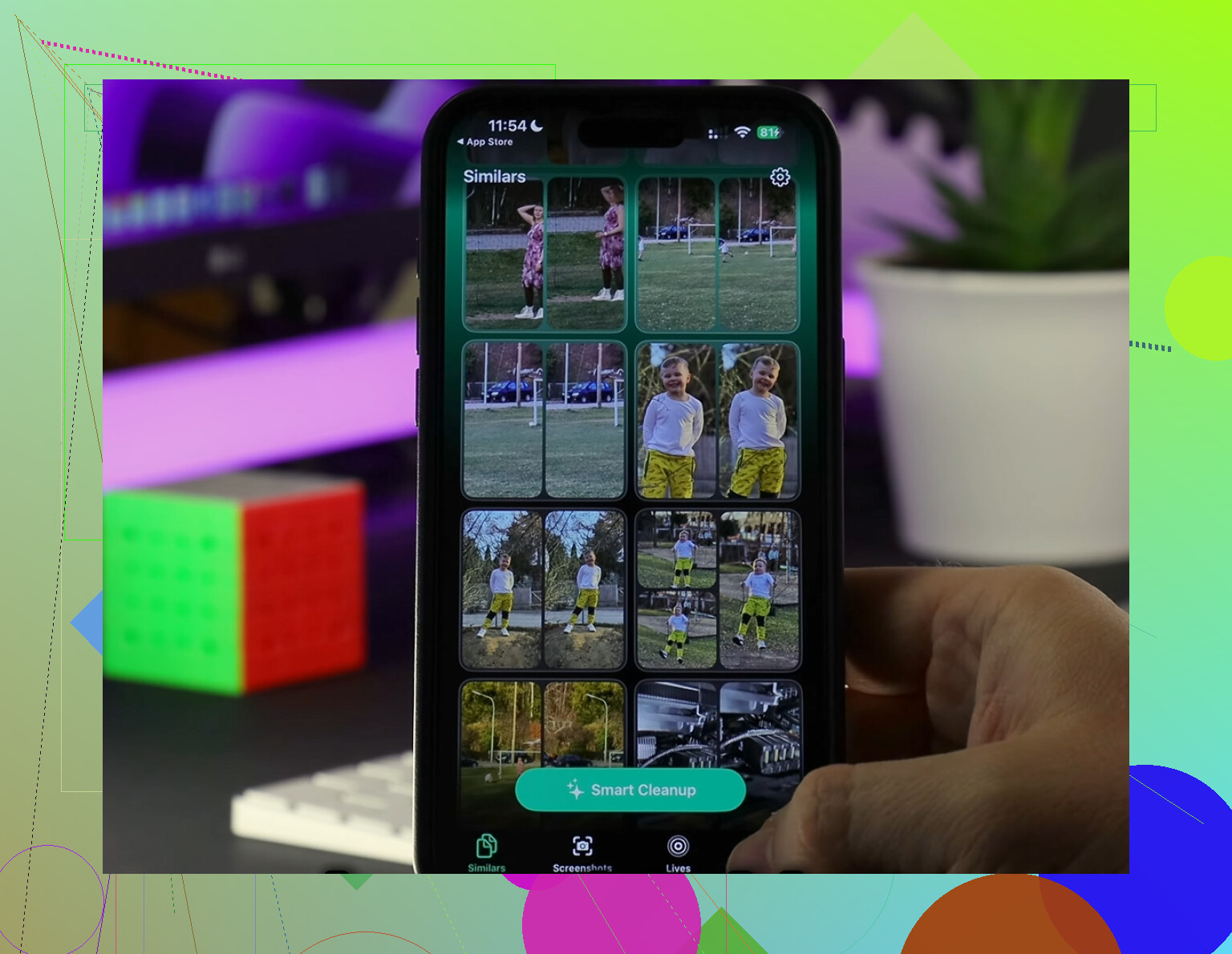
I used Clever Cleaner for the messy part. It grouped near-duplicate photos, surfaced the biggest files first, and made Live Photos easier to convert into stills. The Heavies section was the eye-opener for me. Old 4K clips and screen recordings were sitting there taking way more space than I guessed. The Similars section bundled almost identical shots together and picked a best image from each set, which saved time. The Live Photo tool kept the still image and removed the motion part. On my phone, tht alone freed a few gigabytes. From what I saw, it runs on-device and did not upload my library anywhere.
Last thing I would check
If System Data still looks bloated after all this, look at your social apps. Go to Settings > Apps and check what Instagram, TikTok, and similar apps are storing. Those apps pile up cache quietly. In a lot of cases, the only fix is deleting the app and reinstalling it. Your account stays fine. What disappears is the local junk stored on the phone.
16 Likes
If you refuse to delete anything, your only real option is moving stuff off the phone, at least tempraorily. iPhone storage is fixed. iCloud is only one path, not the only path.
A few things I’d do that are different from what @mikeappsreviewer covered:
-
Use a computer as your “offline iCloud.”
Plug your iPhone into a Mac or PC and copy photos and videos over. On Mac, use Image Capture or Photos. On Windows, use the DCIM folder in File Explorer. If you want everything kept, store it there first, then leave it on an external drive too. If you verify the copies, you have a safe backup outside the phone. -
Use a USB flash drive made for iPhone.
A Lightning or USB-C flash drive works well if your phone is too full for normal use. Save big video files and photo batches into Files. This is one of the few ways to gain space without paying monthly. -
Check downloaded media inside apps.
Spotify, Netflix, YouTube, Podcasts, Audible, Google Maps, and WhatsApp often hold gigabytes offline. Removing downloads from inside the app does not delete your account or messages. It removes local copies. For a lot of people, this is the fastest win. -
Safari is sneaky.
Settings > Safari > Clear History and Website Data. If Safari has been hoarding site data for years, this sometimes frees a decent chunk. Same idea for Chrome, Firefox, and Reddit. -
Mail attachments pile up.
If you use the Mail app, large attachments and synced mailboxes eat storage. Removing and re-adding the mail account often clears old local data.
I disagree a bit with the “restart it” advice. It helps with lag. It rarely gives back meaningful storage.
If sorting photos is the bottleneck, Clever Cleaner is useful for finding large videos and duplicate clutter faster. The App Store page is here, clean up iPhone storage with Clever Cleaner.
Short version, if you keep everything on the device forever, there is no secret extra storage switch in iOS. You need off-device storage, app download cleanup, or local cache cleanup. That’s the hard truth.
If you mean literally without deleting a single thing from the phone, then no, iPhone storage does not work like expandable RAM magic. I kinda disagree with the idea that there are lots of hidden fixes left once you are at absolute zero. There usually aren’t.
What can work, without losing your stuff:
- Update iOS if you’re behind. Weirdly, some versions manage system storage better after install. You need a computer if the phone is too full for OTA.
- Turn off photo duplication going forward. If you use HDR, Live Photos, ProRAW, 4K/60, slo-mo, Cinematic, those formats eat space insanely fast. Lowering future capture settings helps stop the bleeding.
- Messages can keep giant attachments forever. I’m not saying delete convos. I’m saying open a thread, tap the contact name, look at Photos/Links/Documents. Sometimes one chat is secretly hoarding 8 GB of videos.
- Files app. A lot of people forget local downloads saved to “On My iPhone.” PDFs, ZIPs, recordings, edits, all that junk.
- Voice Memos, GarageBand, iMovie, CapCut projects are sneaky storage hogs.
I’d also check what @mikeappsreviewer and @nachtschatten didn’t really lean on enough: local backups to a computer. Not glamorous, but it’s the closest thing to free extra storage.
If photo sorting is the bottleneck, Clever Cleaner is decent for spotting large videos, duplicates, and similar shots fast. Also worth reading this Clever Cleaner for iPhone review and cleanup guide.
Short version: no secret switch, no hidden reserve. Either clean caches/downloads, or move stuff off-device. That’s the annoyng truth.
One angle the others only brushed past: optimize the phone itself so it can breathe long enough to recover space.
If storage is totally pegged, I would first try a computer update/backup cycle through Finder or iTunes. Not because updates magically create storage, but because a full backup plus restore often shrinks bloated System Data more effectively than random app cleanup. I actually disagree a bit with the idea that cache clearing is always the main win. Sometimes iOS itself is the mess.
A few less-mentioned places to look:
- Books app downloads, especially PDFs and audiobooks
- Apple Music local library if Sync Library is off
- Podcast app “Automatically Download” settings
- Shared albums and edited photo render files
- Third-party camera apps storing originals separately from Photos
Also check whether Offload Unused Apps is enabled automatically. That is not really deleting in the normal sense since app data stays.
On tools: Clever Cleaner is useful if your blockage is the photo library.
Pros: quick scan, good at surfacing big videos/similar shots, easier than hand-sorting.
Cons: still requires you to approve cleanup, mostly helps media clutter, not a cure for swollen system storage.
So I’d combine what @nachtschatten, @himmelsjager, and @mikeappsreviewer said with one stronger move: backup to computer, then restore from backup if System Data is absurdly high. That is the closest thing to a “reset without losing everything.”