I lost my Roku Stick remote and need a reliable iPhone app to control it. I tried a couple of remote apps, but they either would not connect or kept disconnecting. Looking for the best Roku remote app for iPhone that works quickly and is easy to set up.
There are a few iPhone apps for controlling a Roku Stick.
If you want one app with the usual stuff in one place, TVRem works well with Roku Stick. I used it for the normal things first, moving around menus, changing volume, pausing, resuming, and typing with the phone keyboard instead of pecking through letters on the TV screen.
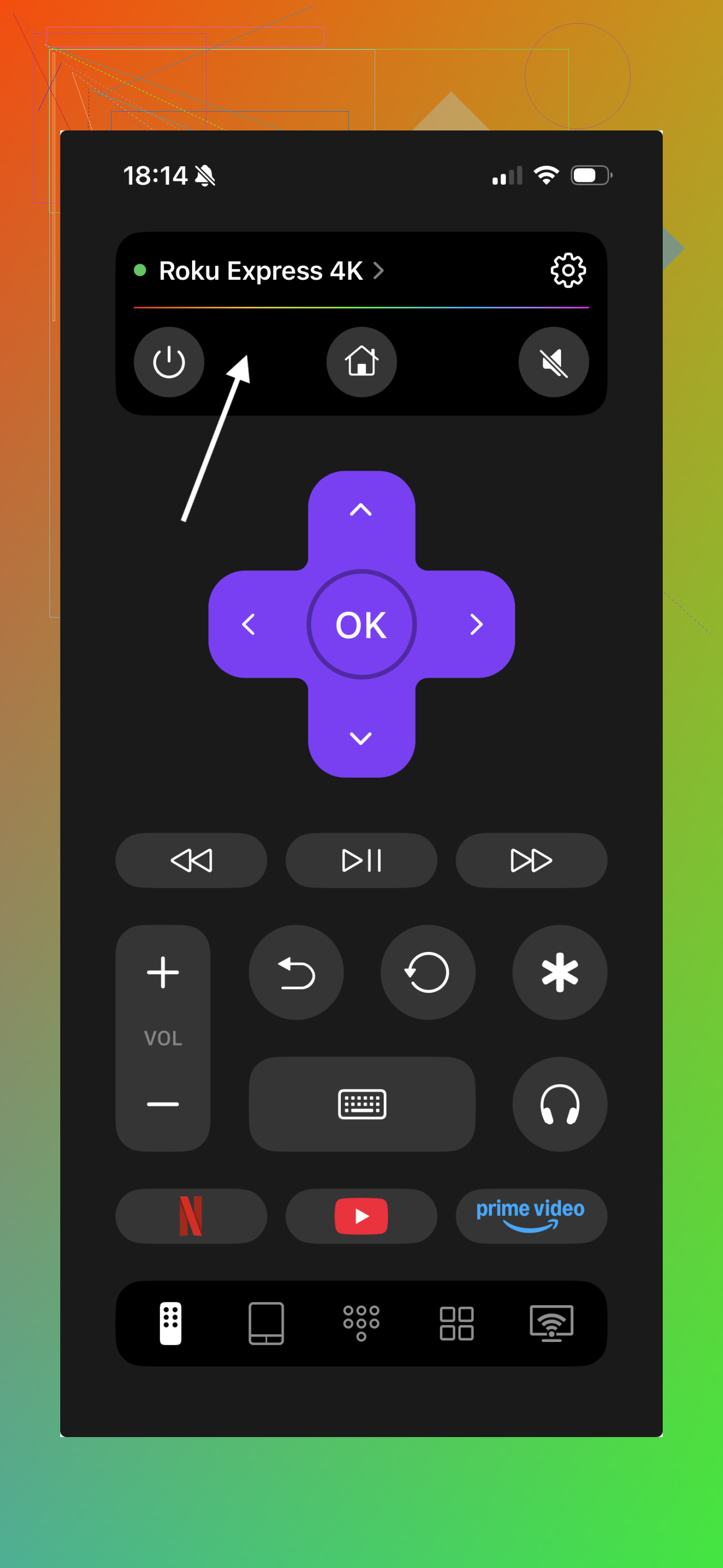
What stood out to me with TVRem was the small quality-of-life stuff. There’s a touchpad mode, quick shortcuts for apps like Netflix and YouTube, and voice input on supported devices. Search felt faster there, at least for me, because typing on a phone screen beats using the stock Roku remote by a mile. Setup was easy too. It found my Roku on the same Wi-Fi without me poking through settings for ten minutes.
The other obvious pick is the official Roku mobile app. I’ve had good luck with it. It tends to be the safer route if you want solid support for Roku features, and it includes things like voice search and private listening through headphones.
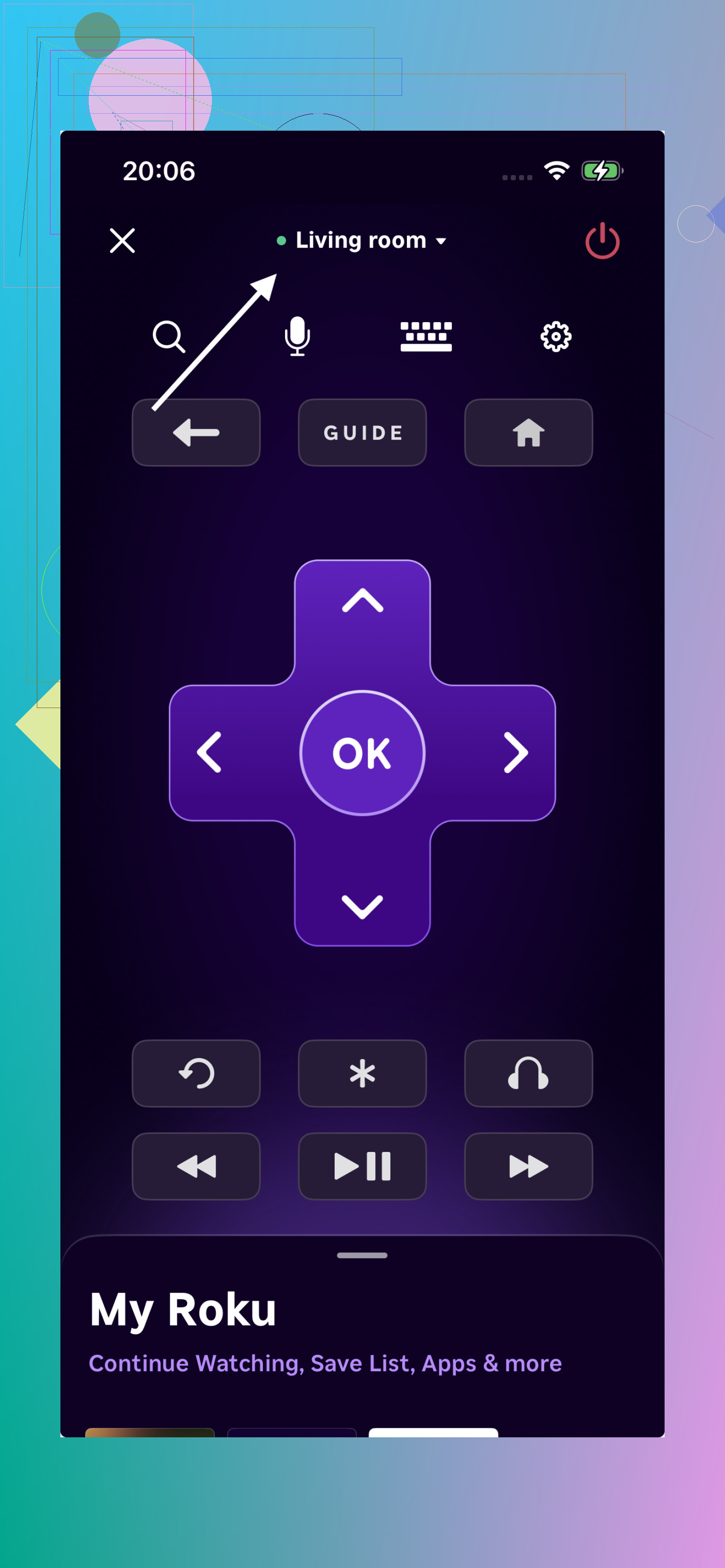
I switched to phone remotes mostly because typing on the physical Roku remote got old fast. Passwords, search bars, login screens, all of it feels less annoying from an iPhone keyboard. After a few days, going back felt kinda miserable tbh.
If you’re choosing between options, the official Roku app is solid, but TVRem feels more convenient for everyday use. The layout is simpler, shortcuts save time, and overall it just feels smoother for regular navigation and typing. It’s the one I ended up sticking with most of the time.
1 Like
If your Roku Stick keeps dropping from iPhone remote apps, I’d start with the official Roku app first. I know @mikeappsreviewer mentioned it, and for once the boring answer is the right one. Third party apps often fail for one simple reason, they depend on Roku’s network control staying visible on your Wi-Fi, and some handle reconnects badly.
A few things matter more than which app you pick.
- Your iPhone and Roku need the same Wi-Fi band. If your router splits 2.4GHz and 5GHz with different names, check both.
- In Roku settings, make sure network access for mobile apps is enabled.
- Turn off VPN on your iPhone. This breaks pairing a lot.
- If you use hotel, dorm, or mesh Wi-Fi, disconnects happen more often. Seen it a ton.
If you want a backup app, TV remotes with manual IP entry tend to work better than ones that only scan. That part matters more than fancy buttons tbh.
If your Roku was never connected to Wi-Fi before you lost the remote, no app will help yet. You’d need another Roku remote first. Annoying, but true.
I’d actually split this into two cases, because app quality is only half the story.
If your Roku Stick is already on your home Wi-Fi, the official Roku iPhone app is still the least annoying option. I know that’s kinda boring, and @mikeappsreviewer and @stellacadente already circled around that, but where I slightly disagree is on third-party apps being worth much effort unless you need one specific extra feature. Most of the disconnect issues are not because the app is “bad,” it’s because Roku Sticks go a little sleepy and flaky on the network.
What helped me more than switching apps was this:
- give the Roku a fixed IP in your router
- disable “AP isolation” or “client isolation” if your router has it
- keep Low Power Mode off on the iPhone while testing
- open the app once, then leave it in the background instead of force-closing it every time
If you want a backup app, pick one that reconnects fast and has keyboard input. That matters more than fancy swipe controls imo. TVRem is fine for that from what people have said
One important gotcha nobody mentions enough: if the Stick rebooted and is stuck on a Wi-Fi or setup screen, iPhone apps are basically useless until the Roku is back on the same network. That part trips people up alll the time.