I lost my physical TV remote and need to control my TV with my iPad. I tried a few TV remote control apps, but most would not connect or did not support my TV brand. I need help finding a reliable iPad TV remote control app that actually works and is easy to set up.
If you want to use your iPad as a TV remote, the easiest route is a Wi-Fi remote app. I did this after losing the actual remote behind a couch for the third time. Your iPad and TV need to be on the same network, then most of these apps pick up the TV on their own.
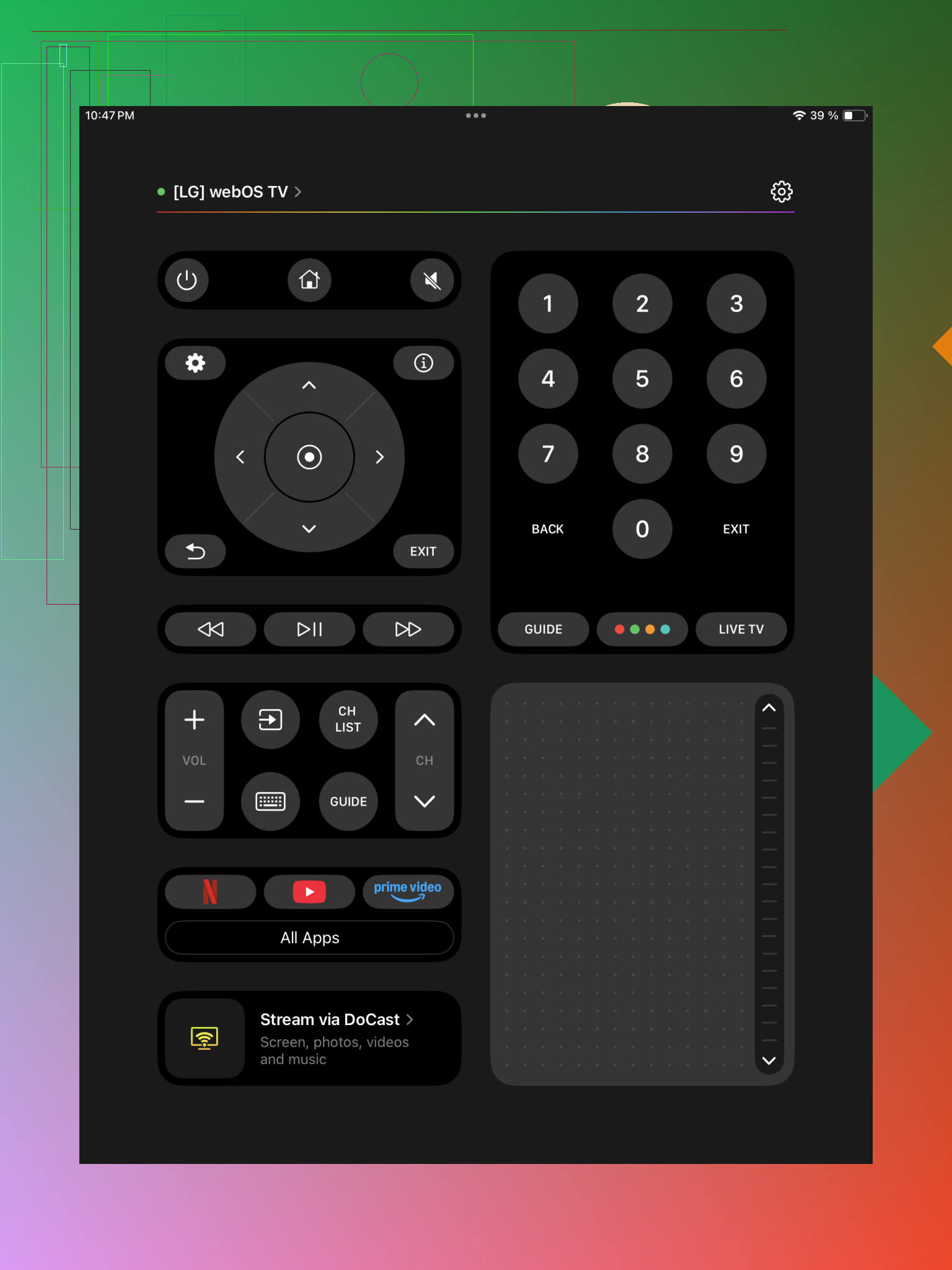
I tried this one first, and it handled more devices than I expected. I opened it, let it scan, tapped the TV, done. It worked with Samsung, LG, Roku, Fire TV, Android TV, Google TV, Apple TV, plus a few others I saw on the list.
What stood out for me was the extra stuff beyond the usual arrow keys. You get a touchpad, keyboard entry so you are not pecking out passwords with an on-screen TV keyboard, volume buttons, and shortcuts into streaming apps. If you have a mix of TVs and streaming boxes at home, this one saves time.
- Universal Remote Smart TV
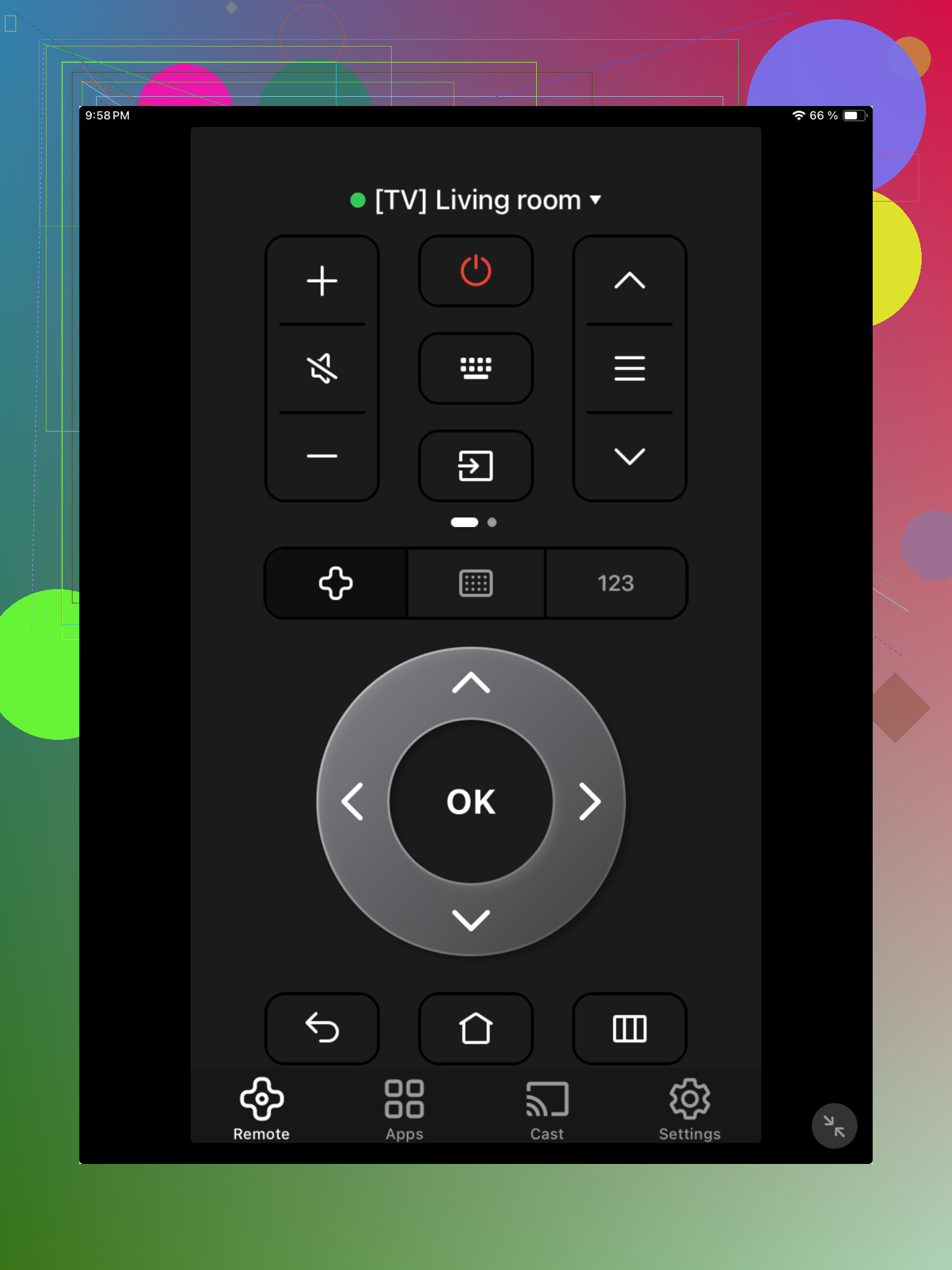
This one felt pretty plain, which is not a bad thing. I connected the iPad and TV to the same Wi-Fi, launched the app, paired it, and it worked. No weird setup loop, no hunting through menus.
It supports Samsung, LG, Sony, TCL, Roku TV, Fire TV, Android TV, and other common brands. The controls are the usual set, nav buttons, volume, playback. If all you want is a remote on your iPad and nothing fancy, this gets there fast.
- TV Remote – Universal Remote
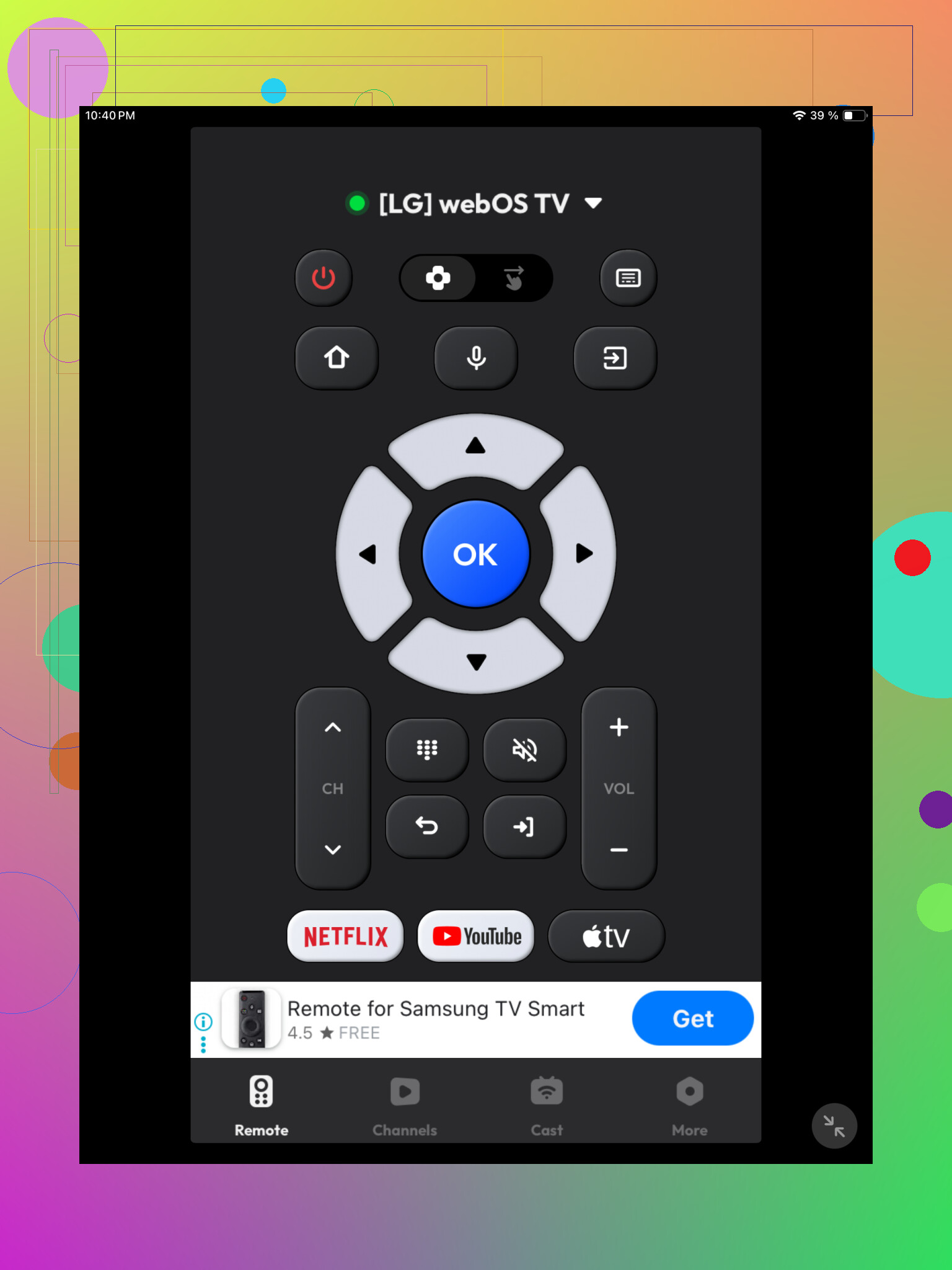
I had about the same setup experience here. Same network, open app, pick the detected TV. It found devices without much fuss. Support includes Samsung, LG, Roku, Fire TV, Android TV, Hisense, and Vizio.
Feature-wise, it covers the standard remote layout, channel and volume controls, playback buttons, a touchpad, and keyboard input. I liked the keyboard part more than I thought I would. Typing search terms on a TV with a normal remote is still awful in 2026, somehow.
Which one I’d pick
If you need simple controls, any of the three should be fine. If you want one app to cover more brands and more streaming hardware, I’d lean toward TVRem remote app for iPad. I found the layout easier to deal with, and it cut down the mess of having separate remote apps for different devices.
7 Likes
A lot of iPad remote apps fail for one boring reason. Your TV must support IP control over Wi-Fi. If your set is older, or if it ships with Bluetooth or IR only, no app will fix tht.
I’d check this first.
- Find your exact TV model.
- Look up whether it supports remote control over Wi-Fi, usually through SmartThings, LG ThinQ, Roku, Google TV, Fire TV, or Vizio Mobile.
- If your brand has an official app, try that before a universal one.
I differ a bit from @mikeappsreviewer on this part. Universal apps are fine, but official apps tend to pair faster and break less after TV updates.
If your TV does not support Wi-Fi remote control, your next best option is hardware. Buy a cheap replacement remote, or an HDMI streaming stick with its own iPad app, like Apple TV, Roku, or Fire TV. That route works more often than people expect.
Also check your router. Some apps fail because client isolation is on, or your iPad is on 5 GHz guest Wi-Fi while the TV is on the main network. Seen it happen a ton. If pairing keeps failing, it’s often the network, not the app.
I’d actually push back a little on @mikeappsreviewer and @caminantenocturno here: if multiple universal apps already failed for you, trying more of the same might just waste time.
What usually works better is figuring out what your TV actually accepts:
- Roku TV / Roku stick: use the official Roku app on iPad
- Fire TV: official Amazon Fire TV app
- Samsung: SmartThings
- LG: ThinQ
- Sony / Google TV / Android TV: Google TV app
- Vizio: Vizio Mobile
Reason: official apps tend to support power, input switching, and pairing way more reliably. Universal apps are hit or miss, esp if your TV brand is picky.
Also, small gotcha: some TVs need the first pairing approved on the TV screen. If you lost the remote and the TV is already off Wi-Fi, you can get stuck in a dumb little catch-22. Been there, super annoyng.
If that happens, your fastest fix is honestly:
- buy a cheap replacement remote
- or use a streaming box with its own app
- or borrow the same brand remote just to connect the TV once
If you post your exact TV model, people can probly tell you the app in like 2 seconds.
I’d test one thing nobody’s really stressed enough: whether your TV can wake from standby over network. A lot of apps connect fine only after the TV is already on. If you need full replacement-remote behavior, that detail matters more than the app list.
On that, I slightly disagree with @sonhadordobosque. Universal apps are not always a waste of time if your setup includes a TV plus a stick or box. Sometimes the TV app support is weak, but the streaming device support is excellent, and that still solves 90 percent of daily use.
If you want one to try, TVRem – Universal TV Remote is worth a look on iPad.
Pros
- Broad device support
- Good if you have both a smart TV and streaming box
- Keyboard input is much faster than a physical remote
- Usually easier than juggling multiple brand apps
Cons
- Can still fail if your TV lacks proper Wi-Fi control
- Power and input switching may be inconsistent on some brands
Also, @caminantenocturno and @mikeappsreviewer are right about network quirks, but I’d add this: disable any VPN or iCloud Private Relay on the iPad while testing. Discovery breaks more often than people think.
If you post the exact TV model, the answer gets way more precise.