My Netflix remote control suddenly stopped working when I tried to open Netflix, and now I can’t navigate or select anything on the app. I’ve already changed the batteries and restarted the device, but the remote still won’t respond. I need help figuring out whether this is a remote issue, a TV problem, or a Netflix app glitch.
If you want to run Netflix on your TV from your phone, I’ve had mixed results, but there are a few decent ways to do it.
A couple of routes worked better for me than others.
The phone handoff thing. Netflix is not like YouTube here. On most setups, full casting from the phone is gone. Still, I’ve seen the app detect a TV on the same Wi-Fi and pass playback over. Then the phone sort of works like a loose remote. Sometimes it connects fast. Sometimes it does nothing. I’d try this first because it takes 20 seconds.
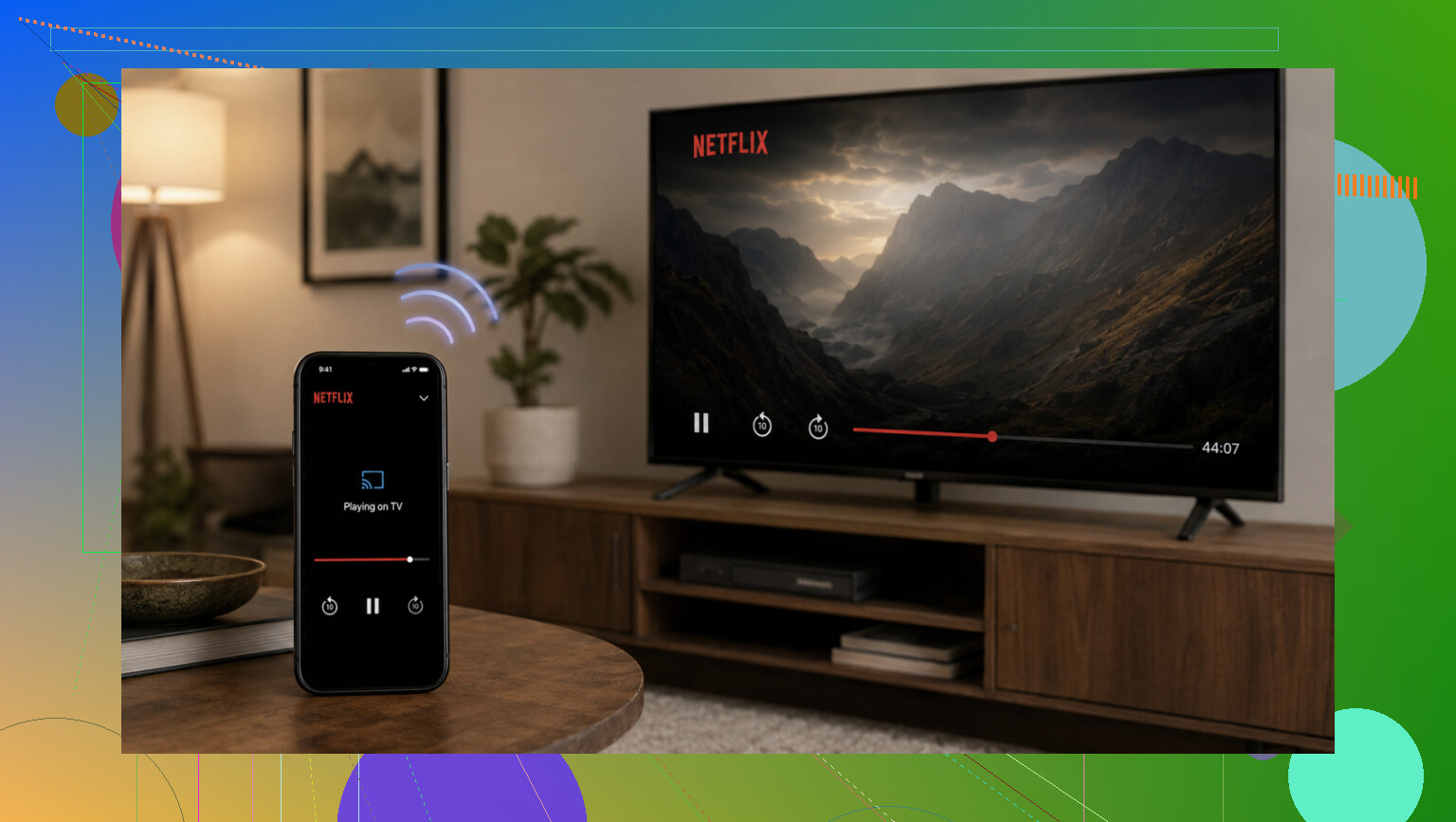
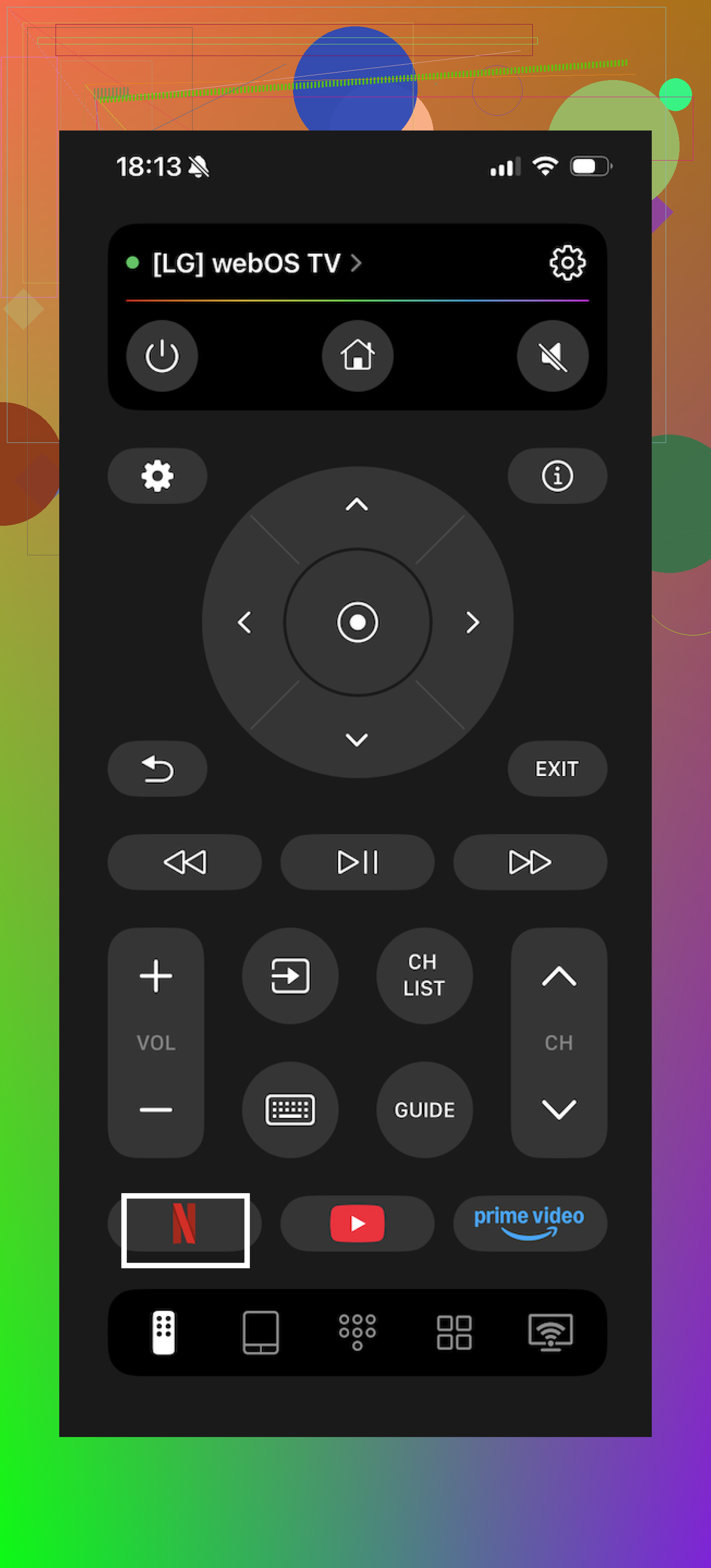
Another option is a remote app. I used Universal Remote Control TVRem, which is free from Electronic Team. If your phone and TV are on the same Wi-Fi, you open the app and get a full remote on screen.
What I liked for Netflix:
One tap opens Netflix, so you skip digging through the TV home screen.
The touchpad is easier than hammering left and right a hundred times.
Typing on your phone keyboard is way less annoying when you need to search for a movie or series.
It also isn’t locked to one brand. From what I saw, it works with Samsung, LG, Roku, Fire TV, Android TV, Google TV, and Apple TV. If your house has a random pile of TVs and streaming boxes, this saves some hassle.
More info is here:
https://ios.eltima.com/tvrem-universal-tv-remote/
Voice control is the lazy route, and I mean that in a good way. If your setup is linked with Google Assistant or Alexa, saying open Netflix or play Stranger Things on Netflix is often faster than pressing anything.
One thing tripped me up before, so worth saying. These app-based options depend on Wi-Fi. Also, you need to target the device running Netflix. If you’ve got an old TV with a Roku or Fire TV stick plugged in, control the stick, not the TV panel itself.
If you say what you’re using, smart TV, Roku, Fire TV, Apple TV, whatever, I can narrow it down a bit.
5 Likes
If the remote works everywhere except inside Netflix, I’d stop blaming the batteries.
Try this order.
-
Force close Netflix.
On Roku, press Home and reopen it.
On Fire TV or Android TV, go to Apps, Netflix, Force Stop, then reopen.
On Apple TV, swipe Netflix away from the app switcher. -
Clear the app cache, if your device supports it.
Fire TV and Android TV have this option. A bad cache loves to break menu input. -
Sign out of Netflix, then sign back in.
If you can’t move in the app, remove Netflix from the device and install it again. Annoying, but it fixes frozen input more often than people think. -
Check if the Select or OK button works outside Netflix.
If arrows work in system menus but OK fails only in Netflix, the app is hung.
If every button is laggy, the remote pairing is the issue. -
Re-pair the remote.
A restart alone does not always redo pairing. Roku, Fire TV, and Google TV all have a manual pair step. Look up your exact model and do the pair process again.
I slightly disagree with @mikeappsreviewer on phone control as the first move. It’s useful, but if Netflix itself froze, the phone app often hits the same wall.
Post your device model. Smart TV brand alone is not enough, btw. Netflix on an LG TV and Netflix on a Roku stick are diff rent problems.
If the remote only dies inside Netflix, I’d look at an app-level lockup before blaming the remote hardware. @sterrenkijker is probly right on that part. Where I slightly disagree is reinstalling right away. On some TVs, that’s just extra hassle when the real issue is accessibility or HDMI control grabbing focus.
A few things I’d check that they didn’t really get into:
- Turn off any external keyboard/airmouse/game controller if one is paired. Netflix can get weird if another input device is “active.”
- Check accessibility settings like Voice Guide, Switch Access, or pointer mode. I’ve seen remotes act half-dead in apps because focus mode changed.
- If you use a soundbar/receiver, test with it off. CEC can hijack button input and make Select not land where it should.
- Try launching a different streaming app and let it sit for a minute, then go back to Netflix. Sounds dumb, but it can reset focus/navigation on some Roku and Fire TV setups.
- If your TV has a mobile app from the manufacturer, use that just long enough to get into Netflix settings and sign out, instead of fully reinstalling.
Also, if the Back button works in Netflix but arrows/OK don’t, that’s often not a dead remote. That’s UI focus being stuck. If literally nothing responds only in Netflix, check for a pending Netflix update from the app store on the device.
@mikeappsreviewer mentioned phone control, which is fine as a workaround, but I wouldn’t treat that as the fix. It mostly just proves the device still accepts input.
Post the exact device model. “Samsung TV” or “Vizio” isn’t enough tbh. Netflix on the TV OS vs a Roku stick plugged into it are two totaly diff problems.