I’m trying to access a serial-only device remotely over my network and need reliable software that can tunnel serial data over TCP/IP. I’ve tried a couple of virtual COM port tools, but they were unstable and dropped connections under load. What Windows-friendly options are you using that are secure, easy to configure, and work well with legacy serial equipment?
If the virtual COM doodads you tried are dropping connections, you probably ran into the “works in the lab, dies in production” class of tools.
For stable serial tunneling over TCP/IP, a few options that usually behave:
-
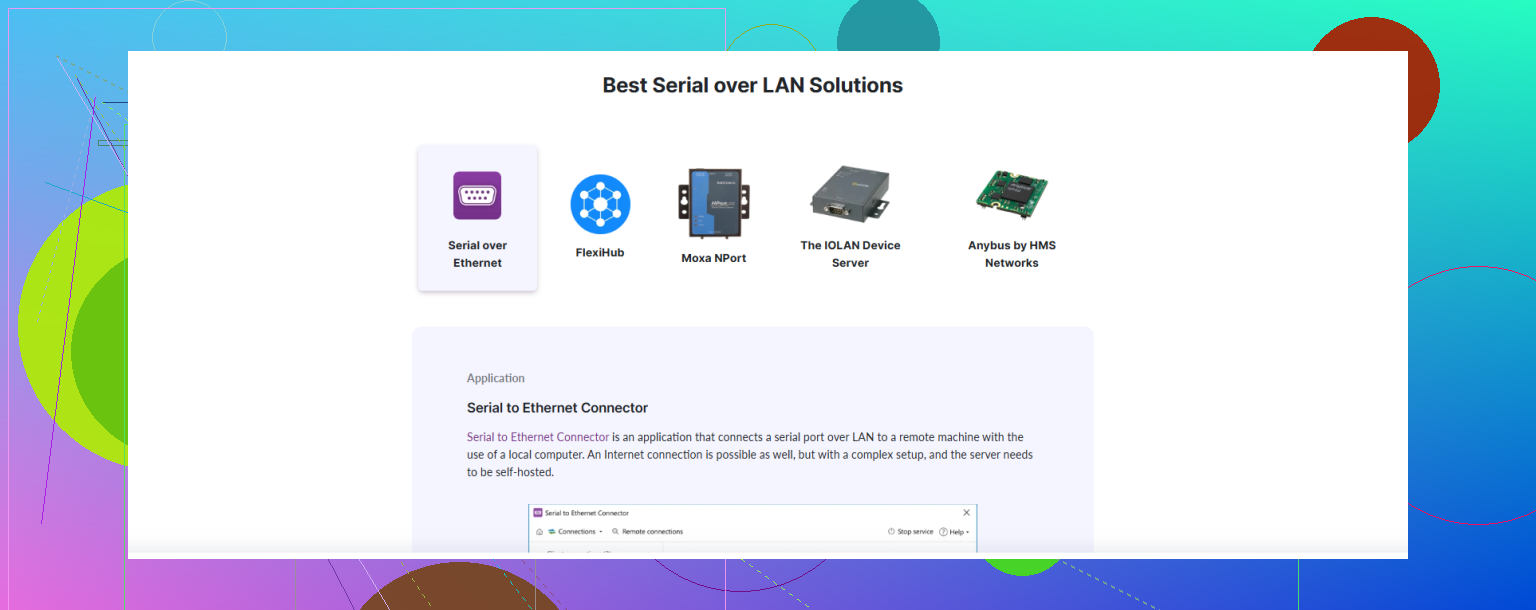
Serial to Ethernet Connector
This one’s actually built for what you’re doing. It creates virtual COM ports on your PC and forwards all data over TCP/IP to a “server” side that has the physical serial port. Handles multiple sessions, can auto‑reconnect, works over LAN or WAN, and is a lot less flaky than the random free tools. If you need something that survives crappy networks and long uptimes, this is worth a look. -
Hardware serial device servers
Stuff like Moxa, Lantronix, Digi, USR‑IOT boxes. Plug serial on one side, Ethernet on the other, configure it as a TCP server/client or RFC2217. Then on the PC, use a solid virtual COM driver (again, Serial to Ethernet Connector can talk to these fine) instead of some sketchy freeware. Hardware boxes tend to be more reliable for 24/7. -
Linux + ser2net + socat
If you have a spare Linux box or Pi, you can forward a real serial port over TCP usingser2net, then create a local COM on Windows via a virtual port driver that connects to that TCP socket. Works well, but setup is more DIY.
If you want the concept explained in a more friendly way, this is basically about turning “serial over TCP” into a clean, reliable workflow, so you’re effectively using serial over IP to connect legacy COM devices over your network. Something like
getting stable serial-over-IP connectivity
gives a decent overview of how that works and what to watch out for.
Key tips so it doesn’t suck:
- Lock baud rate, parity, flow control exactly the same on both ends.
- Enable keepalives or auto‑reconnect.
- Avoid cheap USB to serial adapters chained with janky software. That combo is crash city.
If you only need a few ports and long‑term stability, pairing a decent USB/PCIe serial card with Serial to Ethernet Connector is usually the least painful route.
25 Likes
If the random virtual COM junk you tried is dropping connections, you’re not crazy, that’s pretty common. I slightly disagree with @himmelsjager on one thing: I wouldn’t start with a hardware box unless you know you need it. Software plus a half‑decent serial adapter is usually enough for most setups.
A few options that tend to behave better:
-
Serial to Ethernet Connector (Windows)
This is one of the few virtual COM tools that isn’t hot garbage over time. It lets you:- Create virtual COM ports that map to a TCP server or client
- Share a physical COM port on one machine and connect from another
- Set auto‑reconnect and tune timeouts so temporary network blips don’t nuke your session
The big win is that it actually handles flaky networks reasonably well, instead of just hanging your app the first time a packet gets lost.
-
Native RFC2217 support (if your device/server side can do it)
If you can run something likeser2neton a Linux box next to the hardware, use RFC2217 mode and then use a virtual COM port driver on Windows that speaks RFC2217. A lot more reliable than the “roll your own raw TCP” tools. This is similar to what was mentioned, but I’d strongly favor RFC2217 over plain sockets whenever possible so you get proper control signal handling. -
Skip COM ports entirely if your software allows it
This is the part many people forget. If the app you’re using to talk to the serial device can connect directly to a TCP/IP socket (some SCADA tools, custom apps, etc.), bypass the virtual COM nonsense and talk straight to the TCP endpoint. Less moving parts, fewer random disconnects. Virtual COM is really just a crutch for legacy apps. -
Avoid USB serial adapters that cost less than a sandwich
You’d be shocked how many “unstable COM over TCP” issues are triggered by a sketchy USB to serial dongle dropping off the USB bus. If you’re serious about this:- Use a branded adapter with FTDI or similar, or
- Use a PCIe serial card if this is a PC in a rack somewhere
Half the “software is unstable” complaints turn out to be hardware.
For what you described, a solid combo is:
- On the machine with the real serial port: install Serial to Ethernet Connector, share the physical COM out over TCP.
- On the remote machine: install the same tool, create a client virtual COM that connects to that shared port.
- Make sure baud rate, parity, stop bits, and flow control match everywhere and enable keepalives / auto reconnect.
If you’re looking for a stable serial over IP app to hook up legacy COM devices across a LAN or WAN, create virtual COM ports, and keep sessions alive during network hiccups, have a look at reliable serial over IP software for Windows. That kind of tool is basically built for your exact use case.
Last small tip: test with an absurdly long ping and some packet loss (Wi‑Fi, or a traffic shaper) before you trust it in production. If it survives that, you’re usually fine for day‑to‑day use.
If the virtual COM stuff you tried was flaking out, you’re already seeing the weakest part of this whole “serial over IP” idea: Windows COM emulation under network jitter.
@chasseurdetoiles and @himmelsjager already covered the main stack (Serial to Ethernet Connector, hardware device servers, ser2net/RFC2217). I’ll throw in some extra angles and some blunt pros/cons so you can pick based on how “production” this needs to be.
1. When Serial to Ethernet Connector actually makes sense
Pros:
- Solid virtual COM implementation compared to typical freeware.
- Auto reconnect and keepalives are configurable, which really matters if you have Wi Fi or WAN in between.
- Handles multiple ports and multi client scenarios cleanly.
- Plays reasonably well with RFC2217 type setups or hardware device servers.
Cons:
- It is paid software, so not ideal if this is a one off hobby job.
- Still a Windows virtual COM layer, so if the client application does weird low level serial tricks, you can hit edge cases.
- You have one more “black box” in the chain when debugging latency or dropped bytes.
I’d use it when:
- The client app is hard wired to COM ports only.
- You need 24/7 uptime on Windows.
- You do not want to maintain a custom Linux tunnel.
2. Alternatives that are not just “use ser2net”
Some options that complement what was already suggested:
a) Native TCP or Telnet mode in the client app
Here I slightly disagree with how often people jump straight to virtual COM. If your software can open a TCP or telnet style connection, configure the serial server side (Pi, hardware box, or a PC) as a TCP server and skip virtual COM entirely. You avoid:
- Driver shenanigans.
- Windows buffer and handshake quirks.
You lose transparent “looks like COM1” behavior, but the stability is usually better.
b) Use a small Linux SBC as a “serial firewall”
Instead of plugging your serial-only device directly into a Windows box, put it on a small SBC (Pi, Orange Pi, etc.) with:
ser2netorrfc2217server- Proper logging with
scriptortee
Then from Windows:
- Either use Serial to Ethernet Connector in RFC2217 mode.
- Or use an alternative RFC2217 virtual COM driver.
Benefit: you isolate the flaky legacy hardware from your main system and get better logging and recovery tools.
c) Dedicated multiport PCIe serial card + software bridge
If your previous setup involved cheap USB-to-serial, that alone can be the root of instability. A mid range PCIe card:
- Gives stable UART timing.
- Avoids USB suspend/wake surprises.
Pair that with Serial to Ethernet Connector only for the network hop. It is boring, but boring is exactly what you want in 24/7 serial.
3. Stability tricks that people usually skip
Some overlaps with what others said, but focused more on making it not fall over:
-
Flow control:
- If the device supports hardware flow control, use RTS/CTS.
- If it does not, hard disable it everywhere. Half configured flow control kills sessions quietly.
-
Aggressive reconnect policy:
On the software side:- Short detect time for link loss.
- Modest backoff (a few seconds).
- Unlimited retries.
Let your monitoring system complain instead of the user discovering it an hour later.
-
Latency & buffering:
- Check if your tool has options like “Nagle off,” “small packet mode,” or adjustable buffer sizes.
- For command/response protocols, smaller buffers and quicker flush are better than maximum throughput.
-
Watchdog on the serial host:
Run a trivial script or service that:- Periodically pokes the device (status command).
- Logs and restarts the serial sharing service if it stops answering.
4. Quick comparison in your context
If you want a practical shortlist:
-
Easiest Windows centric stack:
Serial to Ethernet Connector on both sides + decent USB/PCIe serial. Configure auto reconnect, verify identical serial parameters, and you are done. -
More robust / more DIY:
Linux box with ser2net or RFC2217 next to the device, Windows talks to that using a virtual COM driver or even direct TCP if your app supports it. -
High reliability 24/7 industrial:
Hardware device server from a known vendor, but still consider pairing it with software like Serial to Ethernet Connector on the client to get a cleaner COM experience and better reconnection logic.
You already learned the main lesson: random free virtual COM tools are fine for lab tests but often crumble with real networks and long uptimes. Pick one well maintained stack, tune reconnect and serial parameters carefully, and beat it up in a test environment with packet loss before trusting it in production.
Simpler option: leave a small PC beside the serial device, connect it directly by RS-232, and run the device software locally. Access the PC through Remote Desktop, RustDesk, or VNC. This sends screen and keyboard traffic over your network instead of timing-sensitive serial data.
For remote sites, add a VPN and block direct internet access. Configure automatic startup, app relaunch, and recovery after power loss. A used mini PC often costs under $150. It’s less elegent, but setup and troubleshooting are much easer.