Moving Multiple Folders into Dropbox: Real Talk
So, here’s the thing—uploading two or more folders at once to Dropbox from your web browser isn’t rocket science, but it’s also not as seamless as dropping a pizza into your oven.
Getting Stuff Uploaded: Step-by-Step, No Nonsense
- First, log in to your Dropbox account in your browser. (Please, make sure you’re actually logged in. I’ve made that mistake enough times to warn you.)
- Click your way to wherever in your Dropbox you actually want the folders to go. Root? Some special project folder? Just land there.
- Now, pop open your file explorer (Finder for Mac, Windows Explorer for the rest of us dinosaurs).
- Here’s where you channel your inner drag-and-drop ninja: select a couple of folders—hold that
CtrlorCmdkey if you need to grab more than one—and drag them straight onto your browser window.
Does it always go perfectly? Nope. Sometimes folders upload, sometimes you get a random error because the internet is chaos. Some browsers limit how folders are uploaded or even if they get uploaded at all. But, it’s worth a shot.
Juggling Multiple Clouds? Welcome to the Circus
Seriously, if you’re running more than one Dropbox account (like separating work, side hustles, and memes) or if you’re caught in the crossfire between Dropbox and Google Drive, here’s a suggestion that’s kept me from losing my marbles:
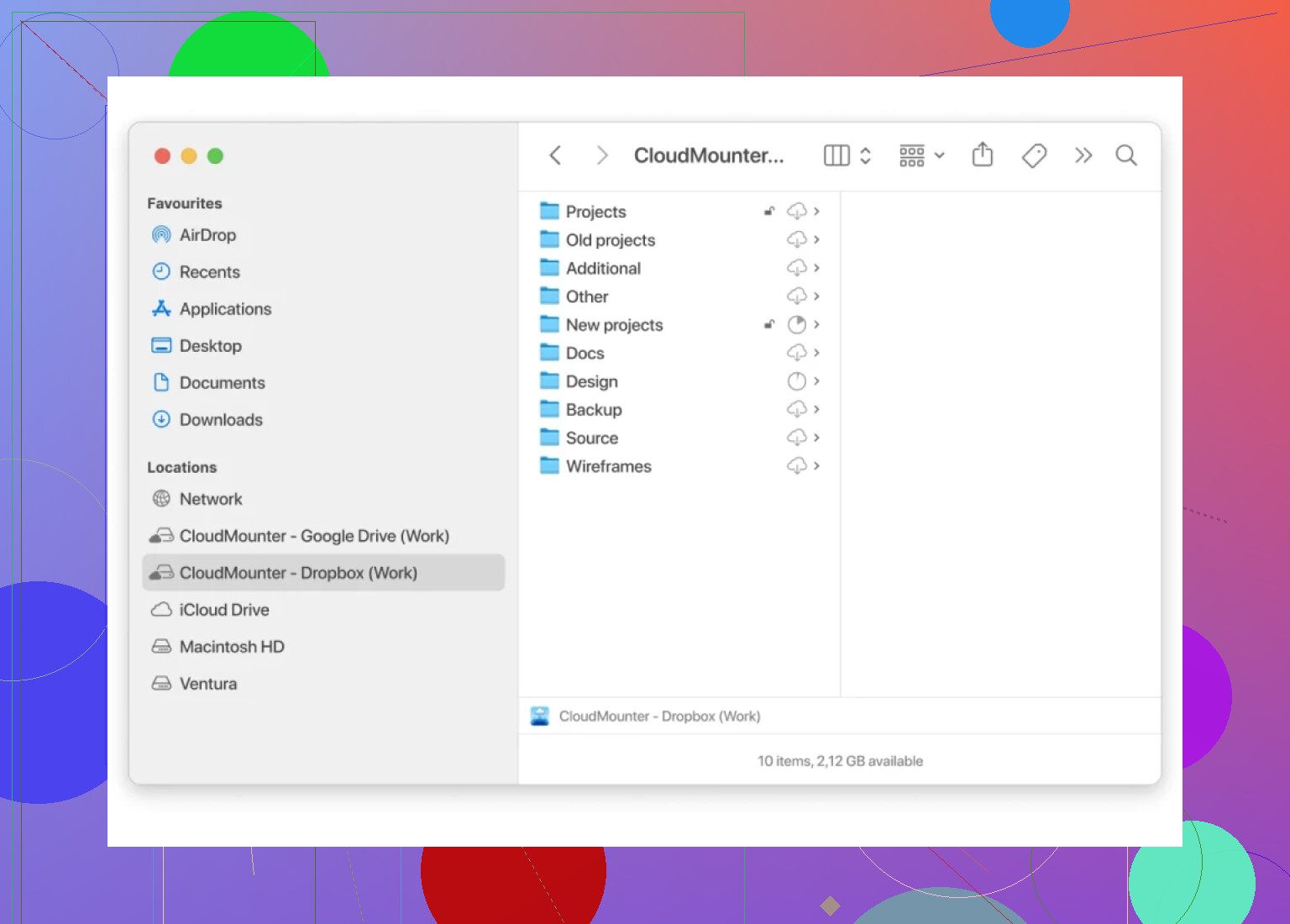
- Check out CloudMounter. It mounts your cloud storage like a regular disk right in Finder (Mac) or Explorer (Windows). From there, you can treat cloud stuff like local files—copy, move, rename, whatever. The magic is you don’t have to mess around a dozen websites or wade through browser upload progress bars.
TL;DR
- Sign in to Dropbox on the browser, head to your destination folder.
- Drag and drop your folders in from your desktop.
- If you’re shuffling files between multiple cloud services, CloudMounter’s the way to go—makes clouds work like regular folders.
Hope that clears things up. If you get stuck somewhere or something blows up, shout down below and someone will probably have a workaround.