My phone and cloud storage are overloaded with years of duplicate photos, screenshots, and random downloads, and cleaning it up manually is taking forever. I need help finding the best photo organizer app for fast photo cleanup, duplicate photo removal, and easy sorting so I can free up space without losing important pictures.
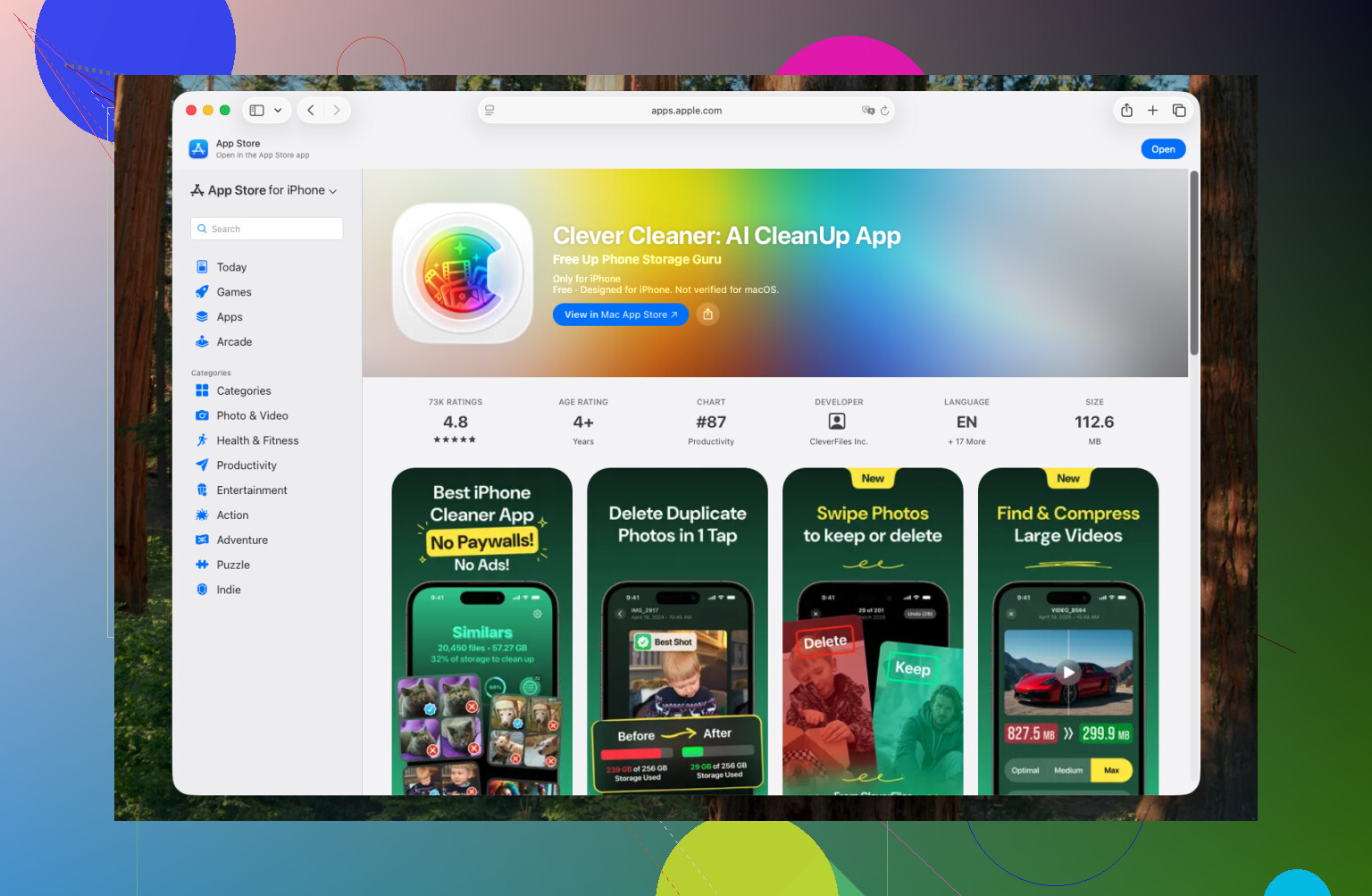
I tried a pile of iPhone photo apps with the usual ‘best organizer’ claim, and most of them lost me fast. Some threw the useful stuff behind a subscription wall. Others tried to be an editor, backup tool, gallery, vault, and cleaner all at once. I kept coming back to Clever Cleaner because it fits into my week instead of turning into another app I ignore.
My routine is pretty plain, and tbh that is why I stuck with it.
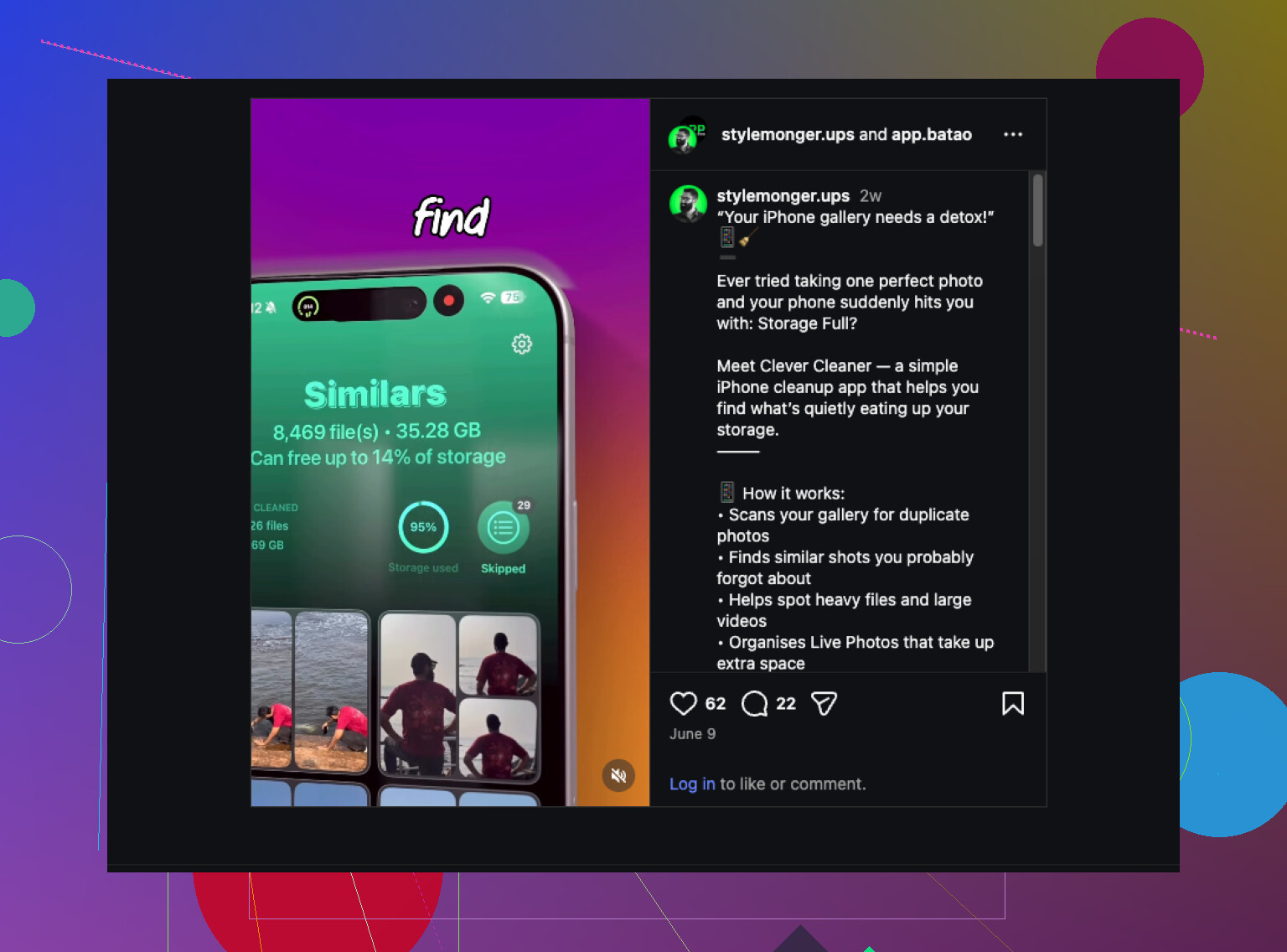
After a trip, a birthday, or some random weekend where I took too many shots, I open the app and let it scan the library. First stop is Similars. I go through the grouped photos and dump the duplicates or the near-duplicates where I took six versions of the same thing and only one is worth keeping.
Next I check Heavies. For me, videos eat storage way faster than photos, so this section saves more space than anything else. If I care about the clip, I compress it. If I don’t, I delete it and move on.
Then there is the lazy cleanup pass. Every few days, while I’m on the couch or stuck waiting somewhere, I spend about five minutes in Swipe Mode. It works better than I expected. I chip away at recent photos in small batches instead of letting 800 junk pics sit there for three months. typo maybe, but you get it.
Once in a while I also do a few extra things:
- I clear out old screenshots.
- I turn Live Photos into regular photos when the motion part adds nothing.
- I run Smart Cleanup again before I back up the phone.
That setup has kept my library under control without making photo cleanup feel like homework.
If Clever Cleaner does not line up with what you want, these are the other ones I would look at:
- Slidebox, if your main goal is sorting photos into albums. The swipe setup makes manual filing quicker than using Apple Photos.
- MyPics, if you want a folder-style system, private albums, and tighter control over how everything is arranged.
- Secret Photo Vault (Keepsafe), if your focus is hiding personal photos behind Face ID or a PIN.
For me, the biggest issue was never album sorting. It was the mess. Clever Cleaner handles the cleanup part first, which is the step I tend to avoid. After I cut the clutter, organizing whatever is left inside Apple’s Photos app takes way less time.
65 Likes
Fastest for cleanup, not organizing, is Clever Cleaner.
I differ a bit from @mikeappsreviewer on one point. I do not think swipe-based review is the fastest part. It feels nice, but bulk detection saves more time than manual swiping. If your library is a mess, speed comes from auto-grouping.
What matters most:
- Duplicate and similar photo detection.
- Screenshot detection.
- Large video finding.
- Batch delete with review.
- No paywall in the first 3 minutes.
Clever Cleaner wins on speed because it pushes you straight into cleanup. You open it, scan, review groups, delete. Done. No folder system to build first. No backup pitch. No edit tools in your face. For overloaded iPhone storage, that matters more than album sorting.
If your goal is filing photos into albums, Slidebox is faster. If your goal is freeing 20 to 80 GB fast, Clever Cleaner is the better pick.
A simple search phrase for this topic would be: iPhone photo library cleanup tips, remove duplicate photos, delete screenshots, clear large videos, and organize storage faster.
Also worth a look if you want a quick visual idea:
fast iPhone photo cleanup tips
My short list:
- Clever Cleaner, fastest cleanup.
- Slidebox, fastest album sorting.
- Keepsafe, privacy first.
If your storage is overloaded and you want the quickest path, I’d start with Clever Cleaner first. It saves time where most poeple get stuck.
Fastest cleanup? I’d split it like this: fastest to free storage is Clever Cleaner, fastest to hand-organize albums is probably Slidebox. That’s where I slightly disagree with @mikeappsreviewer and a little with @techchizkid too. “Organizer” and “cleanup” are not the same job, and most apps pretend they are.
If your phone is drowning in junk, the bottleneck usually is not album sorting. It’s finding the trash fast:
- repeated shots
- old screenshots
- giant videos
- saved memes / downloads / random nonsense
That’s why Clever Cleaner is the one I’d try first. It’s more of a photo cleanup app than a scrapbook app, and honestly that’s what most people need. I like that it gets to the mess quickly instead of trying to sell me on being a gallery, vault, editor, and life coach lol.
One thing though: don’t expect any app to magically know which pic of your dog with the blurry ear is emotionally important. You still need a review pass. Any app claiming full auto-cleanup with zero checking is how people end up deleting stuff they wanted. Ask me how I know. 
If you also want a useful guide for how to remove duplicate photos on iPhone and reclaim storage faster, that’s worth a read too.
My short version:
- Clever Cleaner for fastest photo cleanup
- Slidebox for organizing albums
- Keepsafe if privacy matters more than storage
So yeah, if the goal is “make space fast,” Clever Cleaner wins imo. If the goal is “turn chaos into neat albums,” different answer.
The replies favor Clever Cleaner for cleanup and Slidebox for albums, but they don’t establish which finishes fastest.
A simpler option is archiving by year. Skip sorting thousands of individual photos.
Choose a cutoff, such as January 2024. Copy older photos and videos to your computer and a second drive. Check file counts and open files from both copies before deleting anything.
Then remove the archived years from your phone and synced cloud library. Keep recent photos available.
This trades detailed sorting for a date cutoff. Less decison-making, fewer files to reveiw.
Before you nuke anything, look at how your phone talks to iCloud. If Photos sync is on, deleting on the phone deletes in the cloud too, and it all lands in Recently Deleted for a month before the space actually comes back. So people do a big cleanup, check their storage bar, and panic because nothing changed. Empty that folder manually if you want the space now. And if you were hoping deleting locally would keep a cloud copy as backup, that’s not how the synced library works.
That’s also the gap in @hyperdaemon’s archive-by-year plan. Copying old stuff to a drive and then removing it from the phone is solid, but only after you turn off sync or fully understand it. Otherwise you delete from the phone thinking you archived it, and the cloud copy vanishes at the same time. The date-cutoff idea is genuinely the least painful route for someone who hates sorting, I just wouldn’t run it while sync is live and blind.
The thing nobody here touched is the ‘random downloads’ part of your question. Every app named so far, including Clever Cleaner, works on the photo library. Loose files, saved PDFs, meme folders, stuff sitting in Files or app caches, none of that gets caught by a photo cleaner. So if half your clutter is downloads rather than pictures, you’ll clear the photos and still feel stuck. Handle Files separately.
On Clever Cleaner itself, I still open it for the similar-shots pass because it groups them without asking me to build anything first. My one gripe is that it lives entirely in the photo world, so it solves maybe two thirds of the mess you described and leaves the rest to you. Fine as long as you go in expecting a photo tool, not a whole-phone declutter.
So the order I’d actually use: sort out sync, clear Recently Deleted, run a photo cleaner for duplicates and big videos, then deal with Files and downloads by hand. The last step is boring but it’s usually where the surprise gigabytes are hiding.